
Main menu
You are here
Attaching an Document to a Patron Record

There are times you will want to attach external documents to a patron's file, for example a scanned invoice, a word document, etc.
To do this, you perform the following steps:
- Open the patron record of the Patron you are attaching the document to.
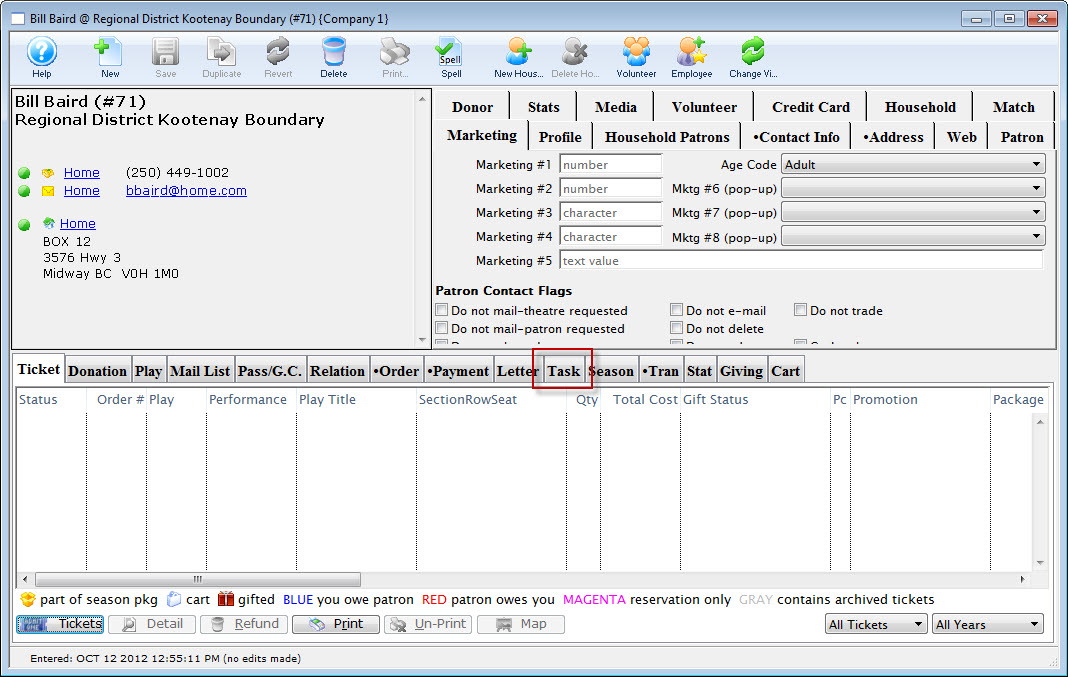
- Click on the Task tab.
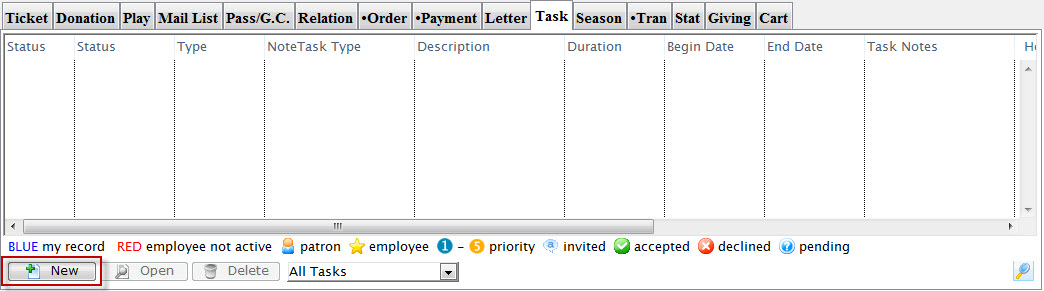
- Click the New
 button.
The Task inserting window opens.
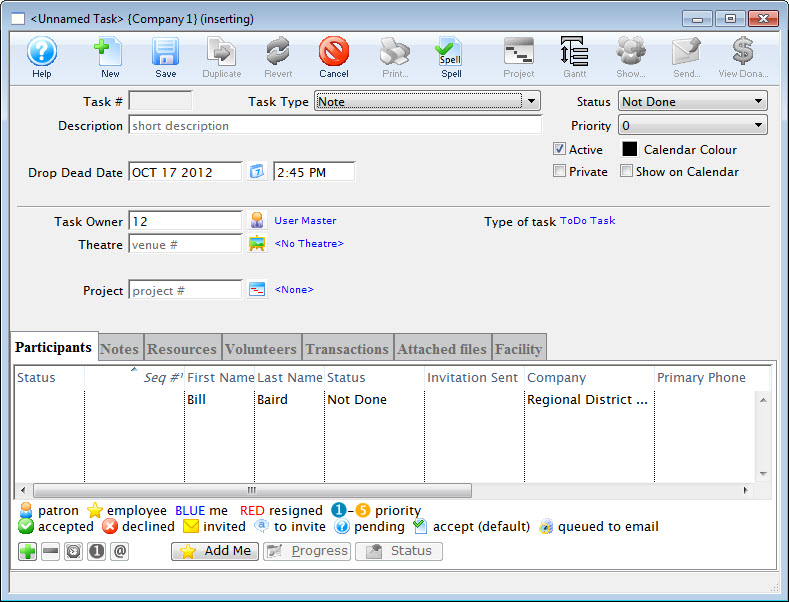
- Enter a Description for the Task and click the Save
 button.
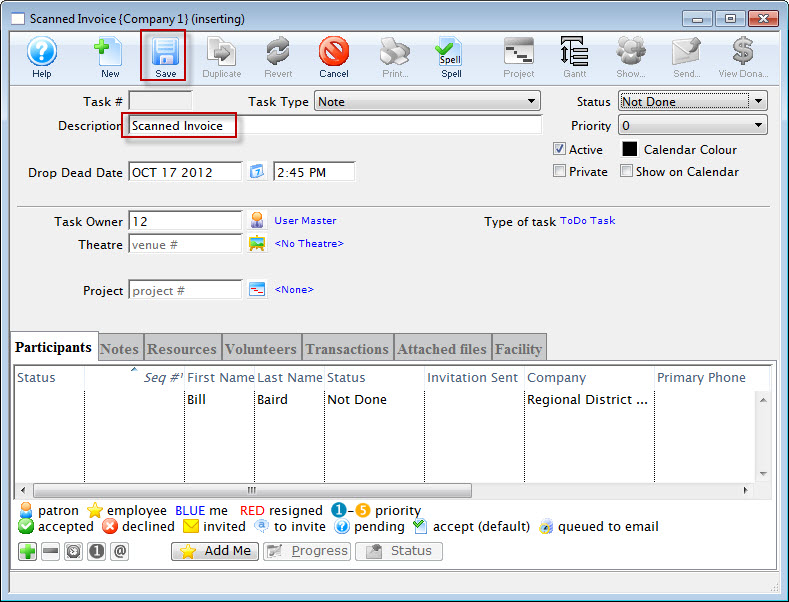
After saving, the Attached File tab is now available for selection.
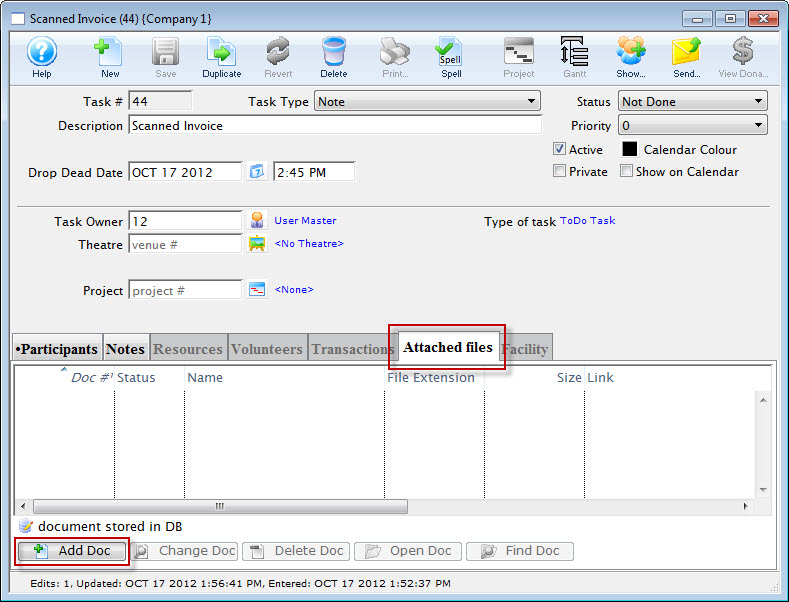
- Open the Attached files tab and click the Add Doc
 button.
The Select File dialog for your operating system opens.
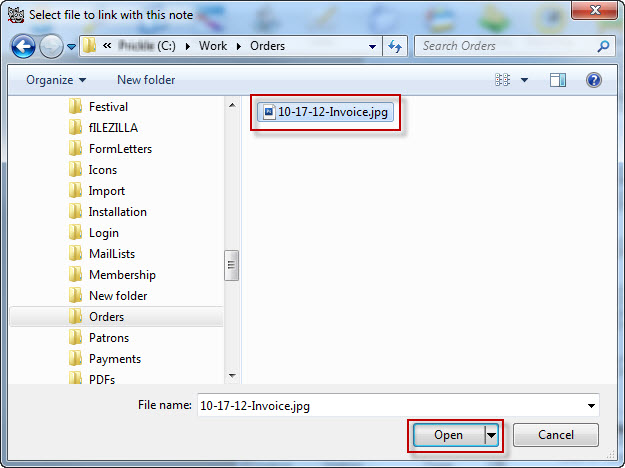
- Locate the file and click the Open button.
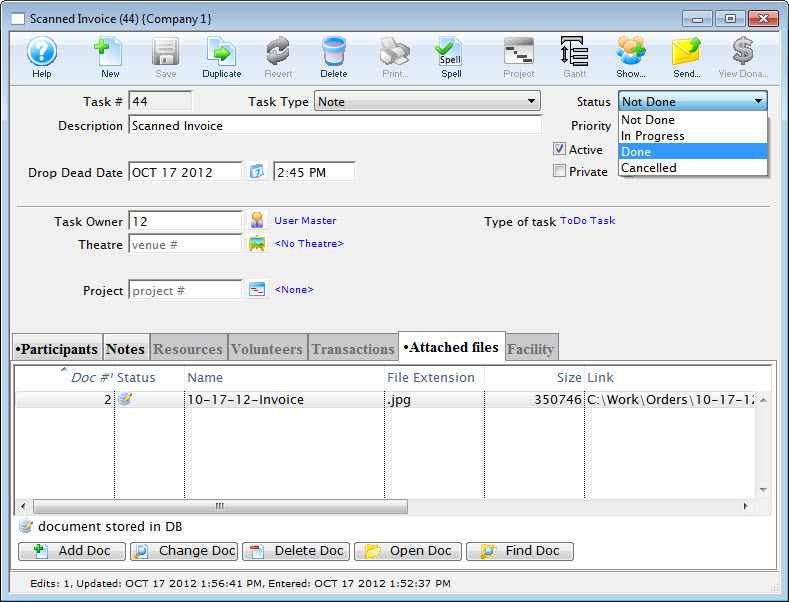
The document is added to the Patron's record.
Diataxis: