
Main menu
You are here
Time or Timezone on Computer Differs

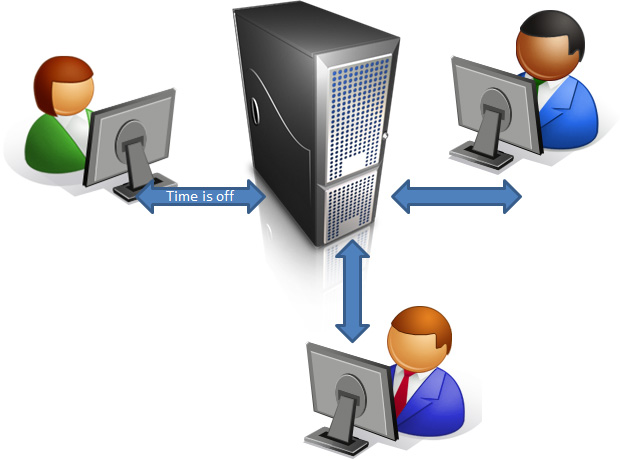 You log into Theatre Manager and you get the following message:
Your computer date/time (MMDDYYYY 00:00:00) differs from the date (MMDDYYYY 00:00:00) at the timezone by more than 30 seconds.
Theatre Manager checks the time between the application at the specified timezone and the Postgres Database Server time and timezone is important in journalizing accounting.
The main things to check are:
- your computer's date and time
- the timezone setting of the local computer system settings
- the timezone setting in Theatre Manager's Hardware Preferences to make sure that all three agree.
|
If only one workstation is affected, it is likely a timezone setting or date/time on the specific machine. It is probably ok to proceed with work but you should address the time discrepancy as soon as possible. Check the workstation clock If all workstations are getting the error, please resolve the issue. Check the time or timezone on the database server and in Theatre Manager. The timezone at the every server should be set to 'UTC'. |

Why does the time deviate?
It is a well established fact that computers don't keep time very well. They do a darn good job, but the time is generally based on the oscillation of crystals which are based on the frequency in the line voltage. If line voltage frequency varies from the normal +/- 60 cycles per second, it means clocks don't run true and they will never match the accuracy of an atomic clock.
Computer time can change on a particular machine for a number of reasons:
- sometimes it is the battery, or
- in older machines, it is not calculating the daylight savings time changes properly.
- Or your computer is in a different timezone than the database and needs an explicit offset
Microsoft even states that they expect the clock on the CPU to vary a minute a day up to an hour.