
Main menu
You are here
Company Preferences

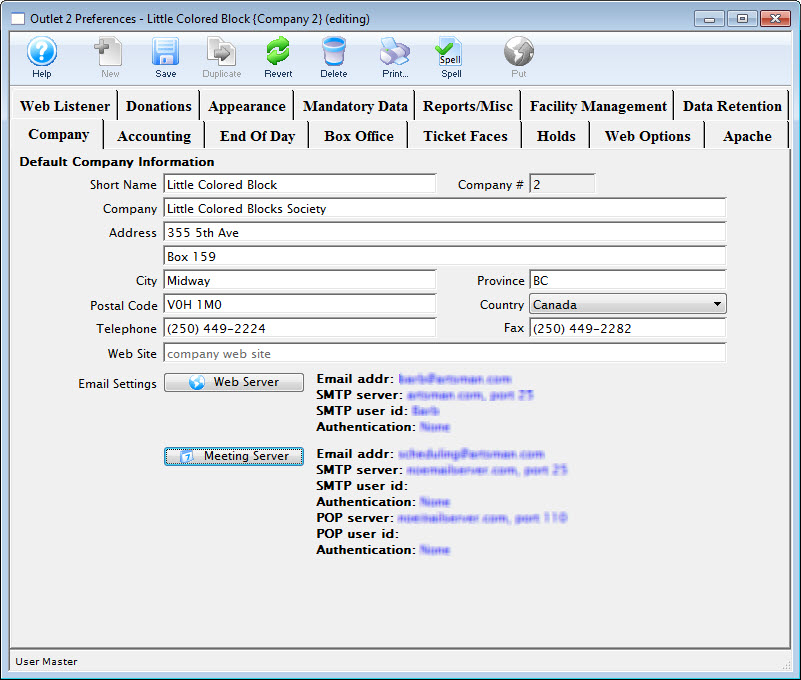
Company Preferences allows customization of Theatre Manager to work optimally with a venue. From this window many of the features and behaviors of Theatre Manager specific to the company can be modified.
In the outlet version of Theatre Manager, a master user will need to create a Company Preferences record for each participating company. The companies can then set their own default preferences to have different box office policies, names for entities, development defaults, etc.
Opening the Company Preferences Window
The Company Preferences Window is access through the Setup >> Company Preferences Menu.
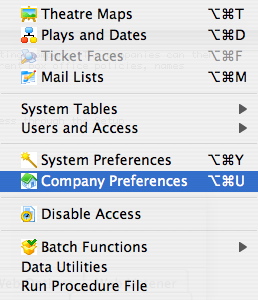
The Company Preferences window opens.
Diataxis: