
Main menu
You are here
Ticket Faces

With Theatre Manager you can customize ticket faces when printing on BOCA or Practical Automation compatible printers. You can:
- Select the information to be printed on a ticket
- Define where the information is printed on the ticket.
- Determine the size of the fonts printed on the ticket.
- Assign different ticket faces to different plays.
The process of creating a customized ticket face does involve some trial and error to align information and font sizes. To access the Ticket faces window you:
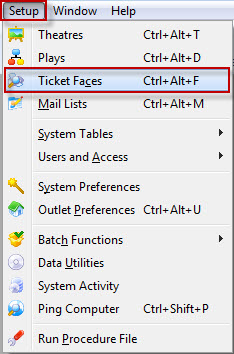
- Choose Setup >> Ticket Faces from the Main Menu.
The Ticket Face List window opens.
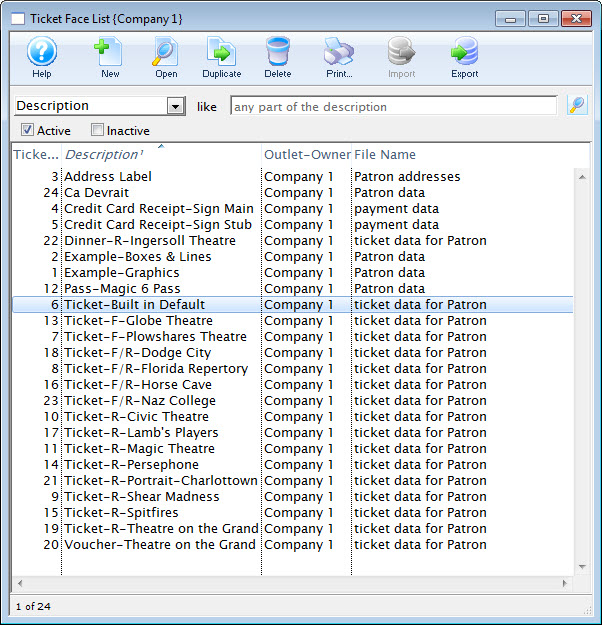
Click here for more information on the Ticket Face List window.