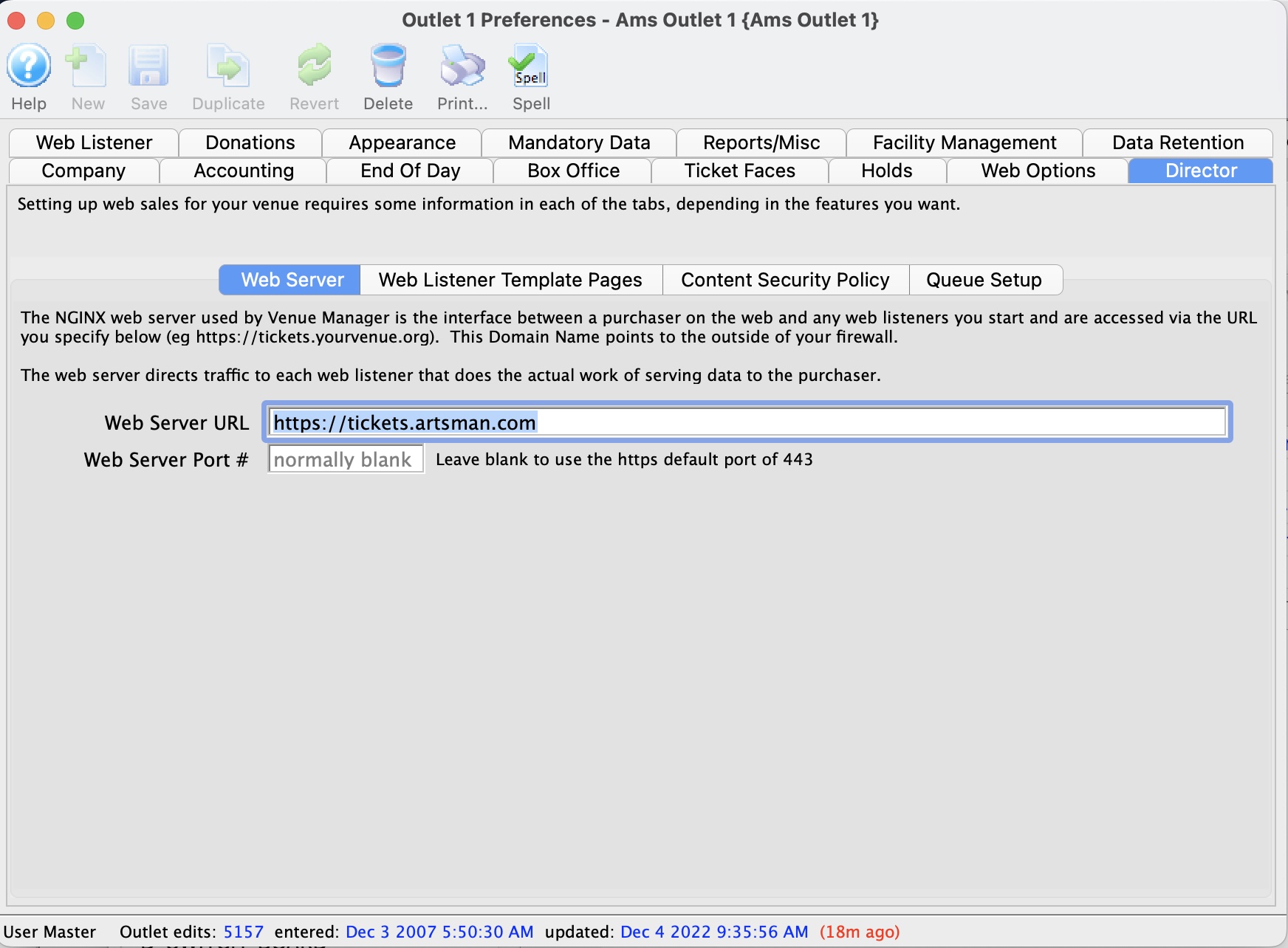
Apache Web Server External URL |
Web Server URL
|
The domain for the ticketing site.
|
Web Server Port #
|
Enter the port number that the web server will be using for
incoming connections. If this is blank (recommended), then 80 is the default for
http and 443 for https.
|
Web Listener Contact IP Address |
Internal Router
|
If the network uses more then one router for configuration the external IP address of the internal router should be entered in this field.
|
Listener Port #
|
The port that should be used by the web listener to listen
for incoming connections. By default Theatre Manager will start at Port 5111 and work it's way up sequentially depending on the number of listeners.
|
Template Page Management |
Template Page URL
|
This should be the location of the web pages within the network. Traditionally this is appears as the domain for the ticketing site.
|
Template Page Port #
|
Enter the port number that the template server will be using for
incoming connections. If this is blank, then 80 is the default for
http and 443 for https.
|
Last Cache Clear
|
The date the cache on the web listener was last cleared. The button to the right of this field can be used to clear the cache on all currently running listeners simultaneously.
|
Template Page FTP Access |
FTP User ID
|
The ID name as it appears in the FTP application. For more information about setting up FTP access to Apache, click here.
|
FTP Password
|
The password corresponding to the ID for the FTP application.
|
FTP Port #
|
The desired port for FTP communication within the network.
|
Use FTP Options
|
The option to use for sending via FTP. Selections include FTP Only, FTP with SSL, and FTP with TLS/SSL.
|

|
Use this button to Test your FTP settings. For more information about setting up FTP Access in Company Preferences, click here.
|