
Main menu
You are here
Deleting Post Dated Payments

- Open the Patron Payments Window by clicking the Payments
 tab in the Patron Window.
For information on how to access the Patron window click here.
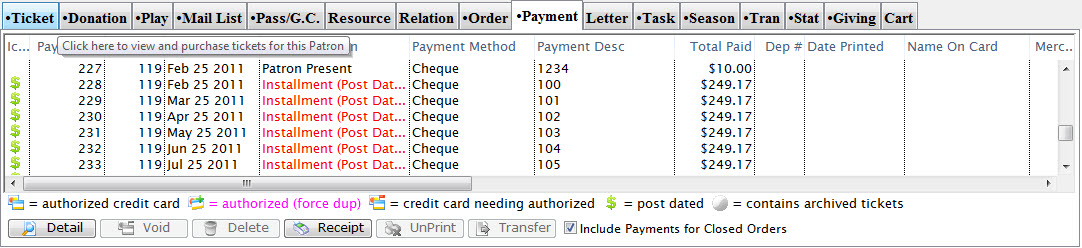
Click Here for a detailed Description of this window and it's functions.
- Select the Post Dated Payment you wish to delete
To find post dated payments easier sort the transactions by Srce and all postdated payments will be grouped together by PD.
- Click the Delete
 button.
A confirmation Window will appear
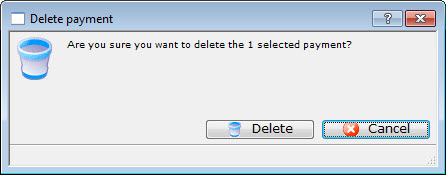
- Click the Delete button.
The value of the deleted payment will now appear as an outstanding balance on the account. For information on adding a payment to the order click here.