
Main menu
You are here
Adding Payments later - after the order is complete

Later Payments are used to perform a number of important functions such as:
- Enter payments after the initial sale has been completed
- Enter additional payments for an order
- Enter reversing payments
- Enter post-dated payments
- Add/Edit order and exchange fees
- Open the Patron Order Window by clicking on the Order Tab from the Patron Window.
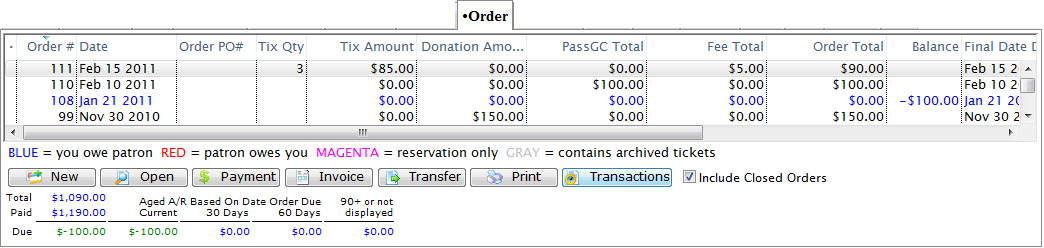
Click Here for a detailed description of this window and it's functions.
- Select the order you want to add a payment to.

- Click the Payment
 button
- Change any data as needed.
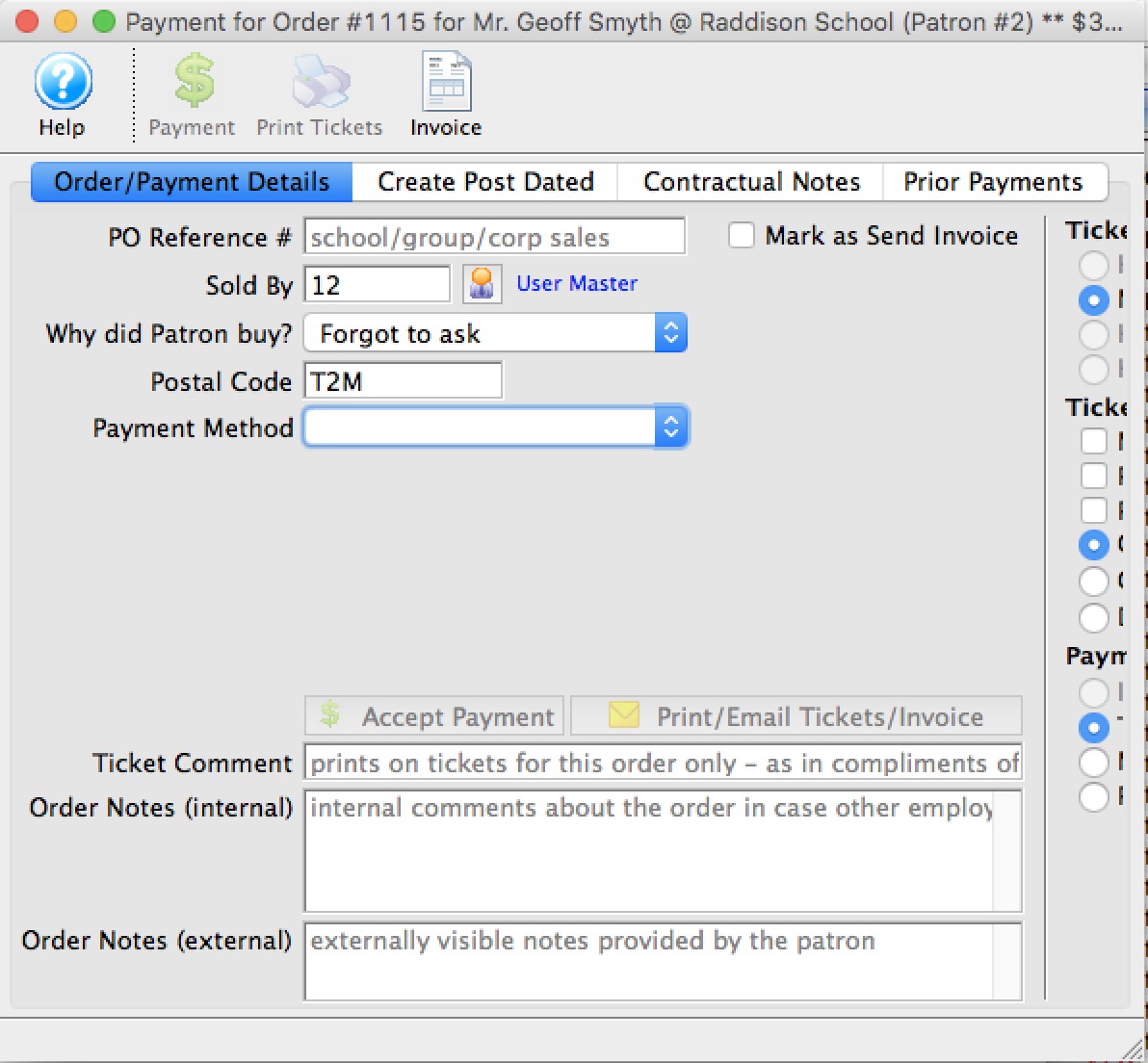
Click here for a detailed description of this window and it's functions.
Refer to Creating Payments for more information.
- Click the Accept Payment
 button.
The payment is accepted and added to the order.

Diataxis: