
Main menu
You are here
Verifying Passes, G/Cs and Memberships

This function is for future development. It is currently not an available option in Theatre Manager.
You use Verify to change the setting on sold passes, G/Cs and Memberships to the new settings of that Type. This function should be used only on the recommendation of a support technician in proper authority.
- Open the Membership Types window.
Click here to learn how to access this window.
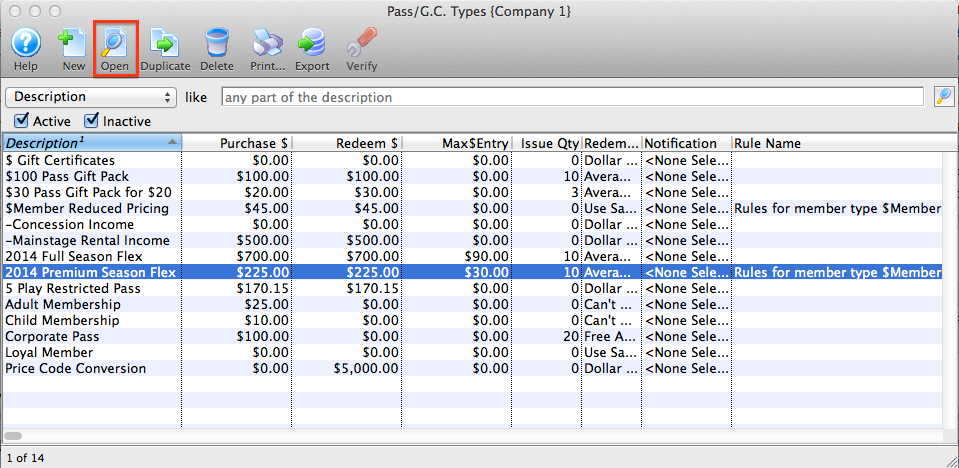
- Select the member type to verify.
Single click a member type to select it.
- Click the Verify
 button.
The following confirmation window will open.

- Click the Yes
 button to continue.
The Member type has now been verified.
Diataxis: