
Main menu
You are here
Deleting Available Times

If a volunteer has availability or conflict times setup they may eventually need to be updated.
- Find the Patron Record and open the Volunteer Window.
- Open the Time Available Tab.
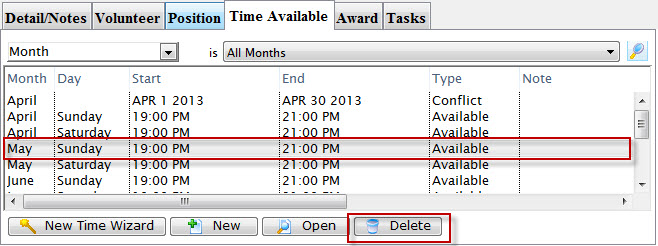
- Select the time to delete.
- Click the Delete
 button.
A Delete confirmation dialog opens.
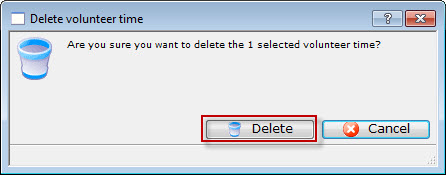
- Click Delete
 to confirm the deletion.
Clicking Cancel
 will abort the deletion.