
Main menu
You are here
Adding New Personnel

The information for a volunteer is added through the patron window the same way you add a patron. Click here to learn how to add a Patron. Once you have added the required information open the Volunteer Window. The information you entered in the patron window will be transferred to the Volunteer Information Section in the upper left of the window. Once the first position is added to a patron in Theatre Manager they become a volunteer.
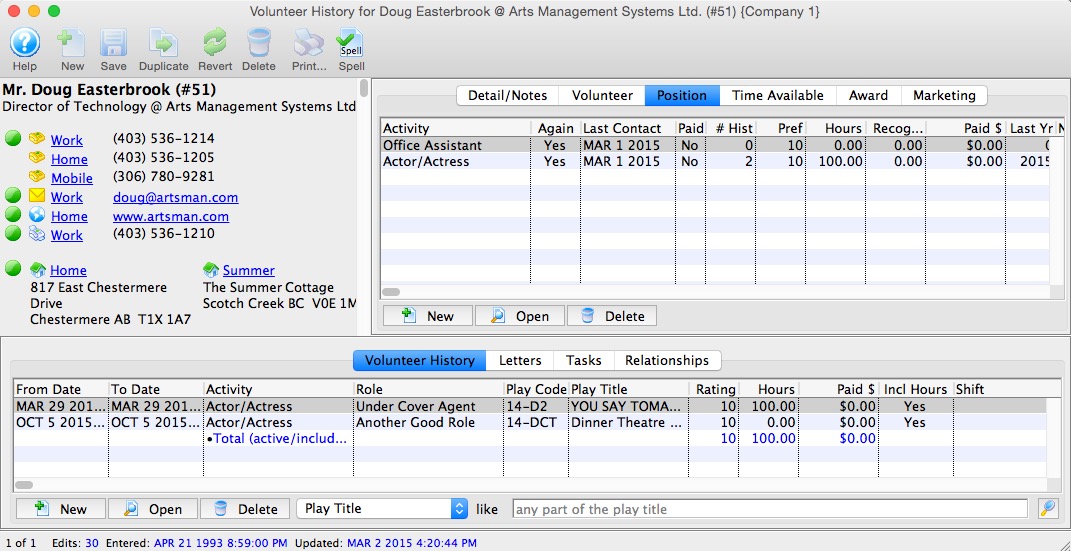
You must first create one or multiple positions for the personnel member. Click here to learn how to add positions. Once a position has been created you can create activities which can contain historical and evaluation records. Click here to learn how to create activities.