Main menu
You are here
Adding Awards

If you want to add an award to a volunteer, you can set them up under the Awards Tab.
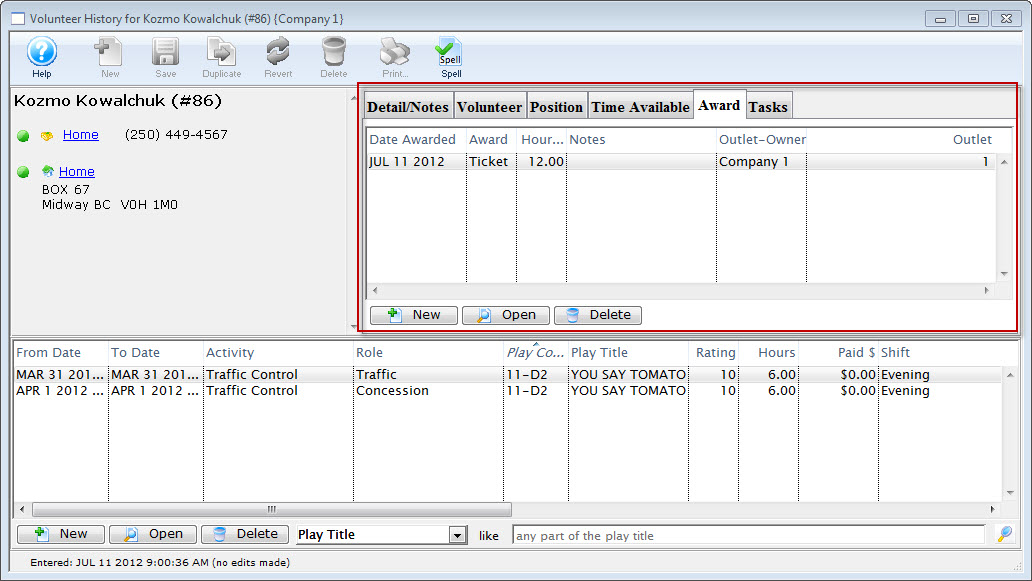
- Click the New
 button.
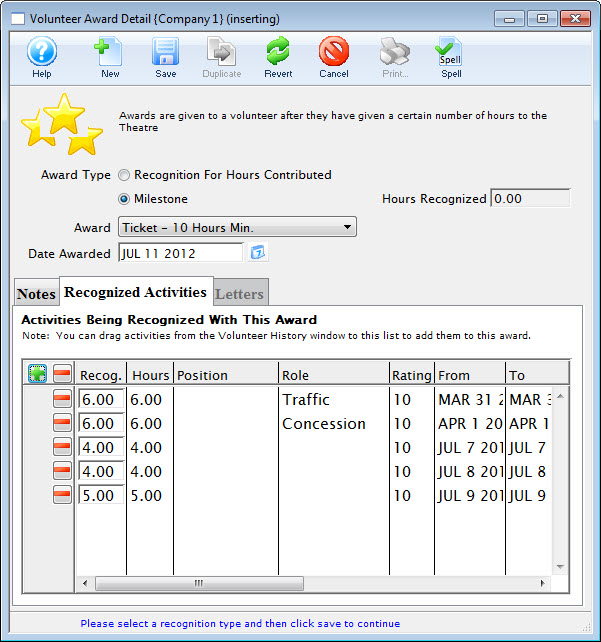
The Volunteer Award Detail Window opens.
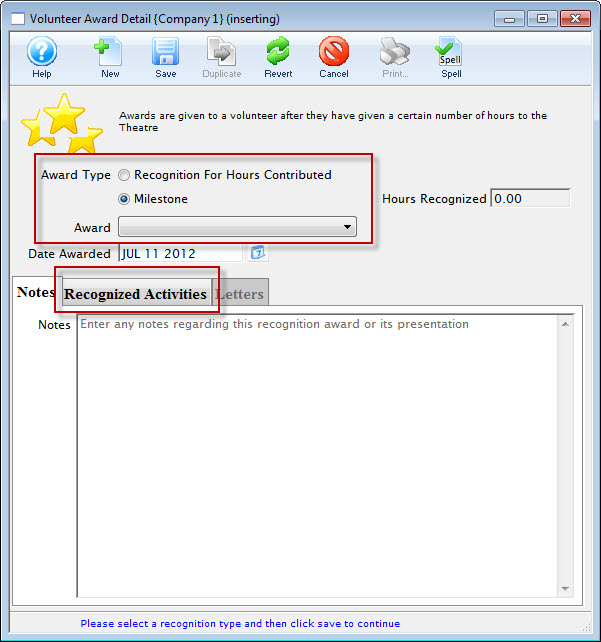
- Select the Award Type you wish to assign.
For a "Recognition For Hours Contributed" type the volunteer must have records of working that number of hours. For a "Milestone" type hours are not required.
- Choose the award from the drop down list.
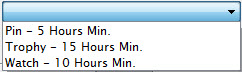
- The Date Awarded defaults to the current date.
Alter the date as needed.
- Enter any notes about this award.
- Click the Recognized Activities tab to add the Volunteer's hours.
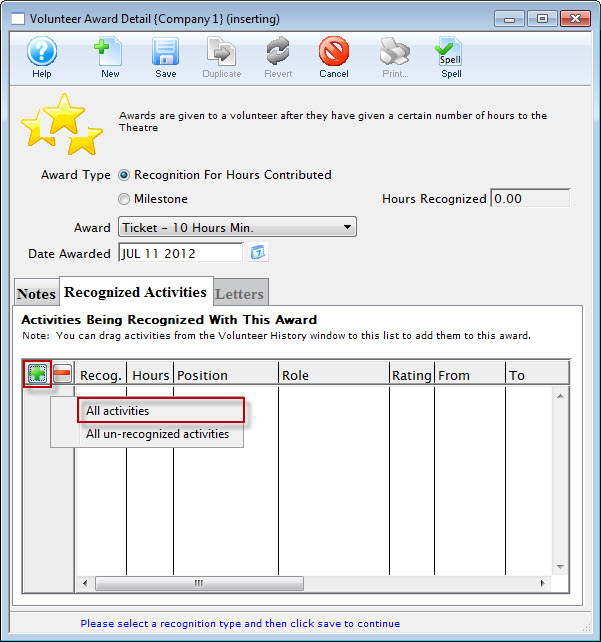
- Click the Plus
 button to add the Volunteer's hours to the Awards.
From the selection flyout, you have the option to add All activities or All un-recognized activities.
 button.
 - Click the Save
 button in the Awards Toolbar / ribbon bar and close the Awards window.
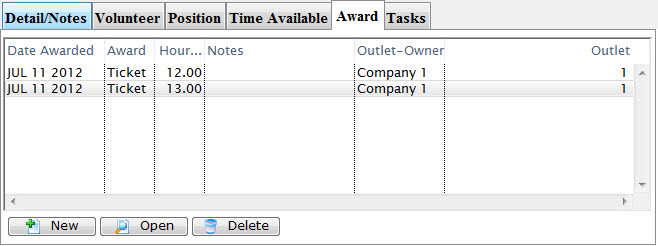
The new awards will be displayed under the tab.
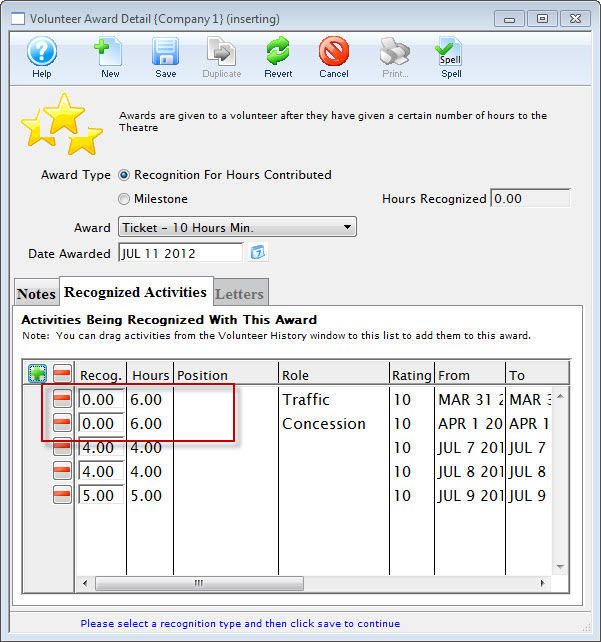
- When adding Awards at a future date, hours already attributed to an Award display as 0.00 in the recognized Activities tab.