
Main menu
You are here
Cards Tab

This tab displays the credit cards accepted for authorization by this merchant account.
If you have multiple merchant accounts (or are retiring an old merchant provider), you can open up the card window on both merchant providers and drag the payment types from one merchant account to another. Any post dated payments associated with the old merchant account will be transferred to the new merchant account so they can be authorized in the future properly.
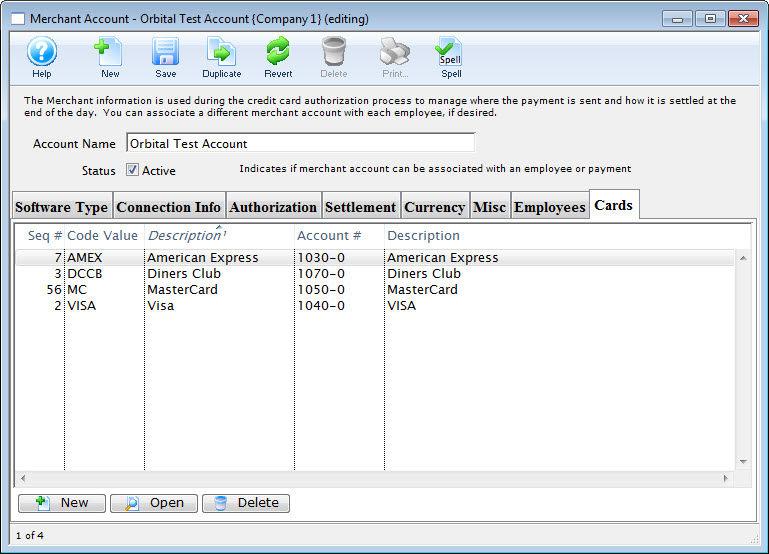
Parts of the Cards Tab
You can add cards from the Payment Methods defined in Code Tables. Click here for more information. |
|
You can open and edit the selected card. |
|
You can remove card that are no longer accepted |


