
Main menu
You are here
Check Transactions and G/L Entry Balances

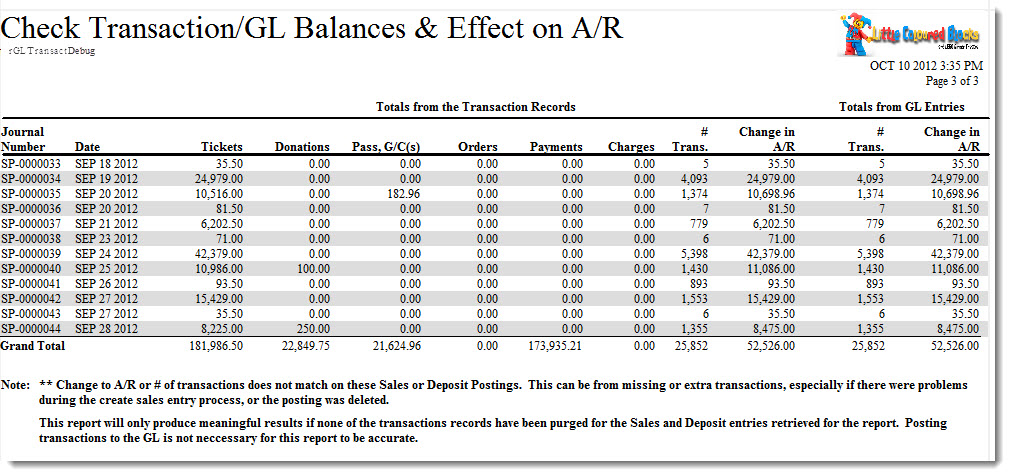
The Check Transaction and G/L Entry Balances report can be found under the Ticket Printing, Invoicing and Inventory Analysis category. This report has additional criteria options. Click here for more information about the Sort & Subtotal tab. Click here for more information about the Formatting tab. Below the image are detailed notes to help you in using the report.
Click here for information on generating a report. Click here for information on the Finished Report window.
Purpose of the Report
This report generates a summary of the A/R and balances the transactions affecting it.
Departments Who Benefit From This Report
| Box Office | Use this report to find problems between transactions and the G/L. |
Criteria Hints
It is recommended that this report be run with a specific date as the criteria.
| Parameter Field | Condition | Value |
| Order Date Updated | = | (Date) |