
Main menu
You are here
Subscriptions Auto Renewal Settings Tab

You use the Subscription Auto Renewal Settings tab to set the patron's payment information for auto renewing their subscription.
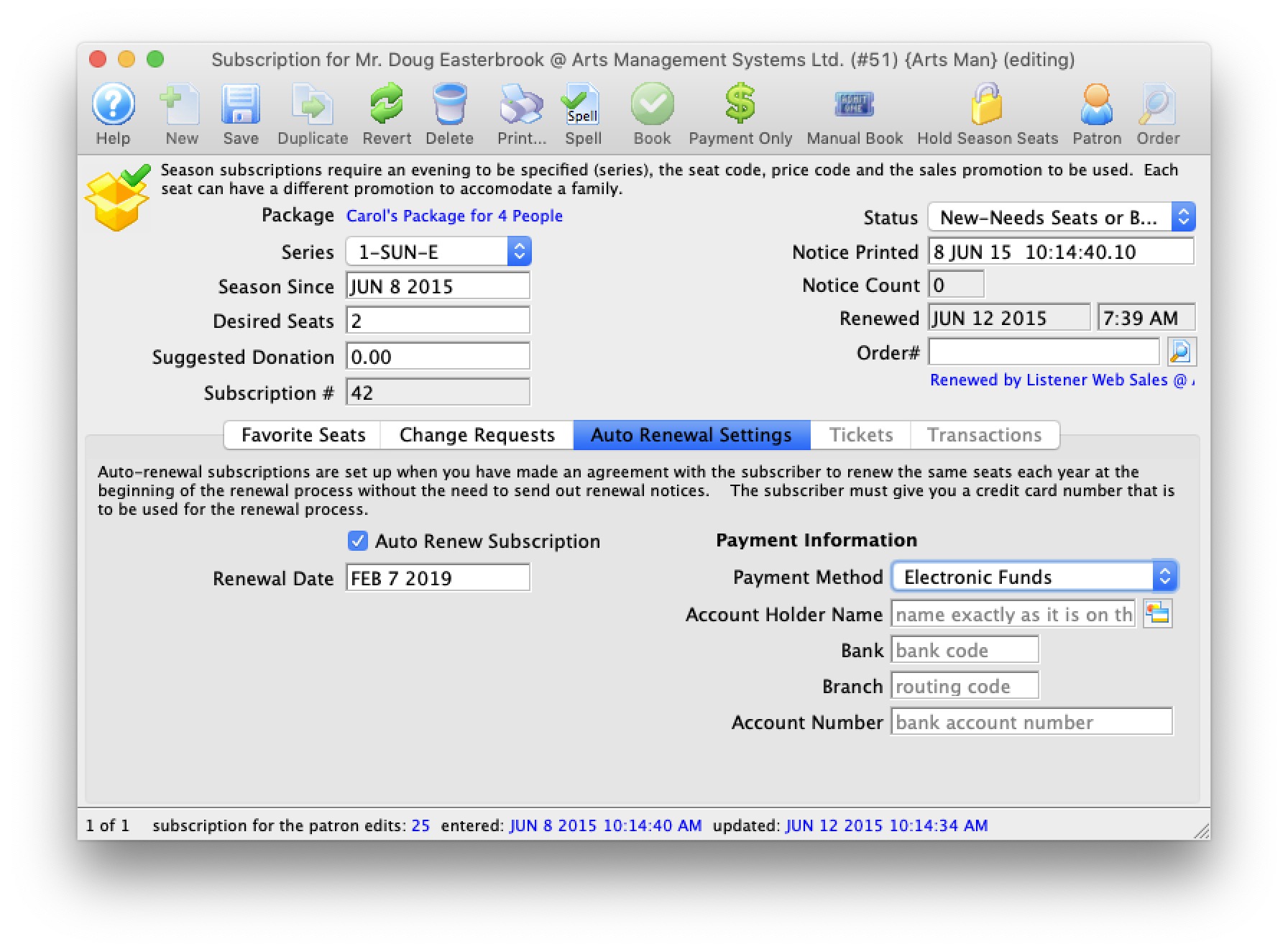
Parts of the Subscription Auto Renewal Settings Tab
| Auto Renew Subscription | When checked, the subscription is set to be automatically renewed and to use the payment information listed below. |
| Renewal Date | The date that the auto-renew option for this subscription package was enabled. |
| Payment Method | 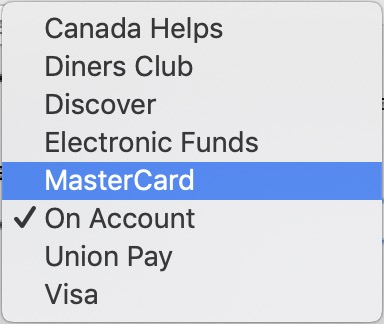 You can select payment methods from one of the following:
|
 |
For Credit Cards, opens the Credit Card Lookup List window to find credit cards attached to this patron. A new card can also be added from this window. |