
Main menu
You are here
Recent Patrons

The Recent Patron List option, can be selected from the Patron Sales menu. It displays a list of the last ten patrons the user has viewed. The hotkeys <CTRL> + number (Windows) or <OPTION> + number (Mac) can also be used to display the patrons as seen below.
 |
You can access the recenpt patron list from the main toolbar by option clicking on the patron icon |
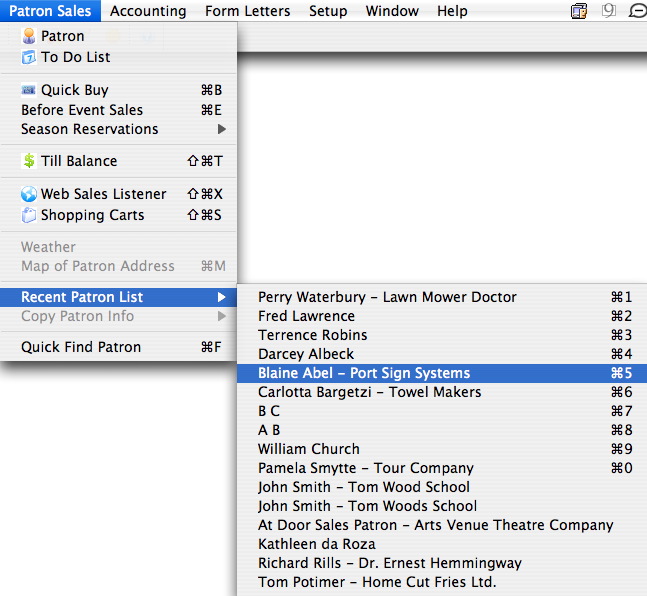
When a patron is selected the Patron window opens, displaying their information.
Diataxis: