
Main menu
You are here
Deleting Mail Lists

| You can download quick reference information for Deleting Mail Lists by clicking on the icon. |
Flash ScreenCast |
MP4 ScreenCast |


Deleting a mail list will remove the reference in the patrons file prior to deleting the mail list.
|
Deleting a mail list will not delete the patron information, it will only delete the patron's reference to the mail list. |

- Open the Mail List - List window.
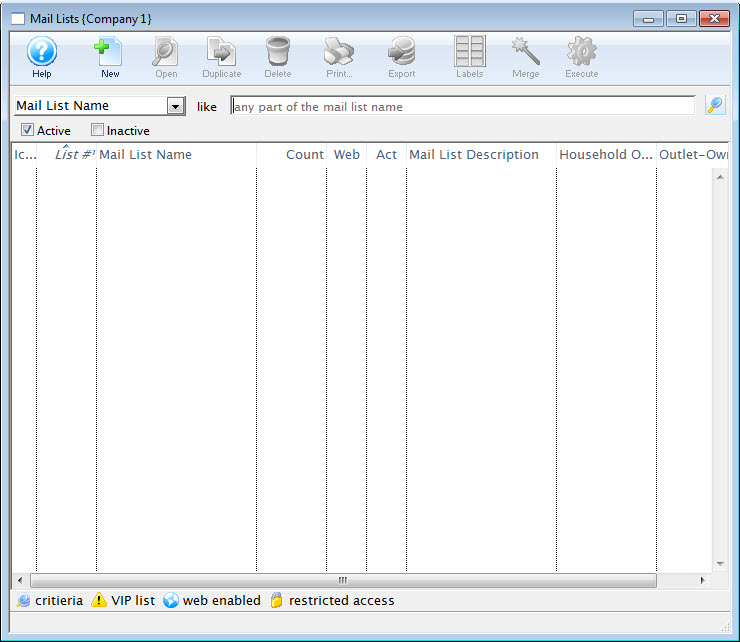
For more information on accessing the Mail List window, click here.
- Search for the mail list(s) you want to delete.
The mail lists matching your criteria are displayed.
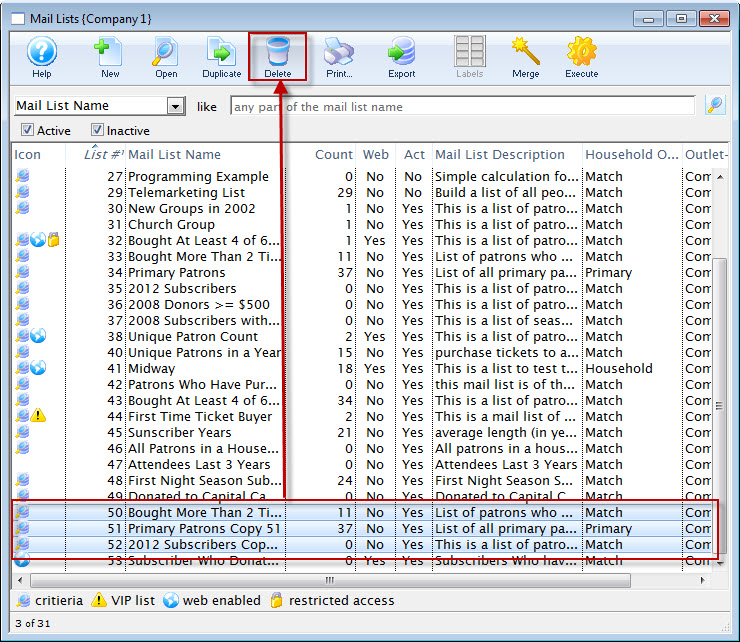
- Highlight the Mail List(s) you want to delete.
- Click the Delete
 button.
A Delete Confirmation dialog opens.
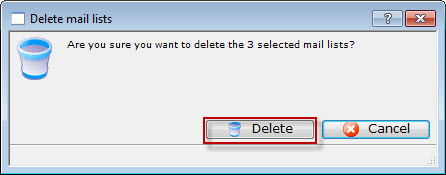
- Click the Delete button.
A second warning message opens.
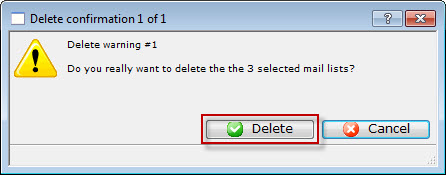
- Click the Delete button.
A message displays at the bottom of the Mail List window
 verifying the list(s) are deleted. All associations between the patrons and the mail list will be removed.
Diataxis: