
Main menu
You are here
Adding Patrons to a Season Package

Patrons can be added directly to a season package through the Manage Favorite Seats window. This gives you the ability to manage patrons within the season package, on mass, or individually.
To add patrons to a season subscription Package using the Manage Favorite Seats window, you perform the following steps:
- Click the Subscription
 button in the main Theatre Manager toolbar / ribbon bar.
The Manage Favorite Seats window opens.
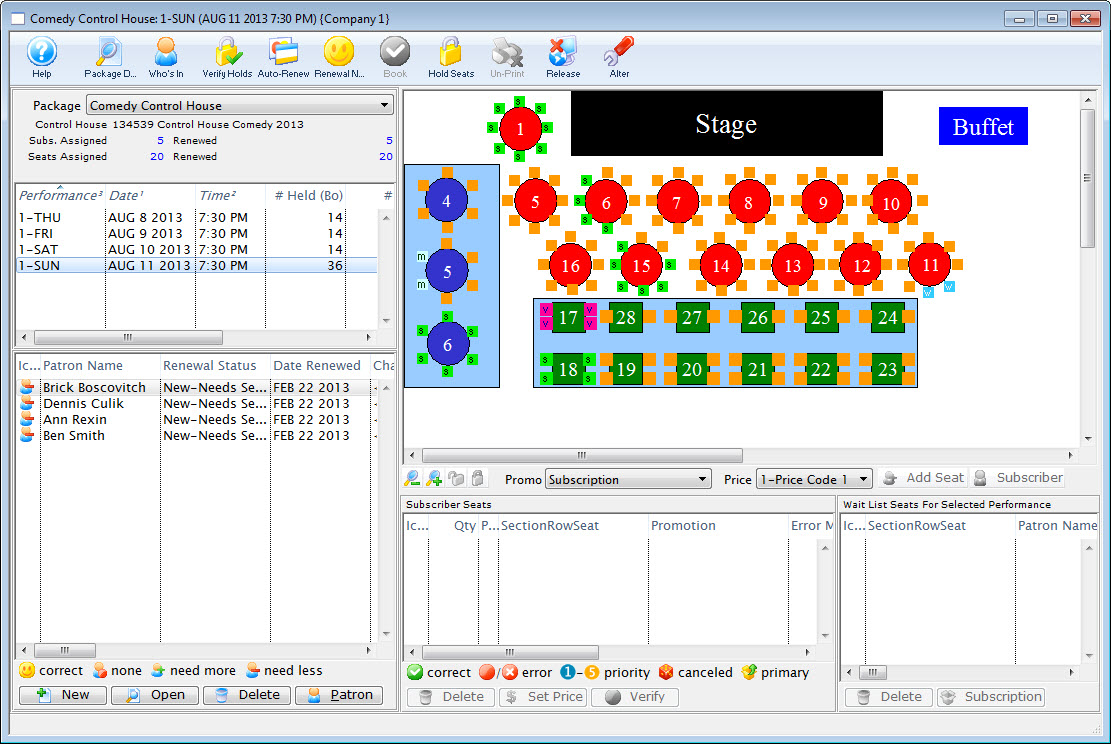
For more information on the Manage Favorite Seats window click here.
- Click the Add
 button in the lower left corner.
The Contact List opens.
For more information on the Contact List click here.
- Search for the patron to be added to the season.
Single click on a patron to select their record. To select multiple patrons, use the <SHIFT> key, or the <CTRL> key (Windows) or the <OPTION> key (Mac) to select multiple individuals.
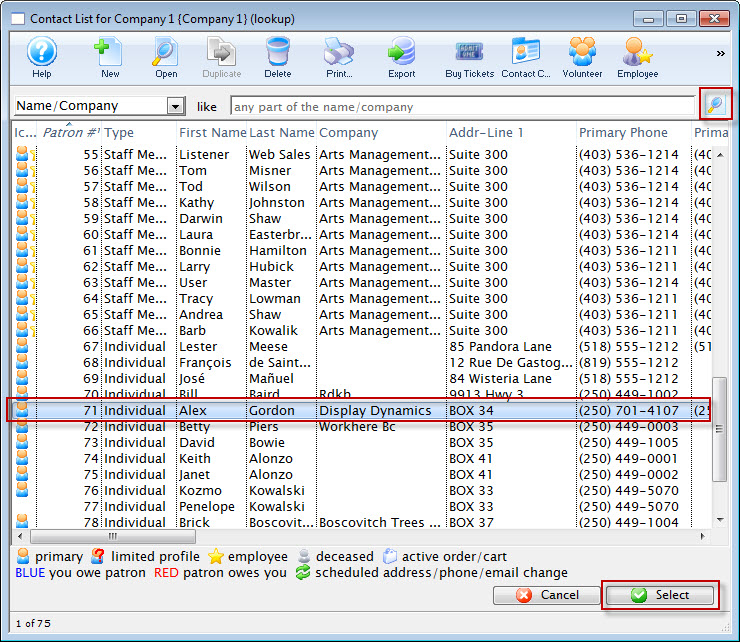
- Click the Select
 button.
The patrons are added to the Patron List in the lower left corner of the Manage Favorite Seats window.
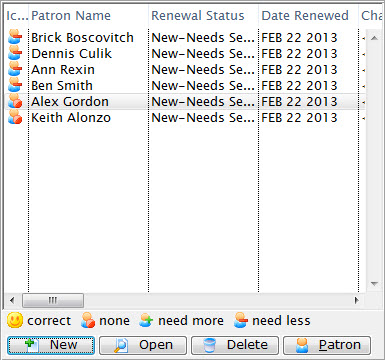
For more information on the Patron List area click here.
The Patrons are now added to the Season Package. Patrons can also be added from a Mail List by dragging and dropping the selected names into the Patron List area of the Manage Favorite Seats window. Once added to the season package the patrons are ready to be issued favorite seats.