To add Performances (or Classes) to your Course, select the Performance tab of the Plays and Dates window.
The Performance Wizard opens, beginning with Step One (details begin on the next page).
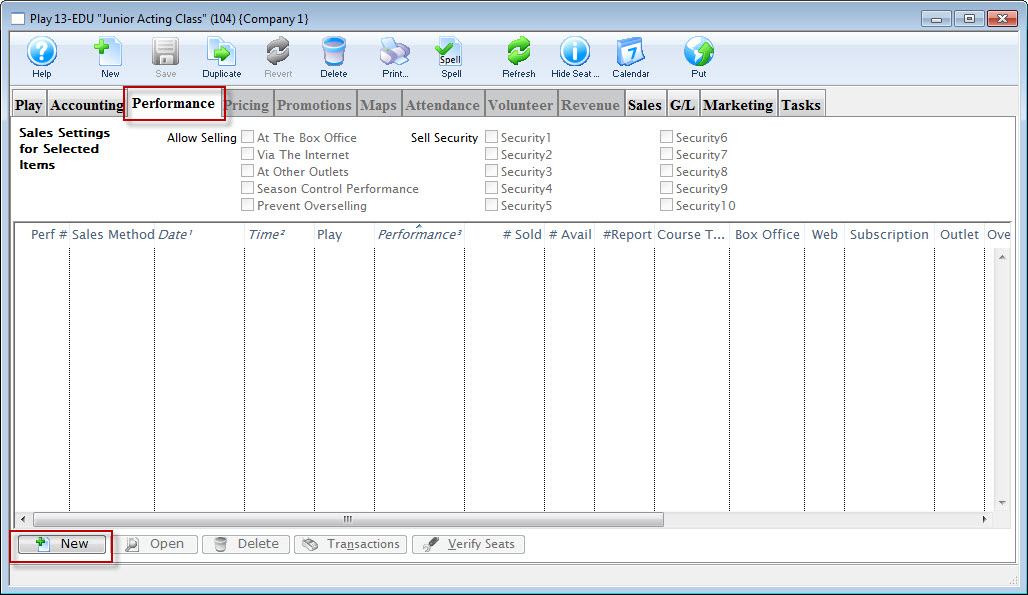
 button.

