
Main menu
You are here
Report Cards

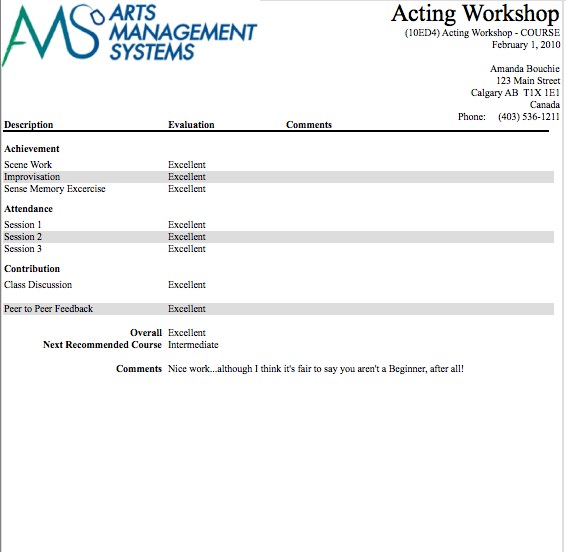
Being able to create, assign, and print report cards is part of the Courses module. Before report cards can be used, you need to set up the following in the Setup >> System Tables >>code tables:
- Report Card Templates, click here for more information,
- Course levels, to assign different levels or grades of classes, click here for more information,
- Report Card Categories for different areas to assess students, click here for more information,
- Report Card Ratings, to describe your system of assessment, click here for more information.
The next few pages will describe how to:
- create and assign report cards for a course based on the template(s) created in System Tables, and
- how to complete the report cards for each student.
Diataxis: