Direct Link - Course Related
Direct Link - Course Related
You can also use many of the link that are ticket related if you provide the event # for the course
Direct Link to Courses
Direct Link to Courses
https://tickets.yourvenue.org/TheatreManager/1/login?event=0&search=PB_SALES_METHOD=xx[&tmsource=yyyyyy]
This link will take the patron to a select list of Performances based on the Sales Method for the Performance. The "xx" represents the Performance Sales Method sequence value from within Theatre Manager.
| Sequence # | Performance Sales Method |
| 1 | Reserved Performances |
| 2 | Festival Seating Performances |
| 3 | Inventory |
| 6 | Courses |
- tmsource=yyyyyy (optional) where yyyyyy is a tracking code that is placed on any cart for tracking the source of the referral.
Direct link to Manage Performances
Direct link to Manage Performances
https://tickets.yourvenue.org/TheatreManager/1/login?manageperf=xx
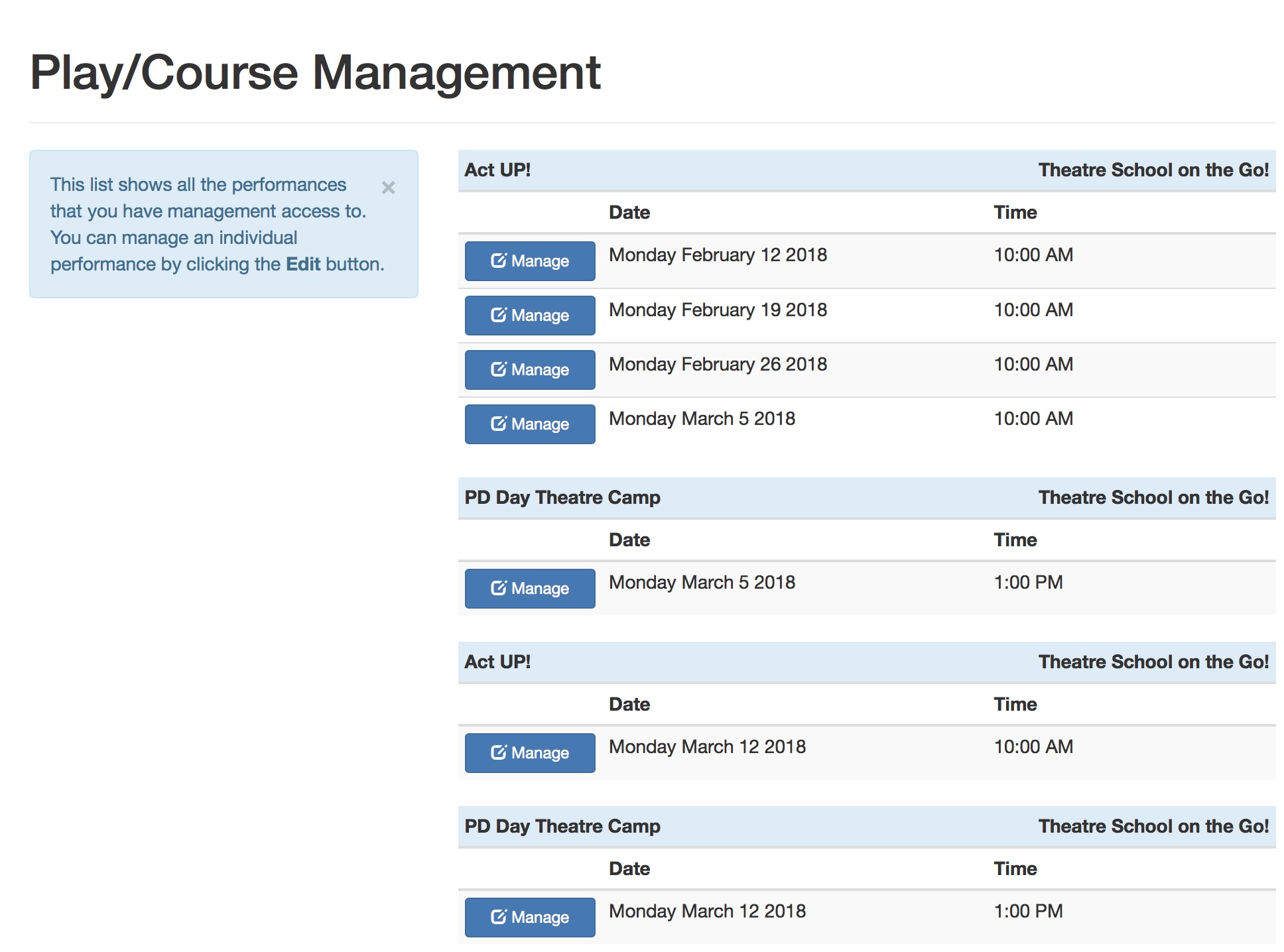
This link will take the a staff member or volunteer with permission to manage events online to the 'manage event' page in the online sales. The "xx" represents the event # from within Theatre Manager. If the event number is zero, then the employee/volunteer will see a list of all events that they can manage.
Permission to manage an event online is occurs when three things are true:
- A volunteer/staff activity is enabled for online management on code tables
- That activity is assigned to an entire event or a single performance for the staff/volunteer from one of:
- the volunteer/staff event activities window
- the volunteer detail window
- The personnel tab on the task window
- That performance or event that they are managing is in the in future
This link displays the tmEventManagement.html web page. Once the Instructor is on this page, they can: