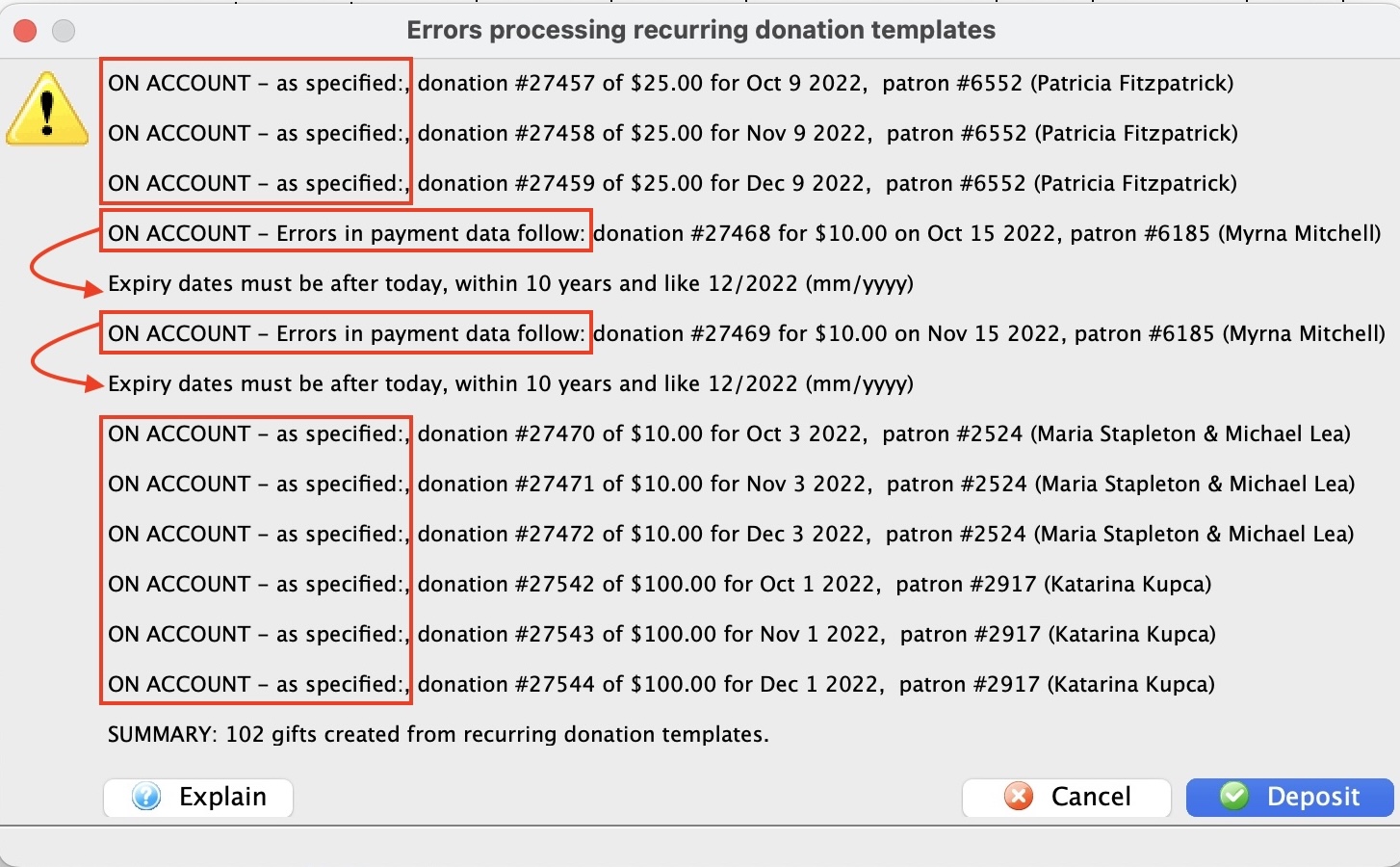
Recurring Donations Create Scheduled Gifts from Templates
Recurring Donations Create Scheduled Gifts from Templates
This process will process the Recurring Donation Templates and create gifts/donations for each recurring donation template whose 'Next Gift Date' is up-to or equal to the date the process is run.
 |
If the 'Next Gift Date' spans a timeline where multiple gifts are to be created based on the combination of 'Next Gift Date, 'Frequency', and the 'date the process is run'; each gift created will have the appropriate Donation Date as if the process was run on the date it was scheduled to be created. |
|
Scheduled Gifts for Recurring Donations are reviewed and created in the following areas:
|
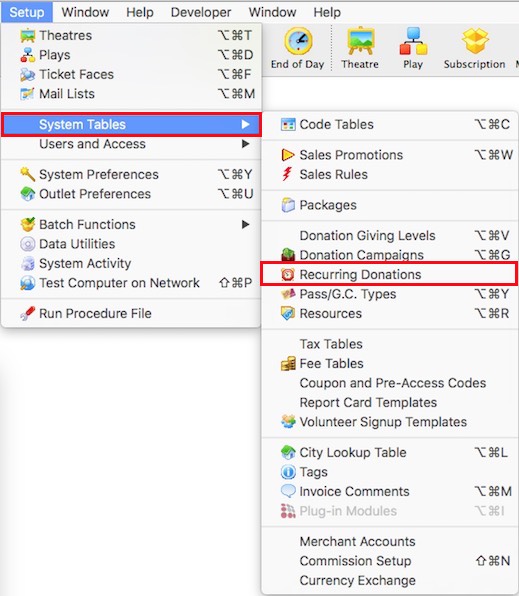
- Choose Setup >> System Tables >> Recurring Donations from the Main Menu.
The Recurring Donations List window opens.
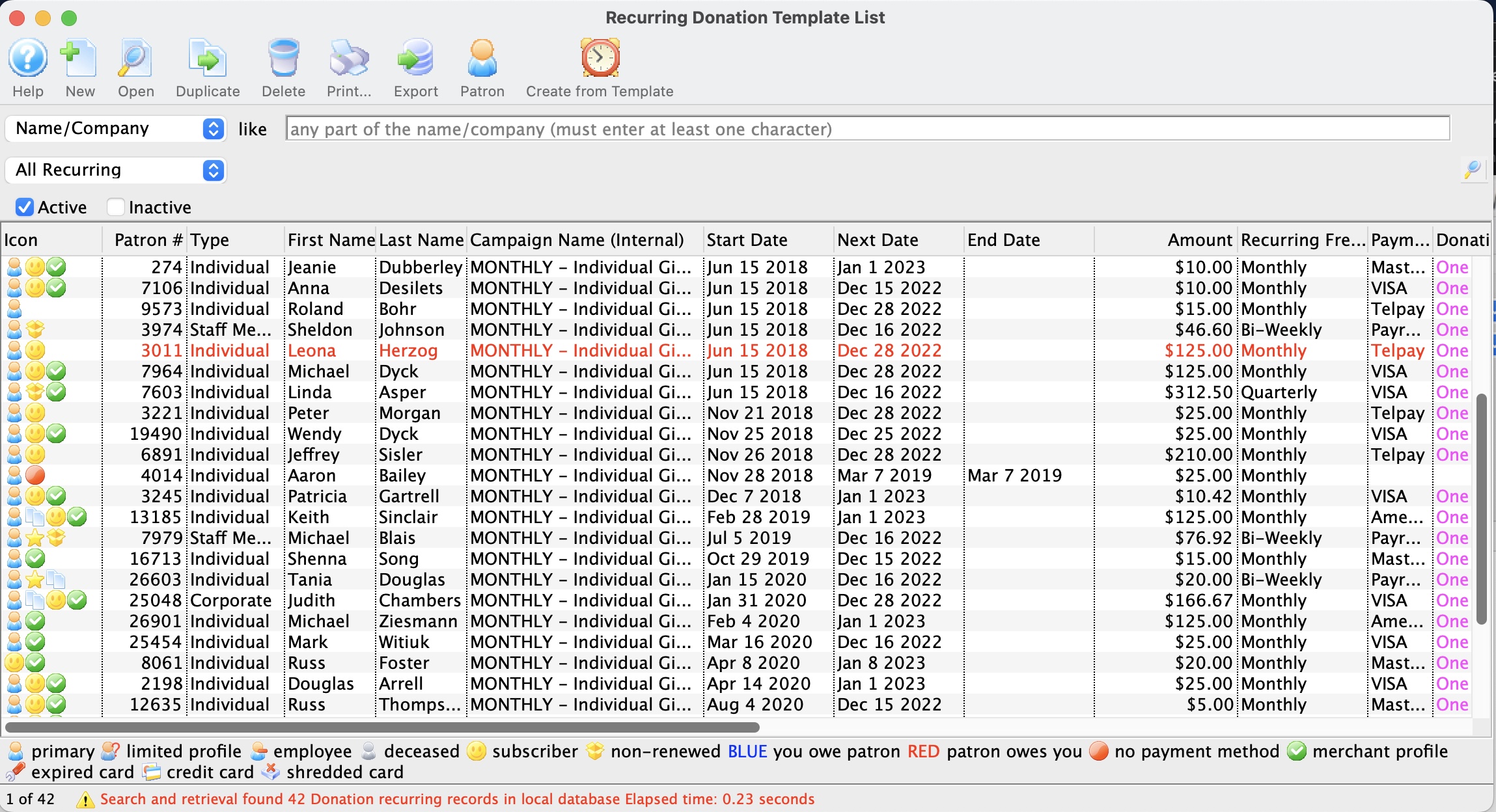
Click here for information about the recurring donation window.
- Click the Recurring button
 .
The confirmation window will open confirming the request to create gifts from the recurring donations.
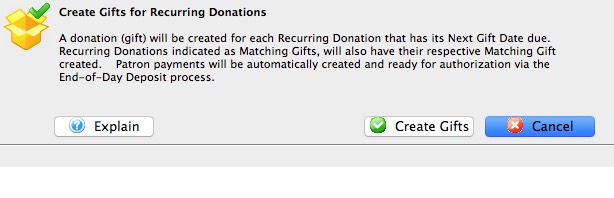
- Click Create Gifts
The gifts will now be created.
- Click OK
 after reviewing the completion message.