Adding A Student to a Class
Adding A Student to a Class
The instructor can add a student to their own class online using the following process and subject to a few conditions:
- The class must have already been set up and in the future
- The instructor must have already taught the student in the past
Steps for adding a student online
-
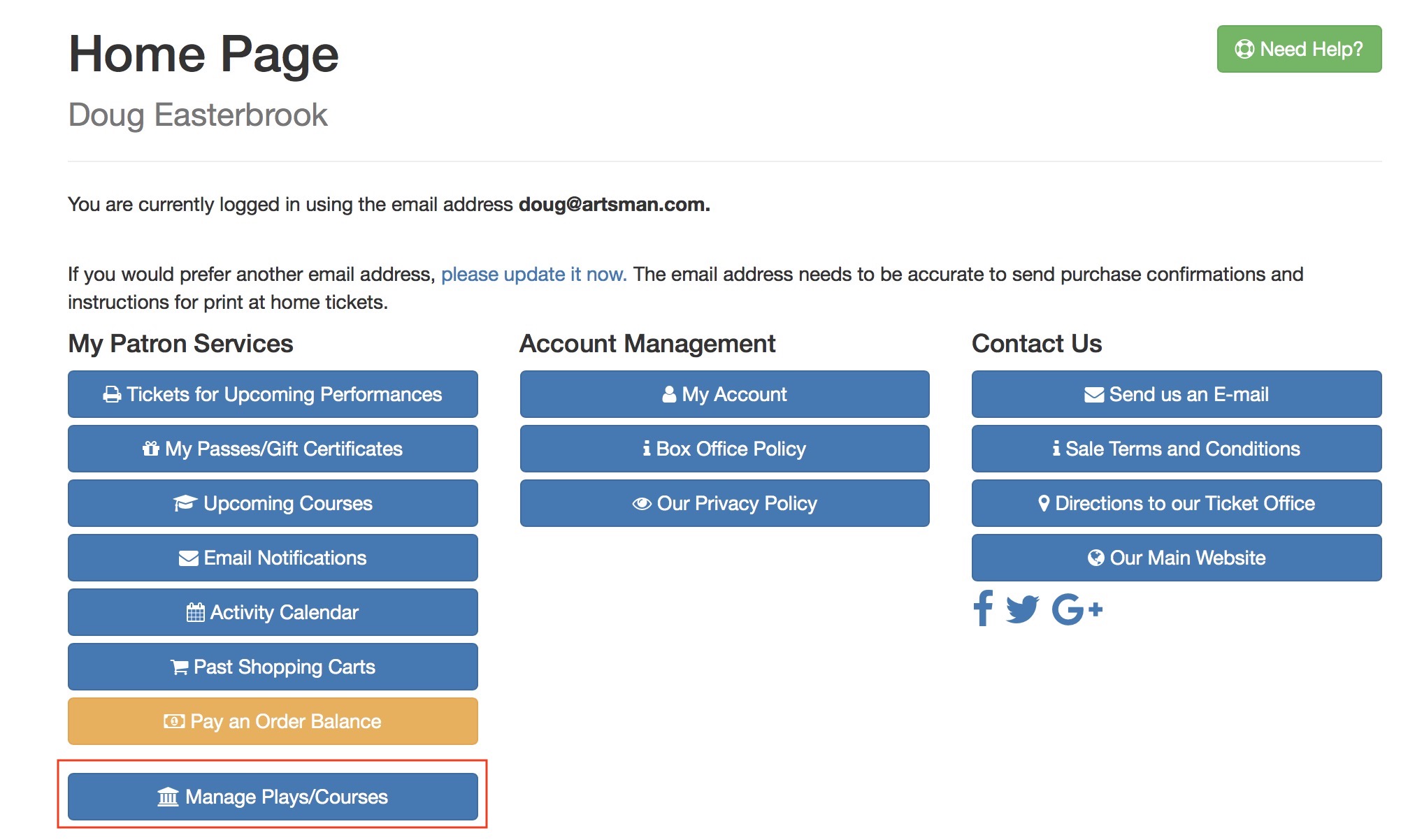
The instructor must log in to the online portal and ho to the home page. If they are allowed to manage classes, they will see Manage Play/Courses in their Patron Services area.
It is permissible to bookmark the link to manage performances - and it may involve a login to proceed.
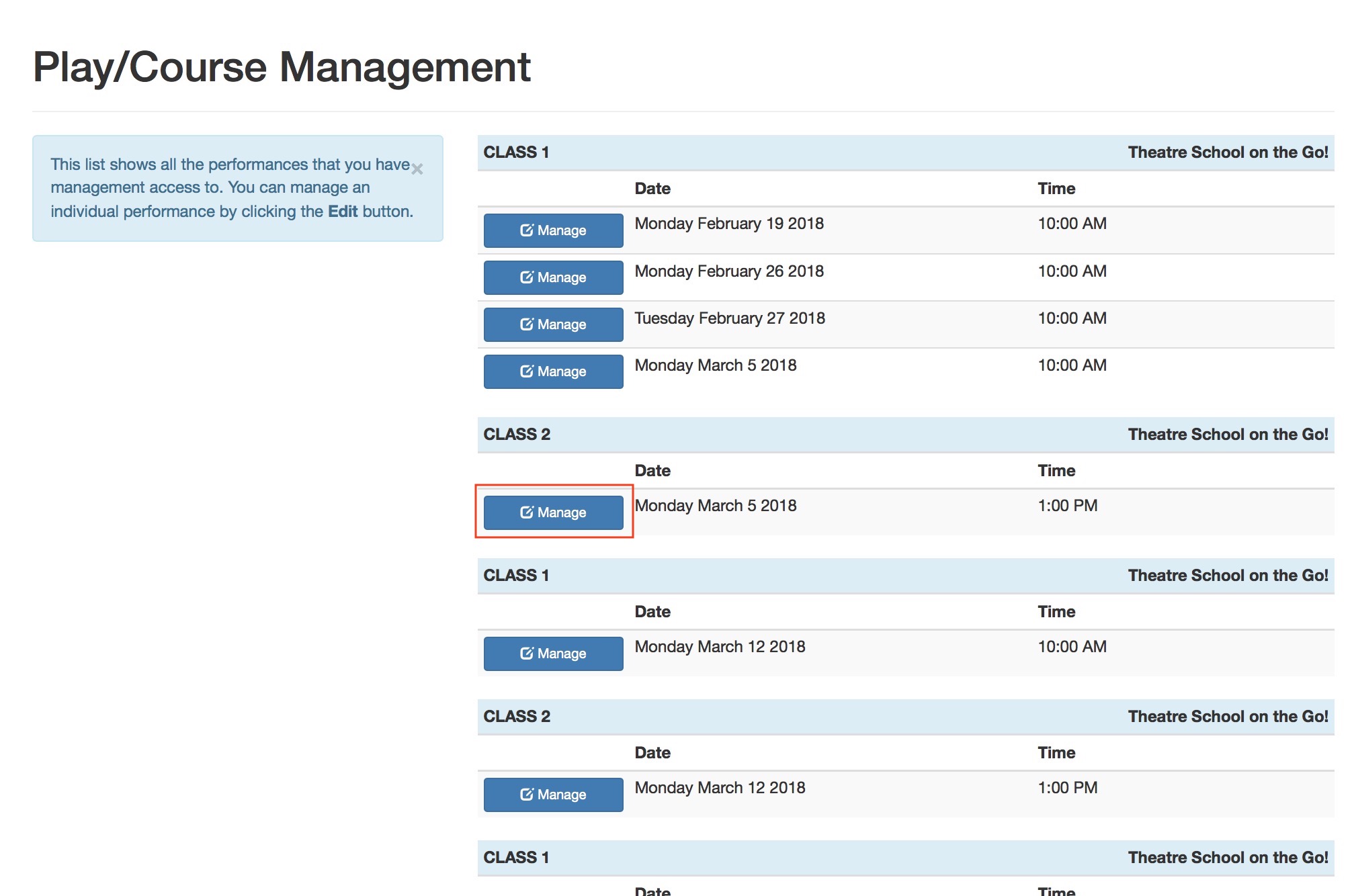
- This will show a list of upcoming courses that they are allowed to manage as an instructor. They can select the course that they want to Manage and add a student to.
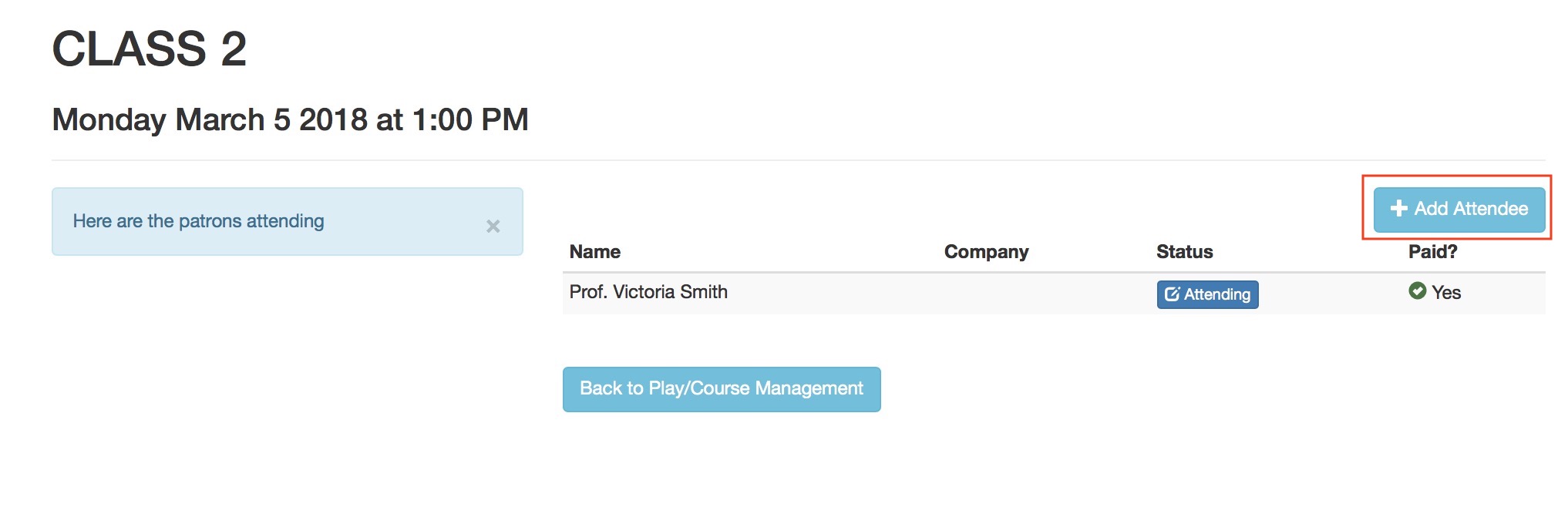
- To add a new student, click the Add Attendee button.
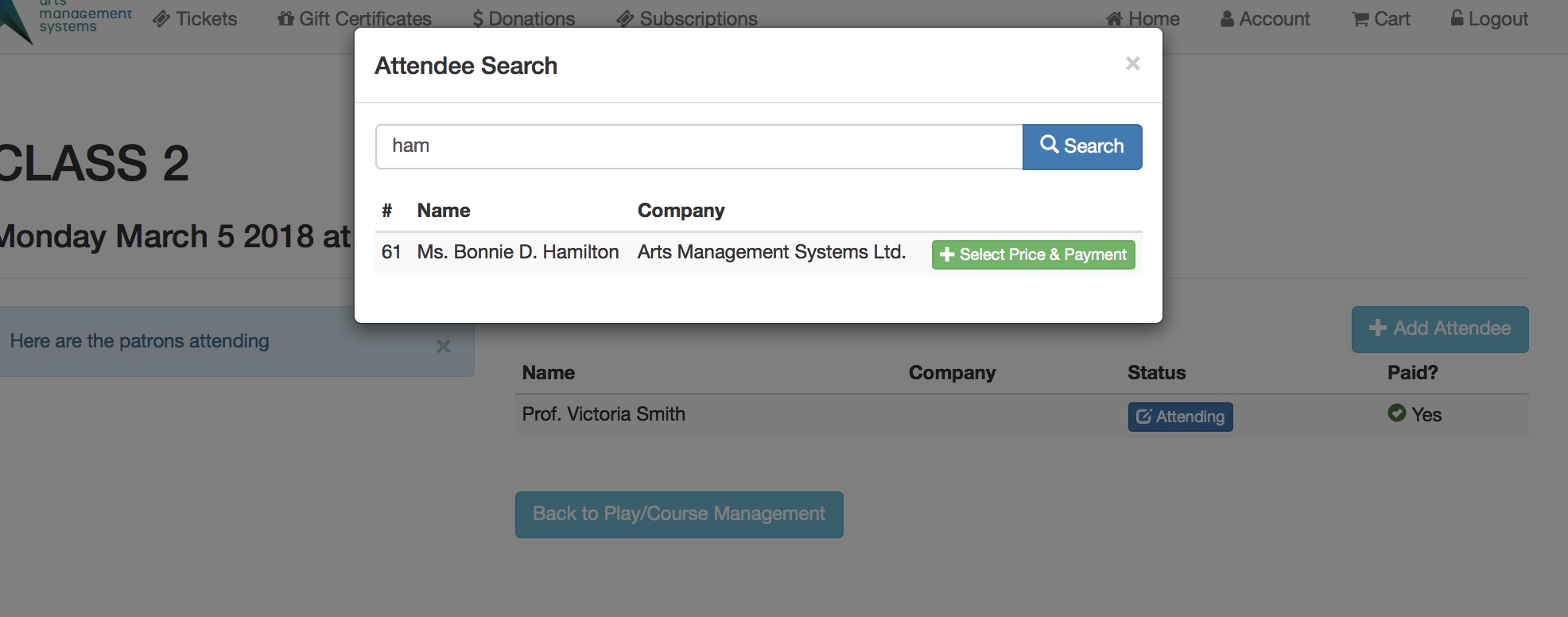
- A search window will appear. The instructor will need to:
- type some portion of the students name to find the patron in the database
- click the search button, and
- select the person from the list of those previously taught and click Select Price and Payment
-
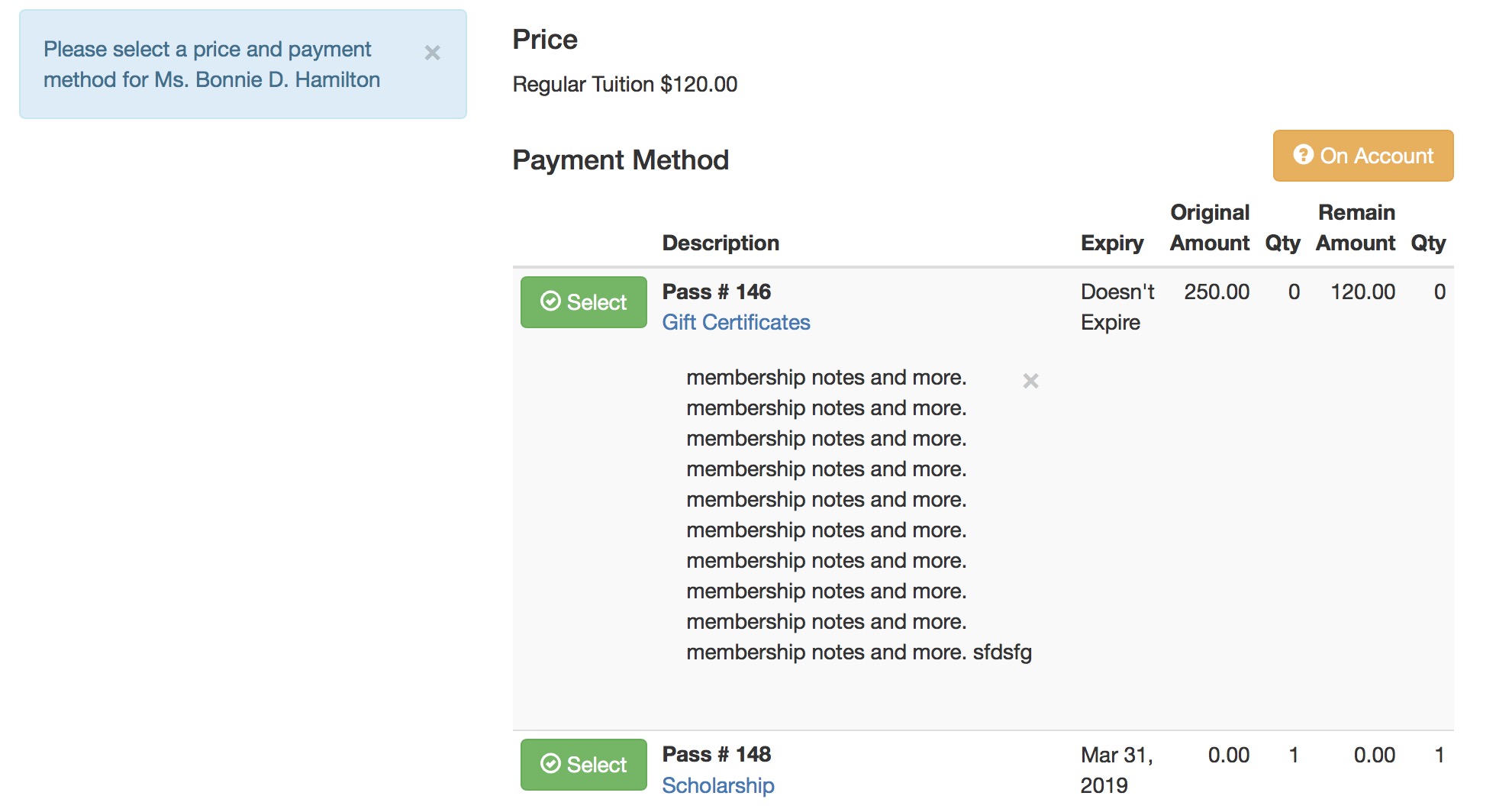
The instructor will be asked to Select a pass/gift certificate that will pay for the registration. The passes must be valid and belong to the patron. There is an option to place the registration On Account
- for the Box Office to apply a payment to the order later -or-
- the patron to deal with by paying for the order online.
Note that any notes particular to the pass type are shown - which means you can place some rules for the instructor if you wish.
-
After picking the pass to pay for the registration, the Instructor will need to confirm via the Pay With Pass ... button
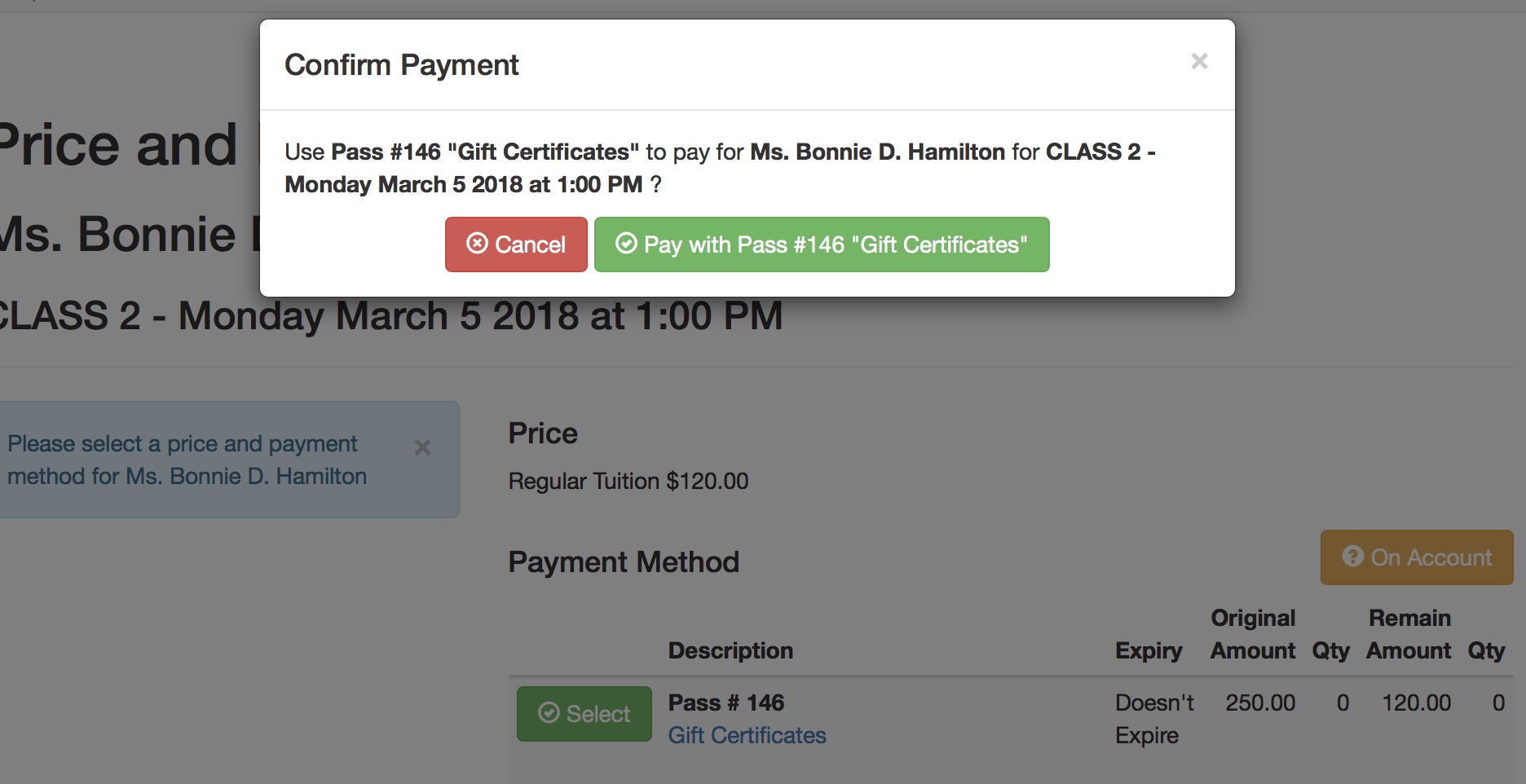
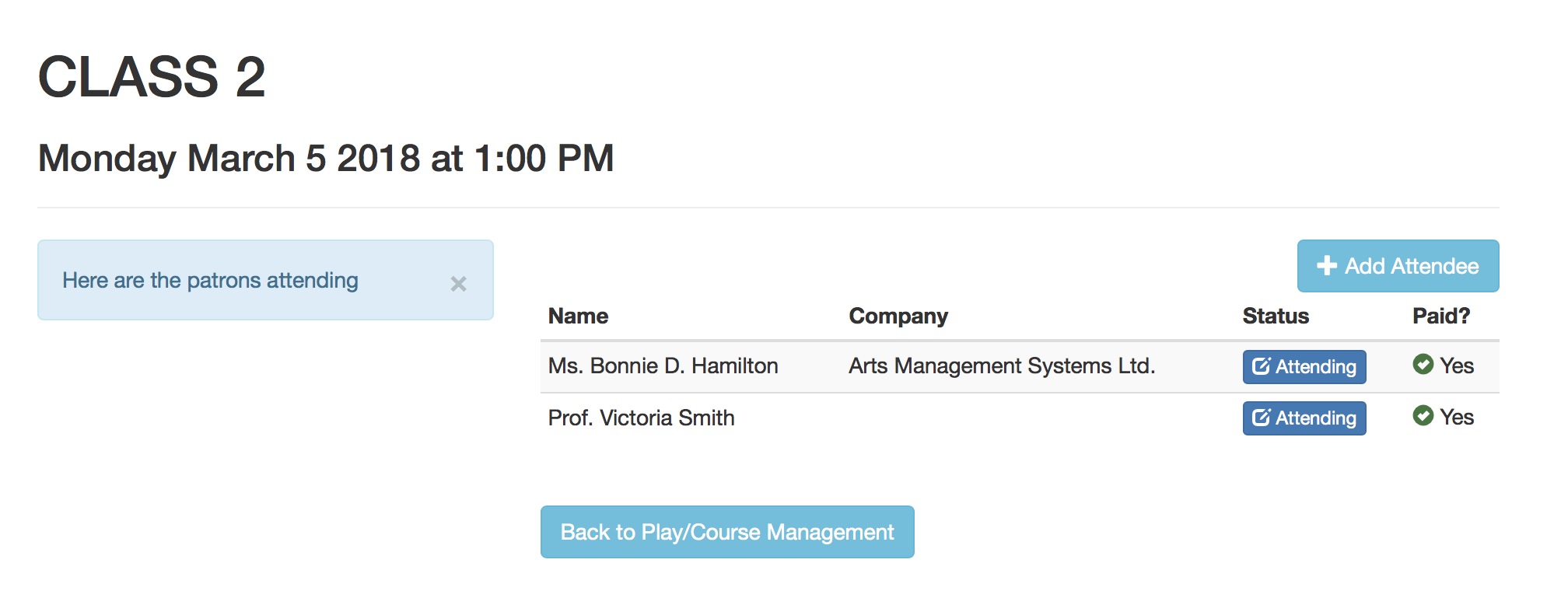
- After confirming payment, the Instructor will then see the student as part of the class roster - and they can take attendance if they wish - using the active attendance reasons in code tables