Running Theatre Manager Installer
Running Theatre Manager Installer
Walk-Around Install: a required update to Theatre Manager
This step is only necessary if you have a version of Theatre Manager that has NEWER components than any version in use (eg an update to the word processor). These updates are:
- downloaded in the background and
- require the reinstallation of Theatre Manager at the workstation.
 |
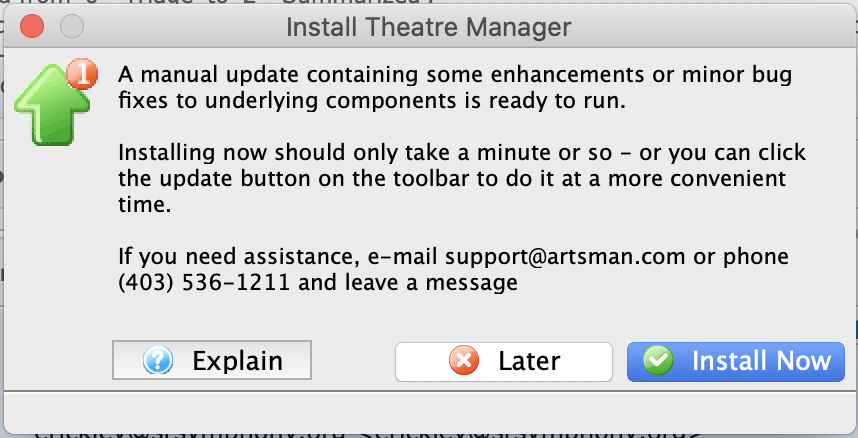 If you are asked to get an install the update before you log in, then simply click the Install Now button. If you click the later button, you will see an Update TM icon on the toolbar after logging in - so you can update at your leisure. |
|
When doing a manual upgrade from an older to a newer version of Theatre Manager, it might be easier to:
|
Downloading and Installing
| For Windows computers | For OSX computers |
|
|
After running the Theatre Manager Installer:
- Start Theatre Manager
- After logging in on you workstation, repeat at other workstations requiring the update
Theatre Manager incompatibility with the Database Schema Version
Theatre Manager incompatibility with the Database Schema Version
 You may receive a message similar to the one on the right that indicates:
- the database version is older than the application
- the database must be updated before you can continue
When you see this message, you will need to check that the TM Server has finished the auto-update process. Basically, it means you got a newer version of Theatre Manager before the TM Server was finished adding some new database fields to the database.
Updating the database may involve one of the following:
- Making sure that the TM Server is set to auto update
- Opening the TM server to start an update
- Restarting the TM Server if it happens to be stuck in the middle of the auto update
- or calling Arts Management if none of the above work
|
If you receive this message for a training database, it probably means that your have no TM server setup for your training database.
You may wish to put a TM server on a spare workstation to keep a training database up to date. |