
Main menu
You are here
Step 3: Configure PostgreSQL server parameters

Another way to get the key config parameters is to use pgtune and paste the results at the bottom of the postgresql.conf file
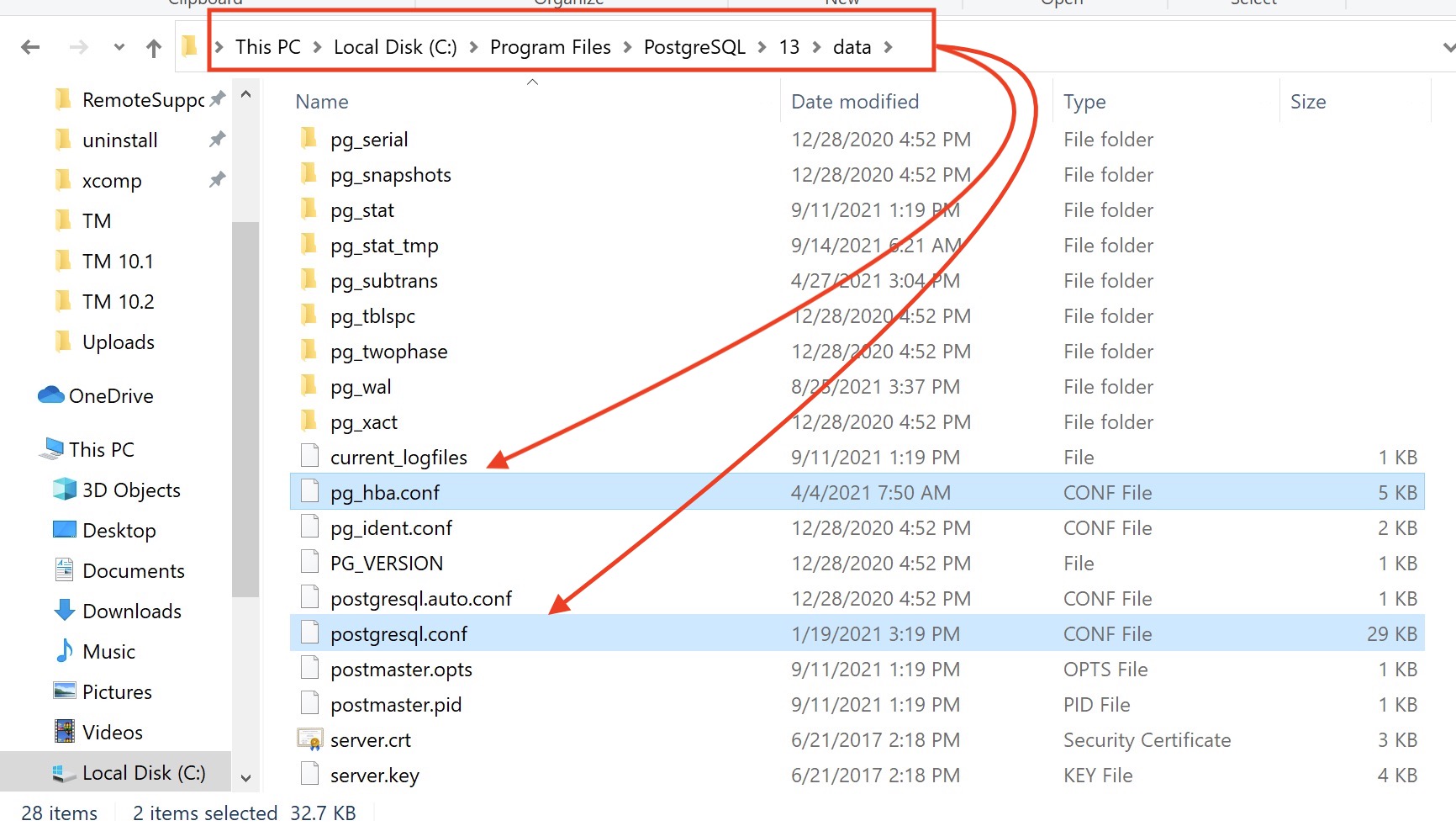
| 1. | Configuring postgres entails editing two files in the 'data' folder of the current postgres installation as highlighted below:
|
||||||||||||||||||||||||
| 2. |  edit the pg_hba.conf file using Notepad++
|
||||||||||||||||||||||||
| 3. |
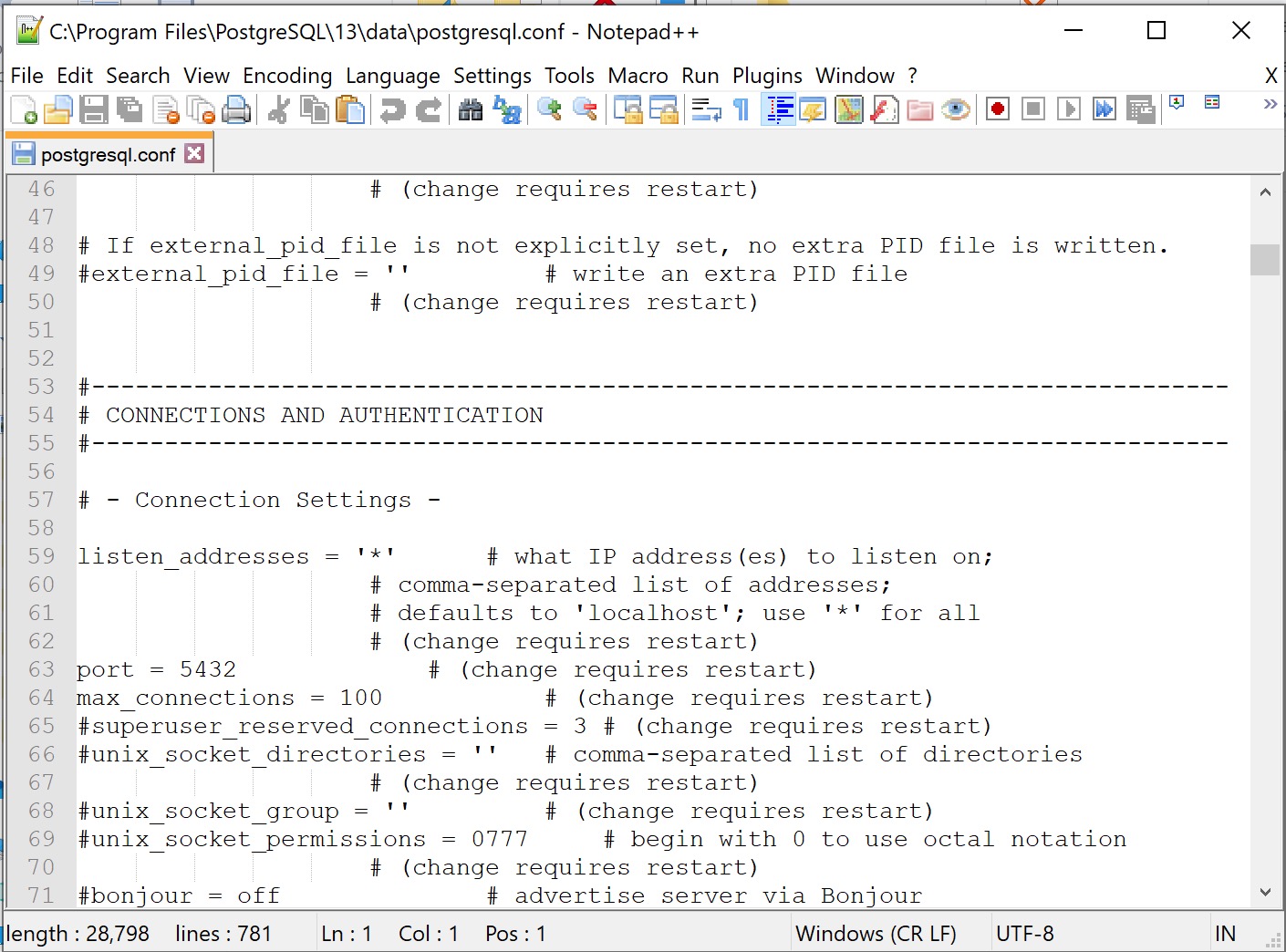
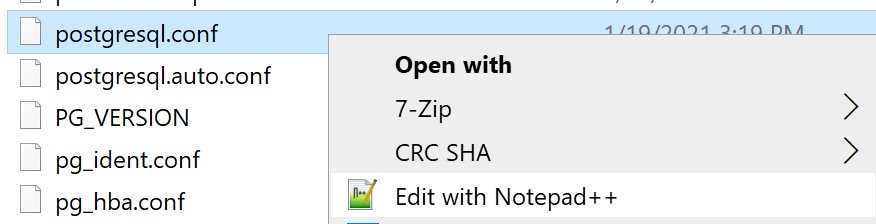 Edit the postgesql.conf file. Some notes about editing:
Reference for postgres.conf file parameters https://www.postgresql.org/docs/current/static/runtime-config.html |
||||||||||||||||||||||||
| Note: the best place to get memory values is from the 'Activity Monitor' on the 'Task Manager'. See an example below for what this screen looks like. To find it, right click on the task bar and pick 'Task Manager'. 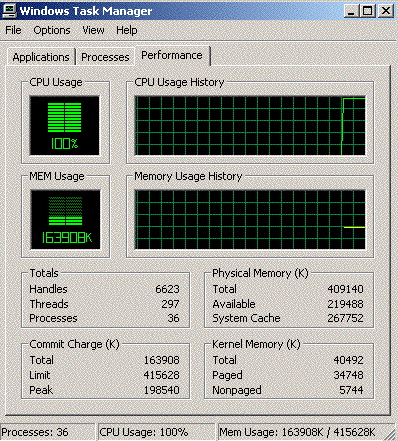 |
|||||||||||||||||||||||||
| Save your changes and RELOAD the server (see step 4) for most changes. If the change does not take effect, you may need to RESTART the server. This is usually only when first installing Postgres as changes to this file are rare | |||||||||||||||||||||||||
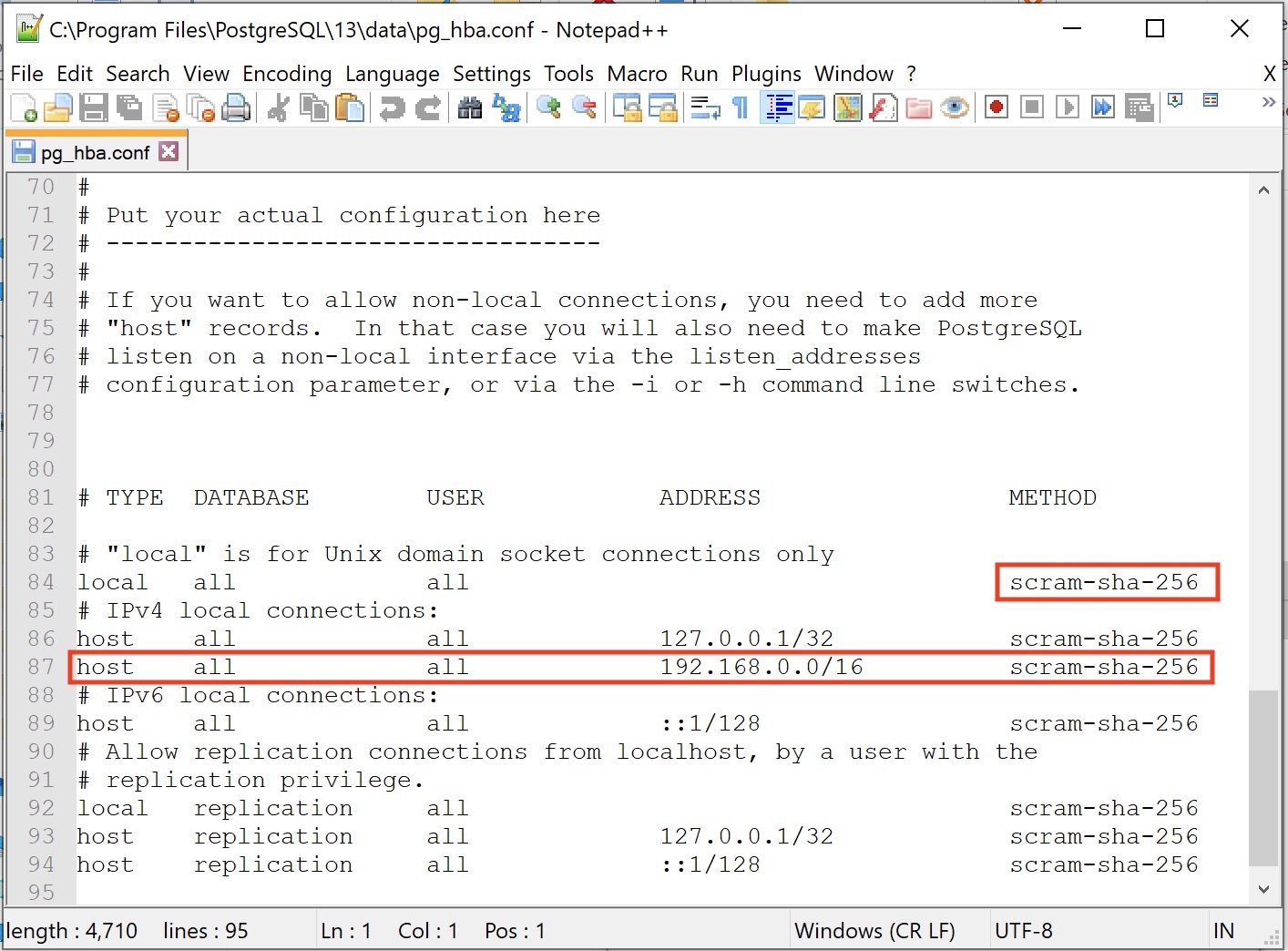

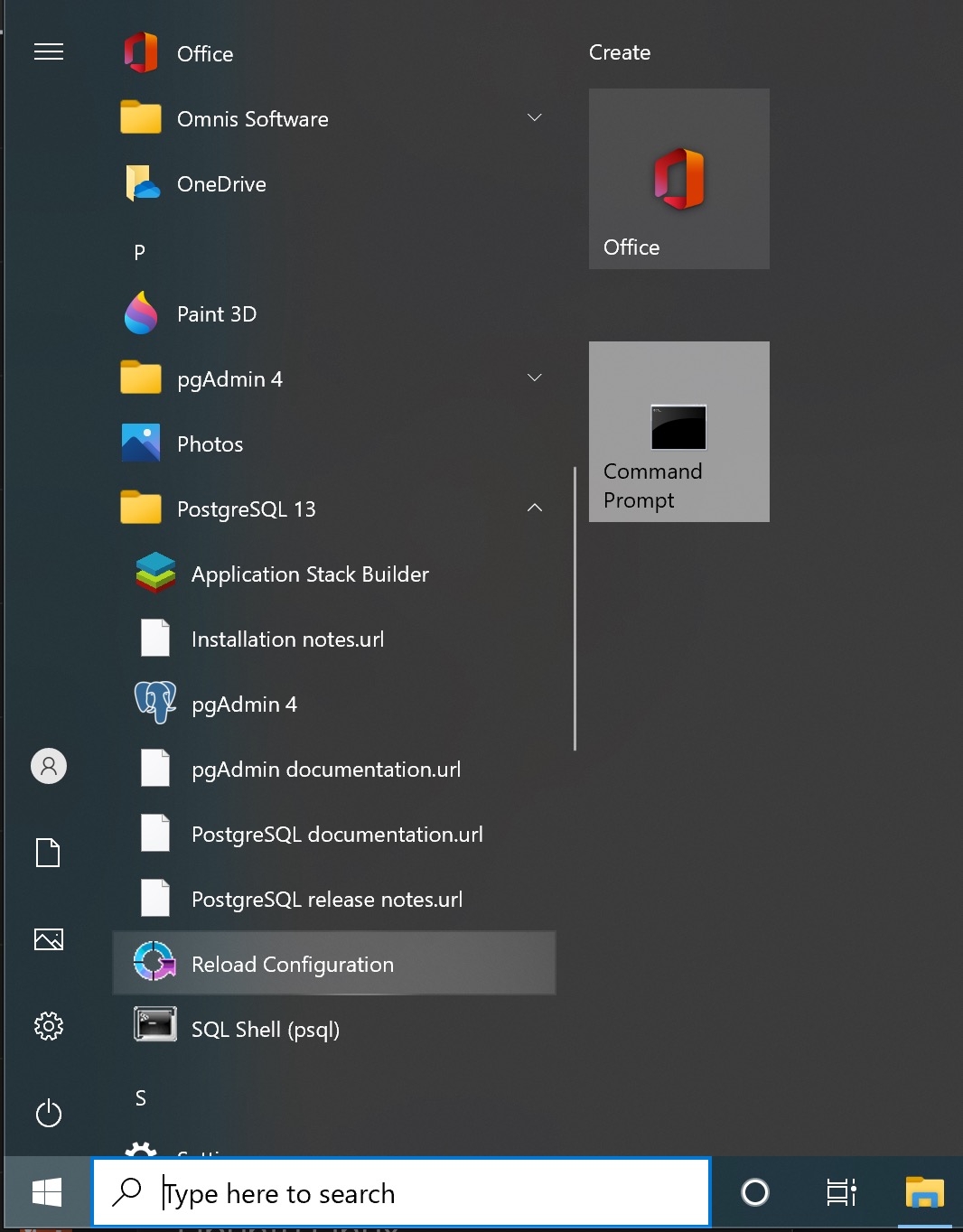 Reload or restart the postgres server to cause the new settings to be used.
All changes to the pg_hba.conf and many changes to postgresql.conf can be reloaded. That put the parameters in place without restarting the server, so any services (like web sales) that are running, continue to run.
A reload is done by:
- using the windows start menu
- finding the 'PostgreSQL application grouping
- using the reload Configuration application
A few changes to the postgresql.conf file will require the postgres server to be completely restarted. This is usually noted in the comments beside the parameter. If this is required, the general steps are below. It is very rare that these parameters are changed after installation - so it might be best to ask support to help you with a complete server restart if you are not familiar:
- Open services control panel
- Find the postgresql service
- Stop the postgresql service
- Start the postgresql service
- Make sure it is running
- Restart the web services