Adding Accounts to the General Ledger
Adding Accounts to the General Ledger
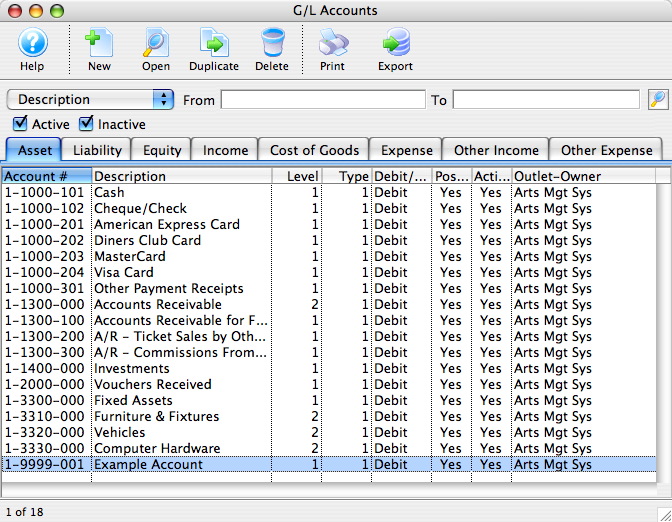
Using the chart of accounts you can edit and add accounts to the GL.
- Open the Chart of Accounts Window.
Click Here to Learn how to access this window.
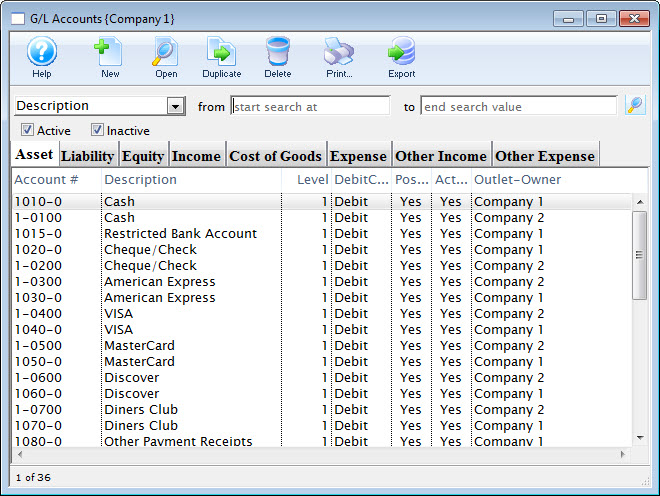
Click Here for a detailed description of this window.
Clicking on the different tabs will show the accounts setup for corresponding type.
- Select the account type by clicking the corresponding tab.
- Either click the New
 button or right click and select add.
The GL Account Detail Window opens.
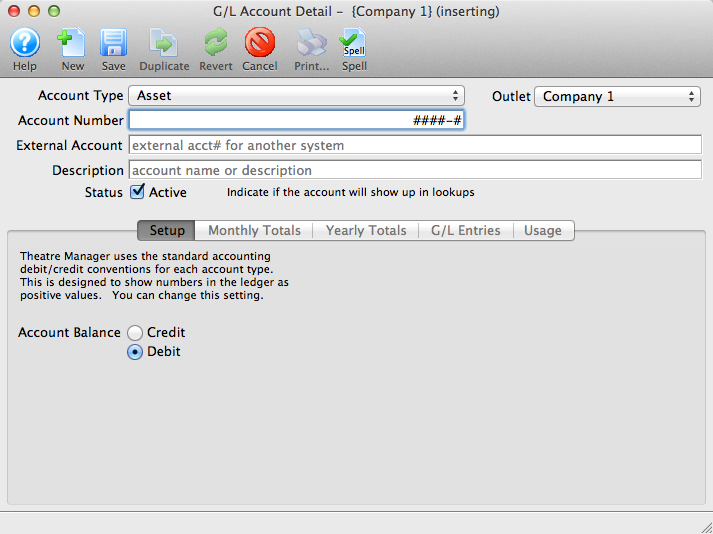
Click Here for a detailed description of this window.
- Enter the account number and description in the top fields.
- Choose the correct account attributes.
Set the account as active if you wish to use it immediately.
- Once you have entered all the information click the Save
 button and close the G/L Account Detail window.
The new account will be added to the Chart of Accounts.