Web Permissions for Personnel Activity
Web Permissions for Personnel Activity
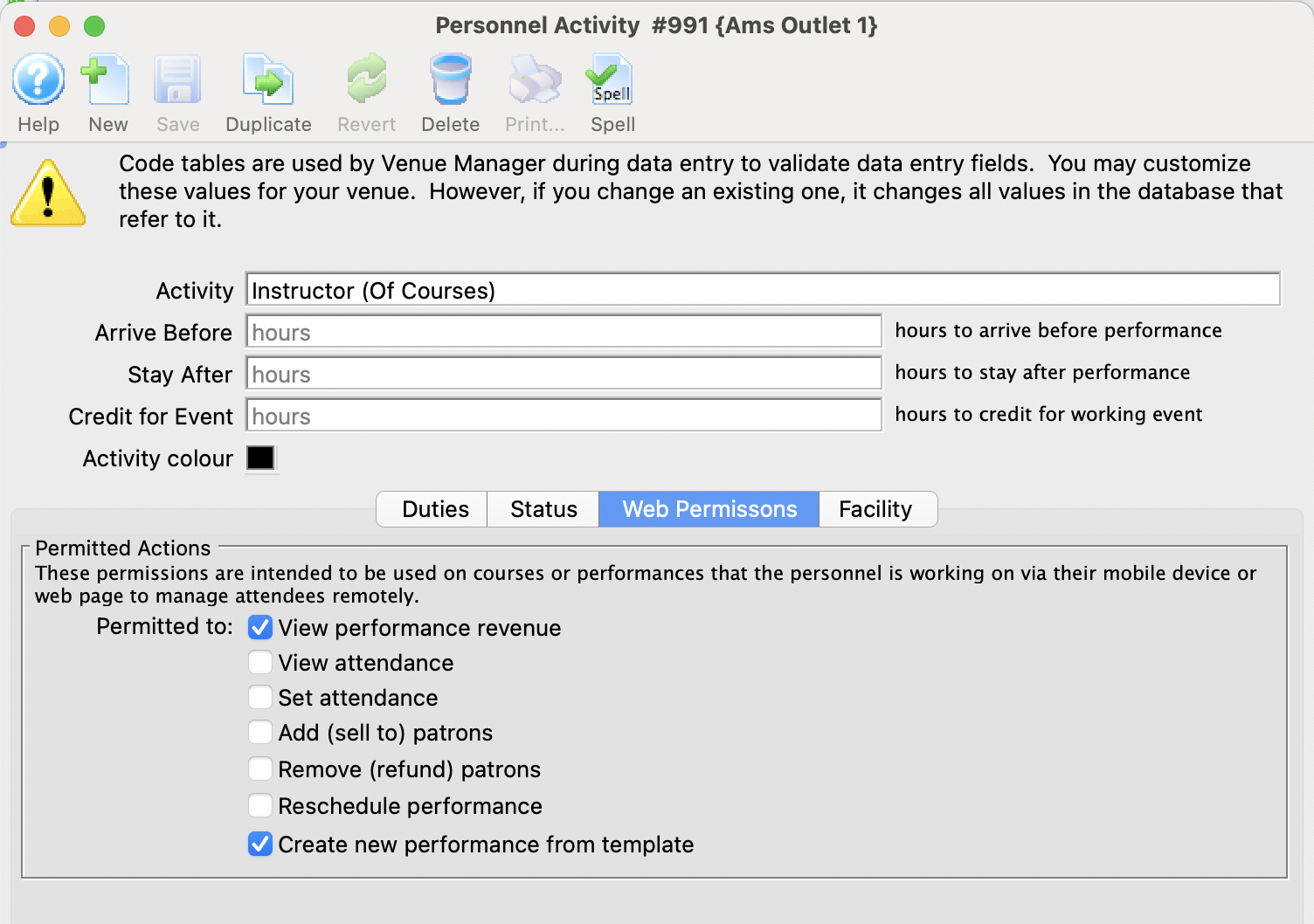 This feature is designed to work in conjunction with the Web Services to give a permission Staff member/volunteer to accomplish various tasks within the web module -AND/OR- Producers (regular Patrons) the ability to see and export sales and attendance information.
The permissions will allow:
- An employee managing a course/class to set attendance, add participants on the fly, refund a class, reschedule a class or add a new class. See example permission for a course instructor
- A Producer to see the sales and attendance for specific events or performances that they have been assigned to in the Event setup. See example permission for Producer/Promoter
If this activity code is associated with the person for a particular event, the following indicates what they can do online. The employee/volunteer will need to pull up the event/performance online in a web browser.
| Permission | Meaning |
| View performance Revenue | Allows the Producer or Promoter of an event to view performance revenue for the event that they are assigned to |
| View attendance | This means that the Volunteer/Employee/Promoter can view the patron information for people who have purchased to the event o the course. |
| Set attendance | This means that the employee/volunteer can set or clear attendance reasons for the patron for each class or event using a tablet or computer. This is not meant for high volume attendance tracking - more for courses and really small events. |
| Add (sell to) patrons | If enabled, the employee/volunteer can add NEW patrons to the course. It is designed for those kinds of classes where people can just show up - and then be enrolled by the instructor. |
| Remove (refund) patrons | If enabled, the employee/volunteer can remove people from the course/class and issue a refund to the patron in form of a credit (eg pass/gift certificate). |
| Reschedule performance | Allows the employee/volunteer to change the date and time of a class within the course |
| Duplicate performance | Allows the employee/volunteer to add extra classes to the course. |
Course Management - web access
Course Management - web access
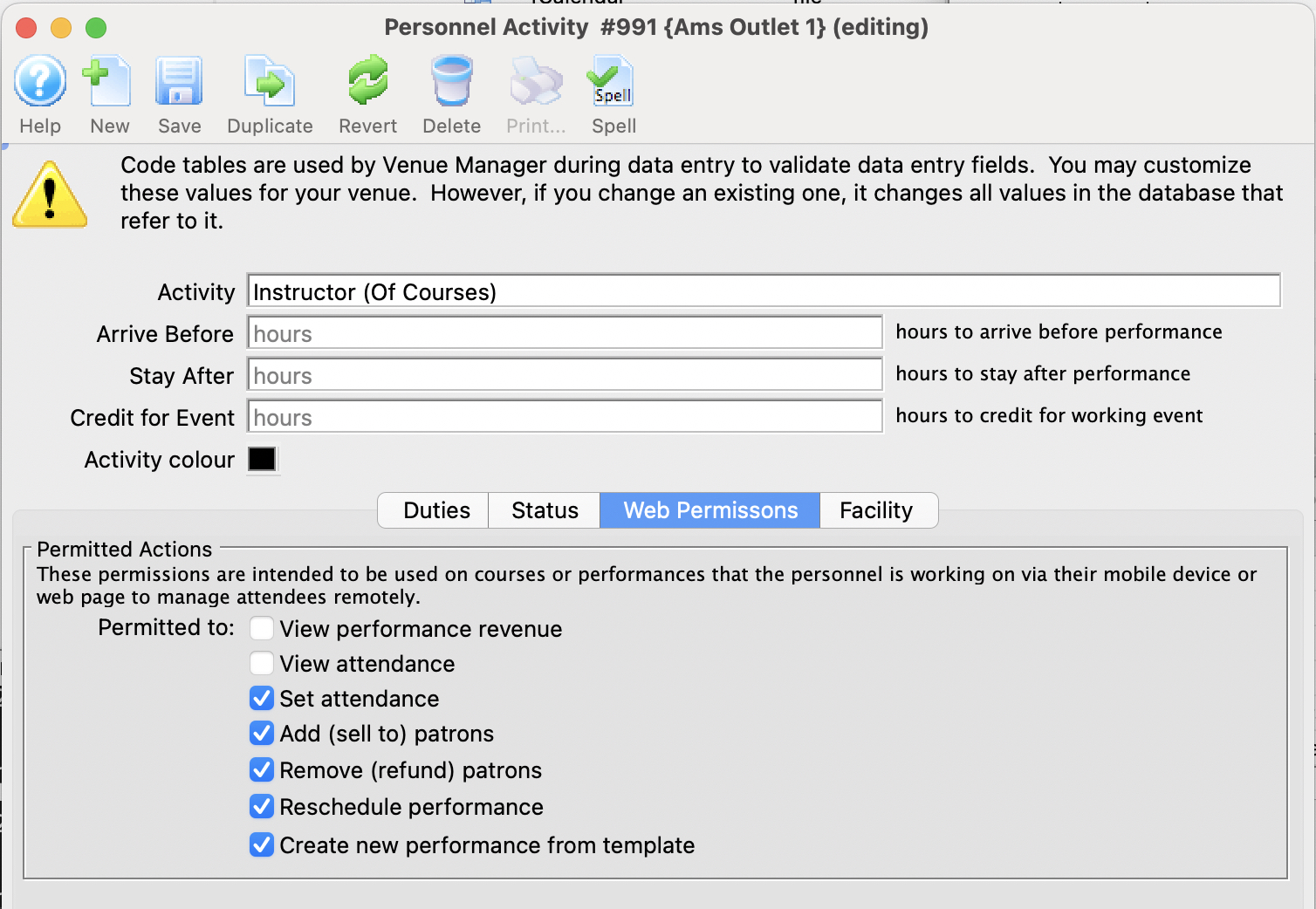 The typical setup for web access for instructors of courses is illustrated to the right. Typically, they will be one or more of:
- Set Attendance
- Add (sell to ) patrons
- Remove (refund) patrons
- Reschedule Performance - which is important of its a course which means they can change the date of the performance
- Create New Performance - which lets them add a new date for a course
The web permissions are described more fully in the Web Permission Page.
If you create this type of activity and add it to a patron, you can:
- assign it to a course (or any event and/or performance for that matter) -AND-
- they will be able to manage it online to do the activities you have assigned above
Event Producer/Promoter - Web Access
Event Producer/Promoter - Web Access
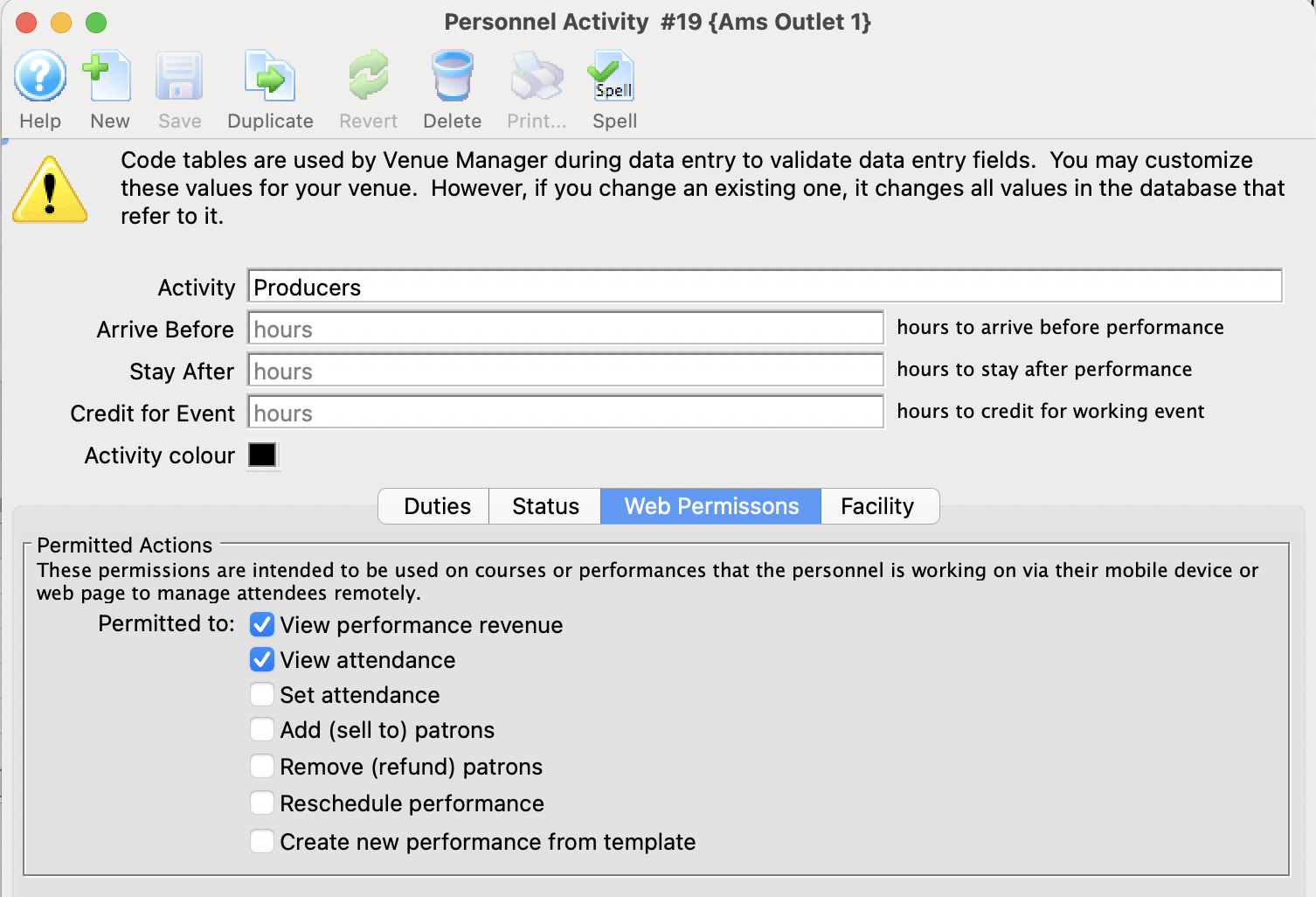 The typical setup for web access for the producer or promoter is illustrated to the right. Typically, they will be one or more of:
- View Performance Revenue
- View Attendance
The web permissions are described more fully in the Web Permission Page.
If you create this type of activity and assign it to a patron, you can:
- assign them to an event (or performance) -AND-
- they will be able to, at any time, view or download:
- the revenues for the event (or performance) -AND/OR-
- retrieve limited information about the patrons who are attending the event
You can even track which events they have viewed and how often by looking at web logs.