Creating a General Admission Event & Performance(s)
Creating a General Admission Event & Performance(s)
Before you add an event / play into Theatre Manager, a general ledger account number must be created for the new event / play. Refer to General Ledger Accounts for more information.
In the Event / Play window, there are eight different account number fields in five different ticket types. The eight accounts are:
- Sales
- Exchange
- Refund
- Discount
- Markup
- Ticket Fee account 1
- Ticket Fee account 2
- Ticket Fee account 3
The five ticket types are:
- Regular
- Season
- Other Type 1
- Other Type 2
- Internet
Depending on how your accounting system is setup:
- You may need to create only one G/L account for the entire event / play, or
- You may need a separate account for each of the account number fields in each of the five ticket type categories.
- Open the Event / Play List Window.
Click here to learn how to access this window.
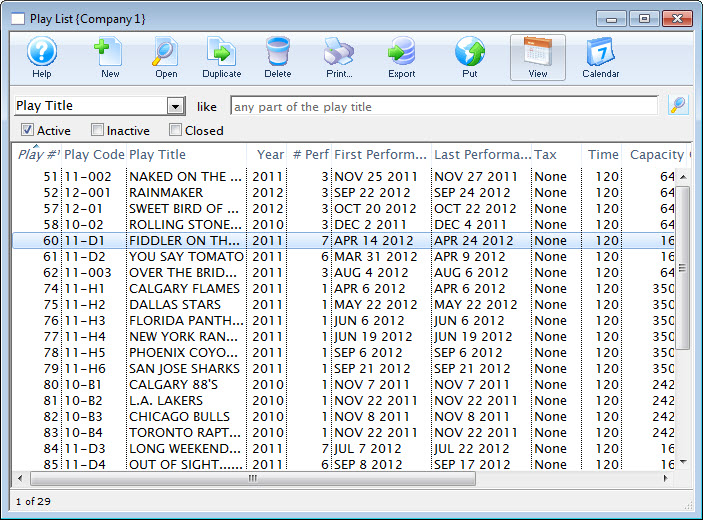
- Click the New
 button.
The fields are blanked to allow you to add new data.
- Enter the Event / Play information.
Click here for more information on Event / Play Information tab.
- Enter the Accounting information.
For more information on the Accounting Tab, Click here.
- Enter the required information on the Marketing Tab.
For more information on the Marketing Tab, Click here.
- Click the Save
 button.
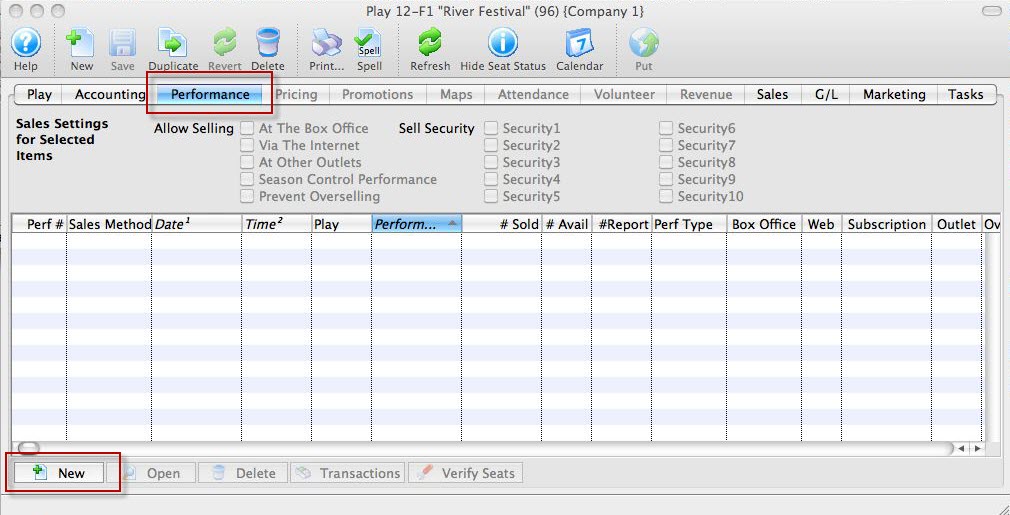
- Click the Event's Performance tab. Then the New
 button.
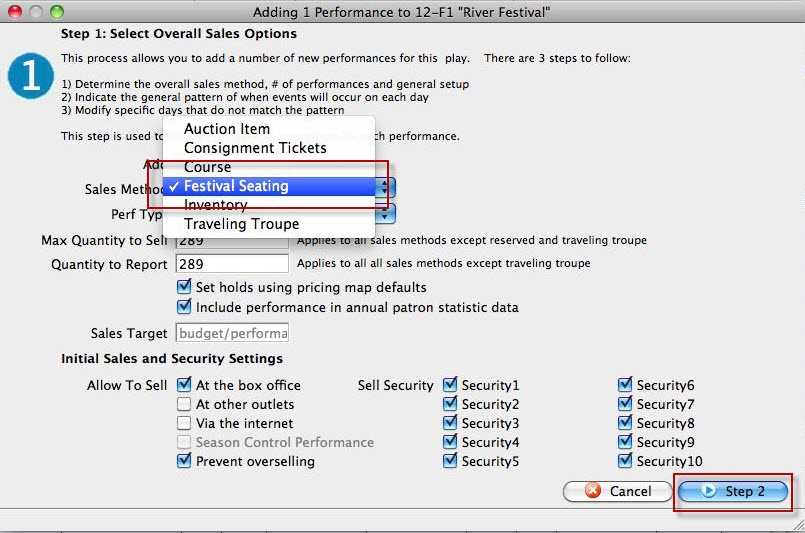
The Adding Perfromance window opens.
- In the Sales Method list, choose festival. For more information on this window Click here.
Review the other fields and when complete, click the Step 2 button.
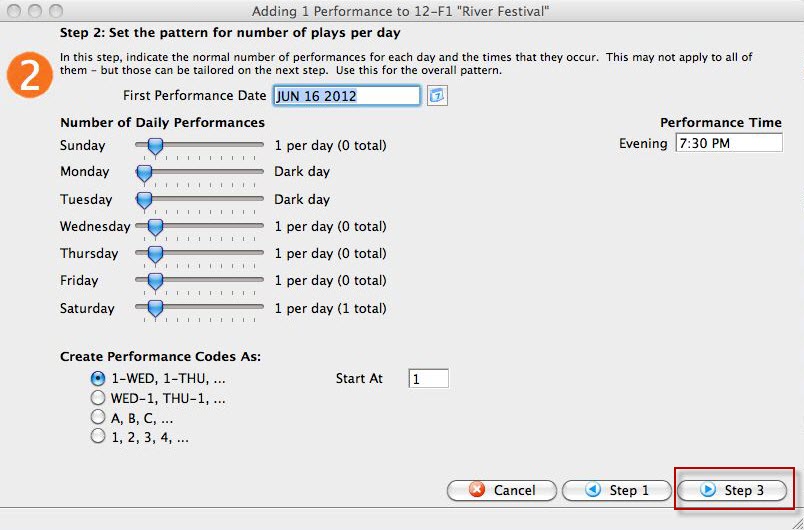
- In step 2, you set the pattern for the number of plays per day.
For more information on how to enter data in this window, click here.
- Click the Step 3 button.
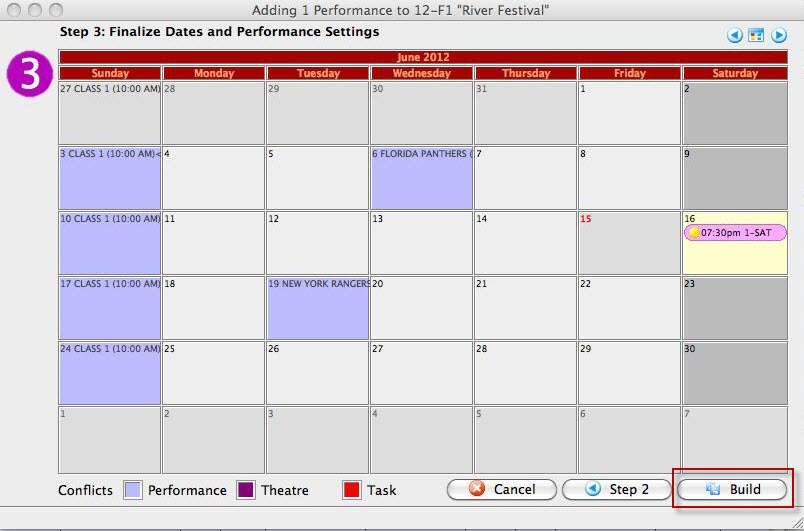
- In step 3, you finalize the performance.
For more information on Step 3, click here.
- Now you have finished setting up the perfrormances, click the Build button.
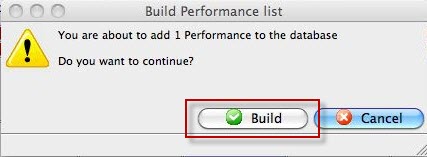
The Build confirmation dialog opens.
- Click Build again.
To start, you perform the following steps:
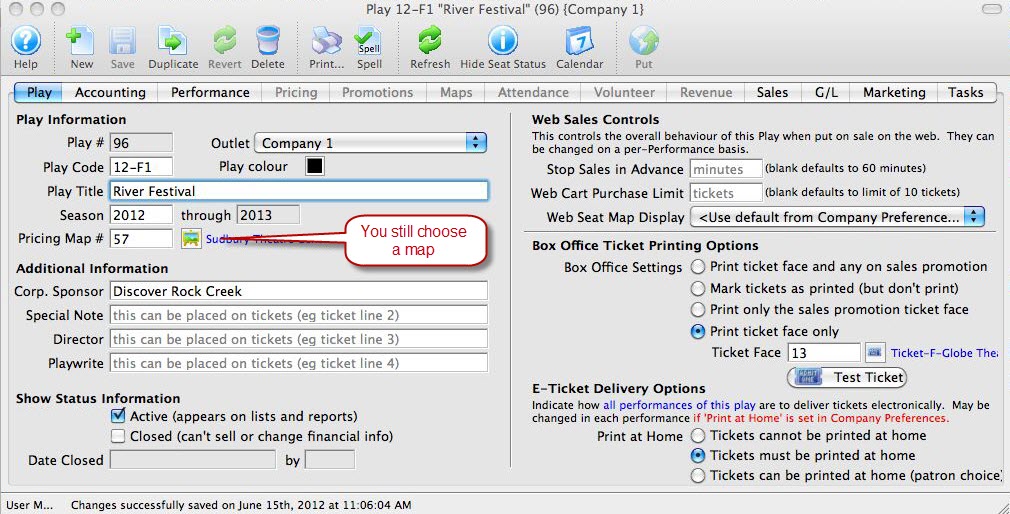
You have now created your Event. Next we add the Peformances.
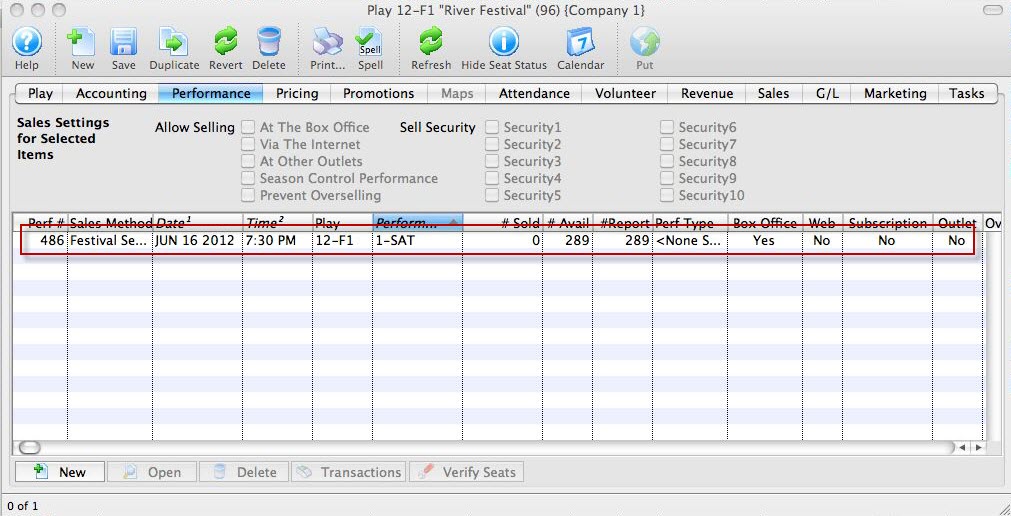
Your performance is now added to the event.
Click here for information on selling Festival tickets.