Deleting a Payment
Deleting a Payment
A Payment can be deleted easily if it has not been deposited. If you are trying to remove a payment which has been deposited refer to Reversing a Payment.
- Open the Payment
 tab from the Patron Window.
Click here to learn more about locating patron records.
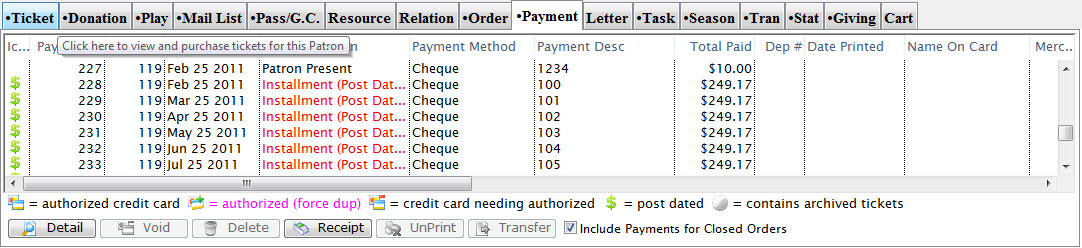
Click here for a detailed description of this window and it's functions.
- Select the Payment to be deleted.
- Click the Delete
 button.
A Warning dialog opens asking you to confirm the payment deletion.
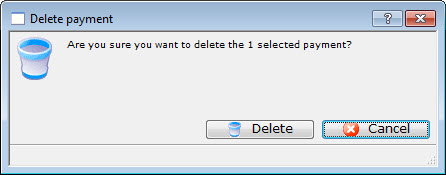
- Click the Delete
 button.
The Payment will be deleted and the confirmation message will appear at the bottom of the window.

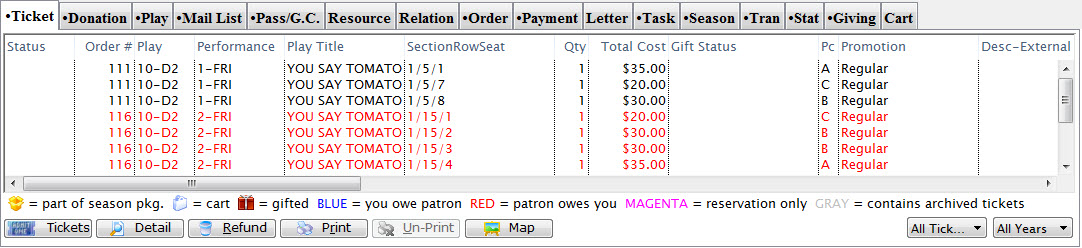
The patron will now have an outstanding balance in their account.
For information on adding a payment to an order click here.
Single click on the payment to select it. Only one payment may be selected for deletion at a time.