Booking a Subscription from the Season Package Window
Booking a Subscription from the Season Package Window
To book a subscription from the Season Package window, you perform the following steps:
- Click Patron Sales >> Season Reservations >> Setup Season Packages.
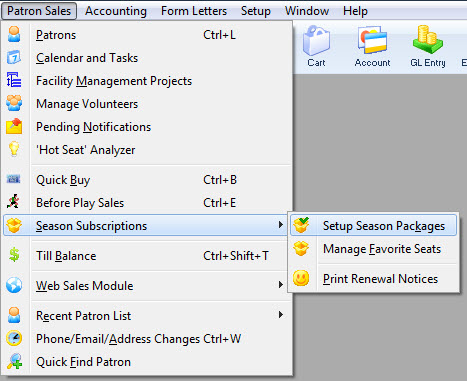
The Season Package List window opens.
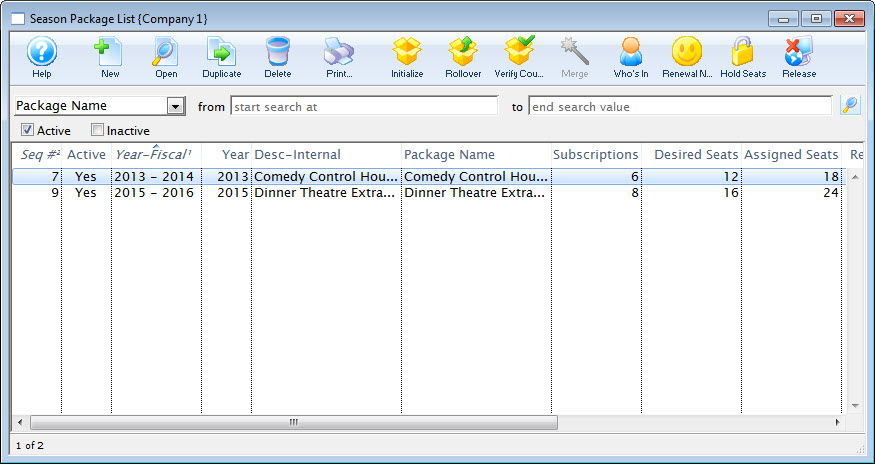
Click here for more information on the Season Package List window.
- Click to highlight the season package, then click the Open
 button.
The Season Package Detail window opens.
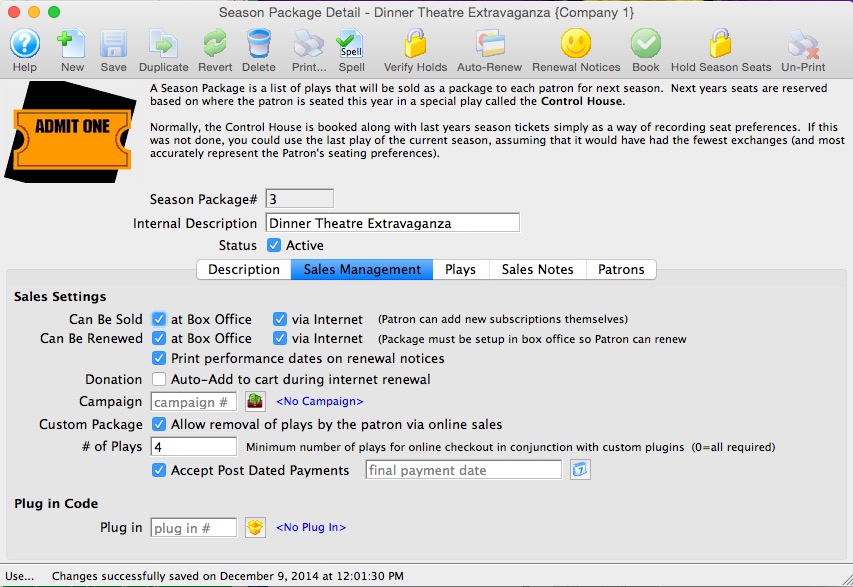
Click here for more information on the Season Package Detail window.
- Select the Patrons
 tab.
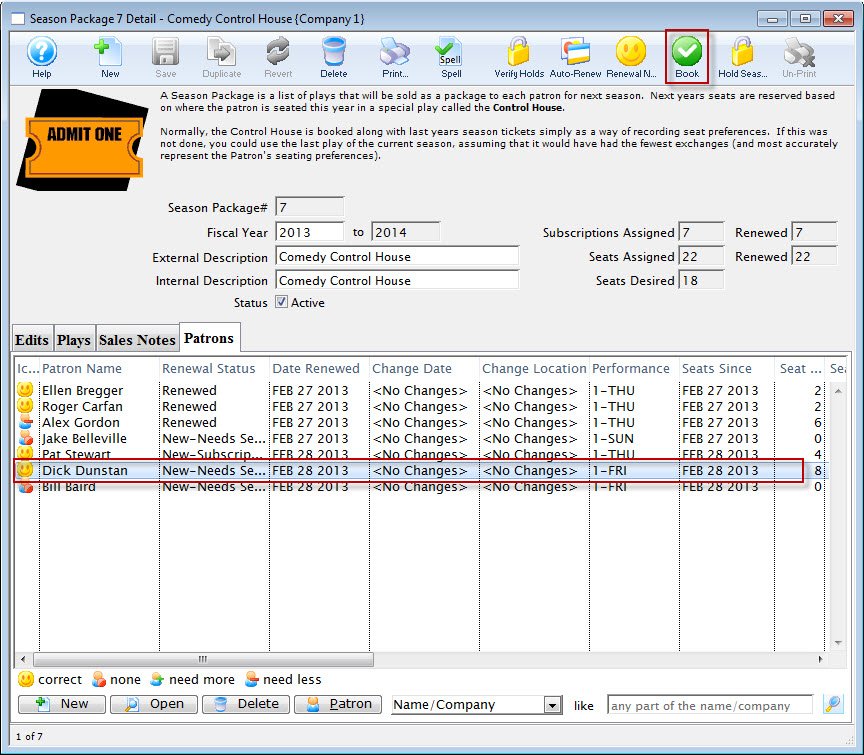
- Click to highlight the patron, then click the Book
 button.
The Order opens to the Payment window.
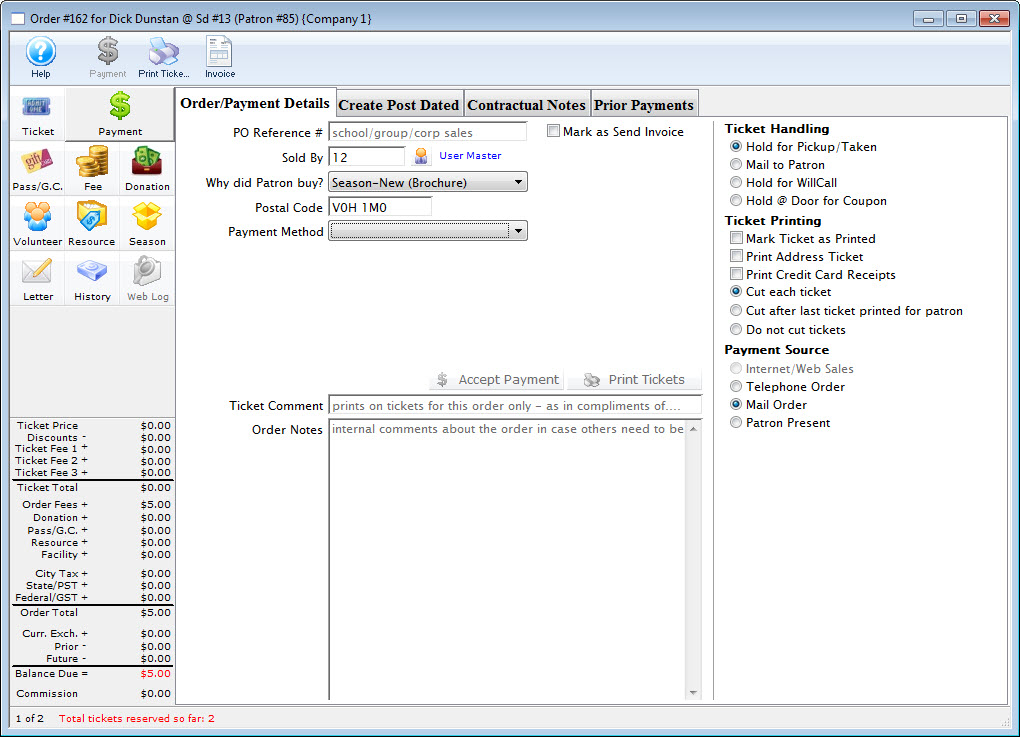
For more information on the Payment window click here.
- Choose the payment type from the Payment Method drop down list, enter the payment details and accept the payment.

If the tickets are to be printed now select Print Tickets. If the tickets will be Batch Printed at a later date select the Accept Payment button.
The payment window closes and you are returned to the Season Subscription Detail window. The patron status in the season package is automatically updated.
The patrons tickets are booked and the Season Subscription Detail window reflects the changes you have made.