Skip to main content
Main menu
AMS Cloud Status
Product Info
Community
Contact Us
Mailing List / RSS Feed
Privacy Policy
Search
Installing Theatre Manager
Upgrading Theatre Manager
Quick Reference Guides
Self-Guided Demo Tutorial
Theatre Manager Online Help
Form Letters and EBlasts
Windows and Features
Features of the Word Processor
The Form Letters Menu
Form Letter List Window
Recent Form Letters Menu
Form Letter Tasks Menu
Formatting
Format Menu Items
The Formatting Palette
View Menu
Scale Menu
Insert Menu
Form Letter Window
Form Letter keyboard short cuts
Sort Window
Form Letter Instructions
Merging Letters/Emails
Printing a Form Letter or Email
Tracking Success of the Eblast
Address Labels
Custom Letter Examples
Facility Management
Reports
Reveal Dashboards
REST API Overview
Web Page Documentation
Frequently Asked Questions
Theatre Manager: Responding to COVID 19
Newsletters
AMS Cloud Status
Product Info
Community
Contact Us
Mailing List / RSS Feed
Privacy Policy
You are here
Home
›
Form Letters and EBlasts
›
Windows and Features
›
The Form Letters Menu
Formatting
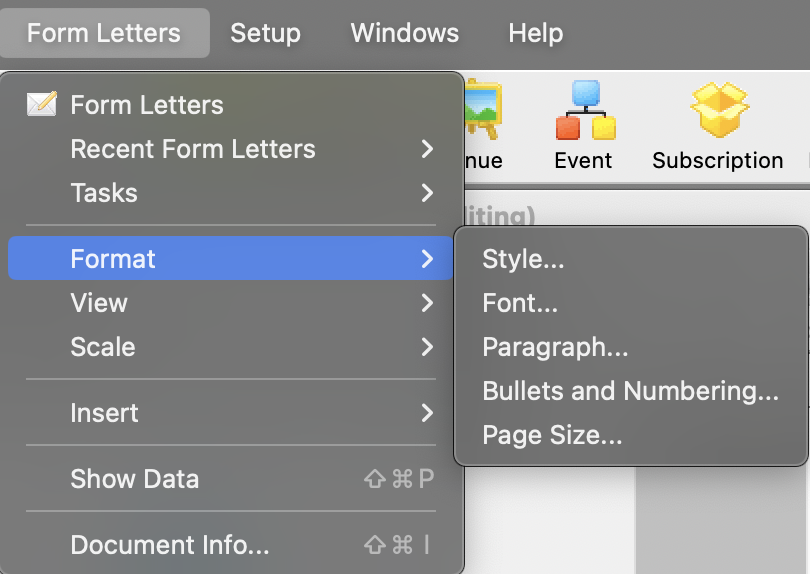
After creating a new letter or opening an existing letter, the Format Menu becomes available for use from the Form Letter Menu. Description of and instructions for the formatting features are contained in this section via the links below.
Format Menu Items
The Formatting Palette
Book navigation
‹ Form Letter Tasks Menu
up
Format Menu Items ›
Printer-friendly version