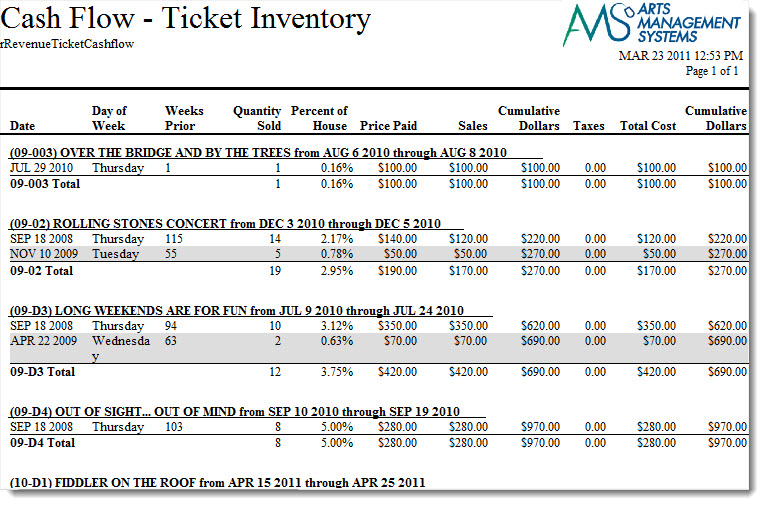
Cash Flow - Ticket Inventory Analysis
Cash Flow - Ticket Inventory Analysis
- Day
- Week
- Month
- ... or some custom sort and sub totals that you prefer for yourself
**in its current state means that when the report is run on your sold inventory, it can only consider the sold tickets as of right now. An ticket that was sold and refunded will not appear in the report. Any ticket that is sold, refunded and then sold again will have the most recent sale date on it. If you need to see the sales progress with the ebb and flow of sales and refunds, you will need to look at the daily sales summary reports or the transaction based reports.
Click for more information on
Purpose of the Report
This report generates a listing of the sales for each event and performance.
Departments Who Benefit From This Report
| Box Office | Use this report to see how much money will be received from a particular performance or event. |
| Accounting | Use this report to see how much money will be received from a particular performance or event. |
| General Manager | Use this report to see how much money will be received from a particular performance or event. |
Criteria Hints
It is recommended that this report be run with a specific event or events as the criteria.
| Parameter Field | Condition | Value |
| Event # | is one of | (Event) |
Use the SHIFT key to select a series of events, or the OPTION key (Mac) or CTRL key (Windows) to select multiple individual events.