Sales Detail - Y.T.D. Comparison
Sales Detail - Y.T.D. Comparison
The Sales Detail - Y.T.D. Comparison report can be found under the Sales Summary Analysis category.
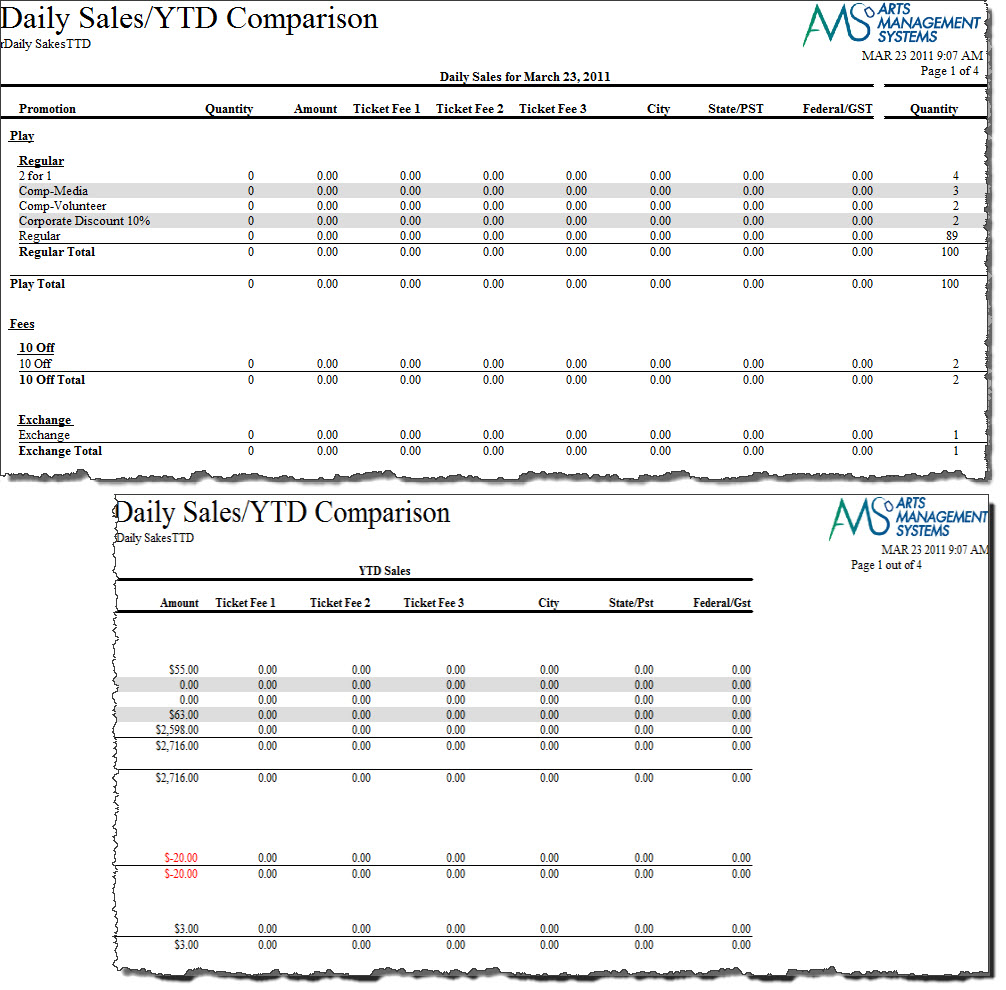
- Click here for information on generating a report.
- Click here for information on the Finished Report window. This report has additional criteria options.
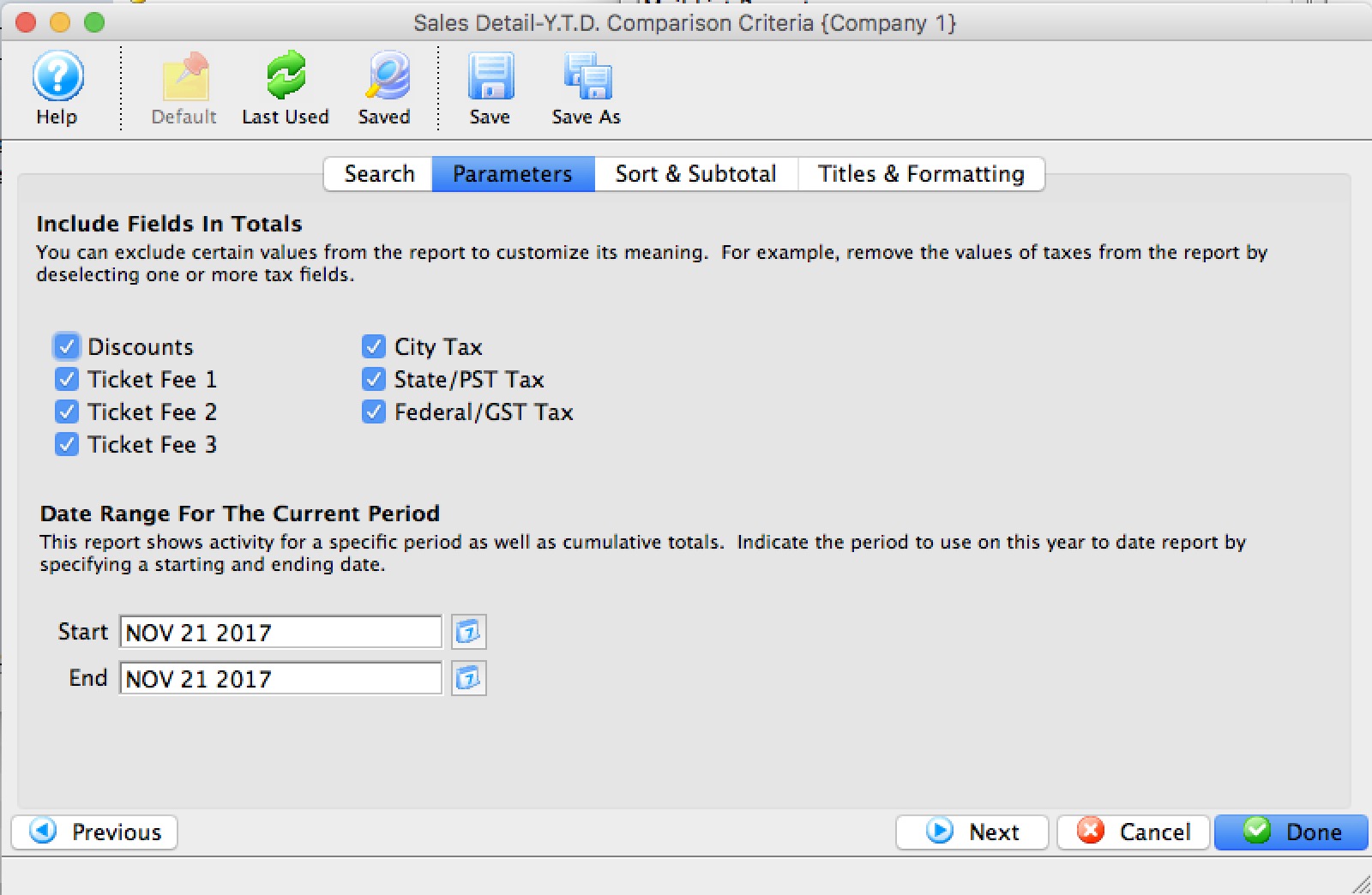
- Click here for more information about the Parameters tab.
One of the tabs is the report parameters - and the key information is the date range at the bottom which signifies the current range for the report to compare to the YTD range.
- Click here for more information about the Sort & Subtotal tab.
- Click here for more information about the Formatting tab.
Purpose of the Report
This report generates a comparison listing between sales for the given fiscal years.
Departments Who Benefit From This Report
| Box Office | Use this report to see how types of sales are doing compared to the same time frame last year. |
| Marketing | Use this report to see how types of sales are doing compared to the same time frame last year. |
| General Manager | Use this report to see how types of sales are doing compared to the same time frame last year. |
Criteria Hints
It is recommended that this report use the date range settings on the Parameters tab of the Add Criteria window.