Assigning Cards
Assigning Cards
Once a card has been added to a patron, the card can be assigned to one or more memberships, Passes or G.C.s.
- Open the Patron Window.
Click here to learn how to access this window.
- Click on the Membership
 tab.
Click here for more information on this tab.
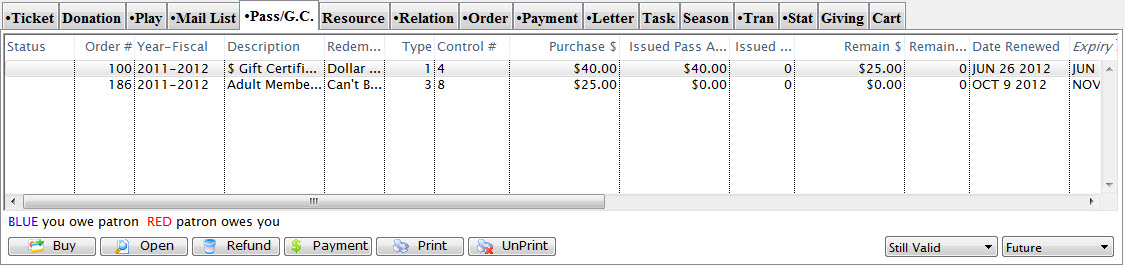
- Select a membership or Pass GC.
Single click to select it.
- Click the Open
 button.
The will open the Pass/G.C. Detail window.
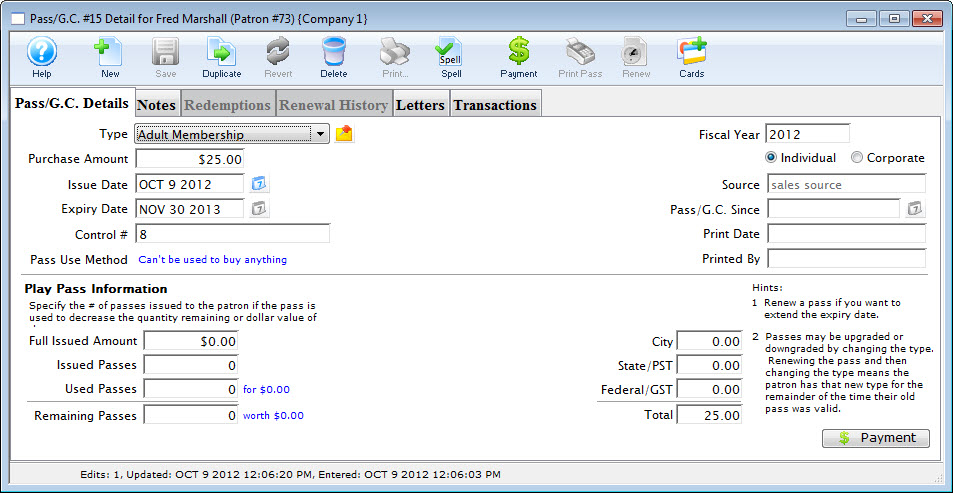
- Click the Cards
 button.
The List window opens.
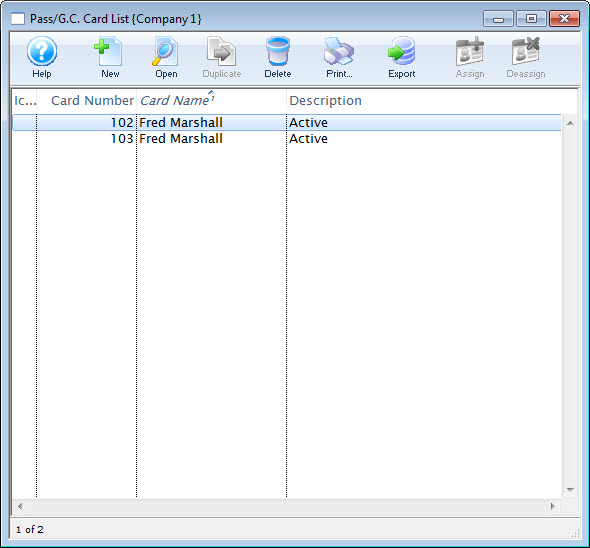
For a detailed description of this window and its functions click here.
- Select the card to assign to the membership.
Single click on a card to select it.
- Click the Assign
 button.
The card has now been assigned to the membership.