Delete a Recurring Donation
Delete a Recurring Donation
- Open the Recurring Donation window.
Click here to learn how to access this window.
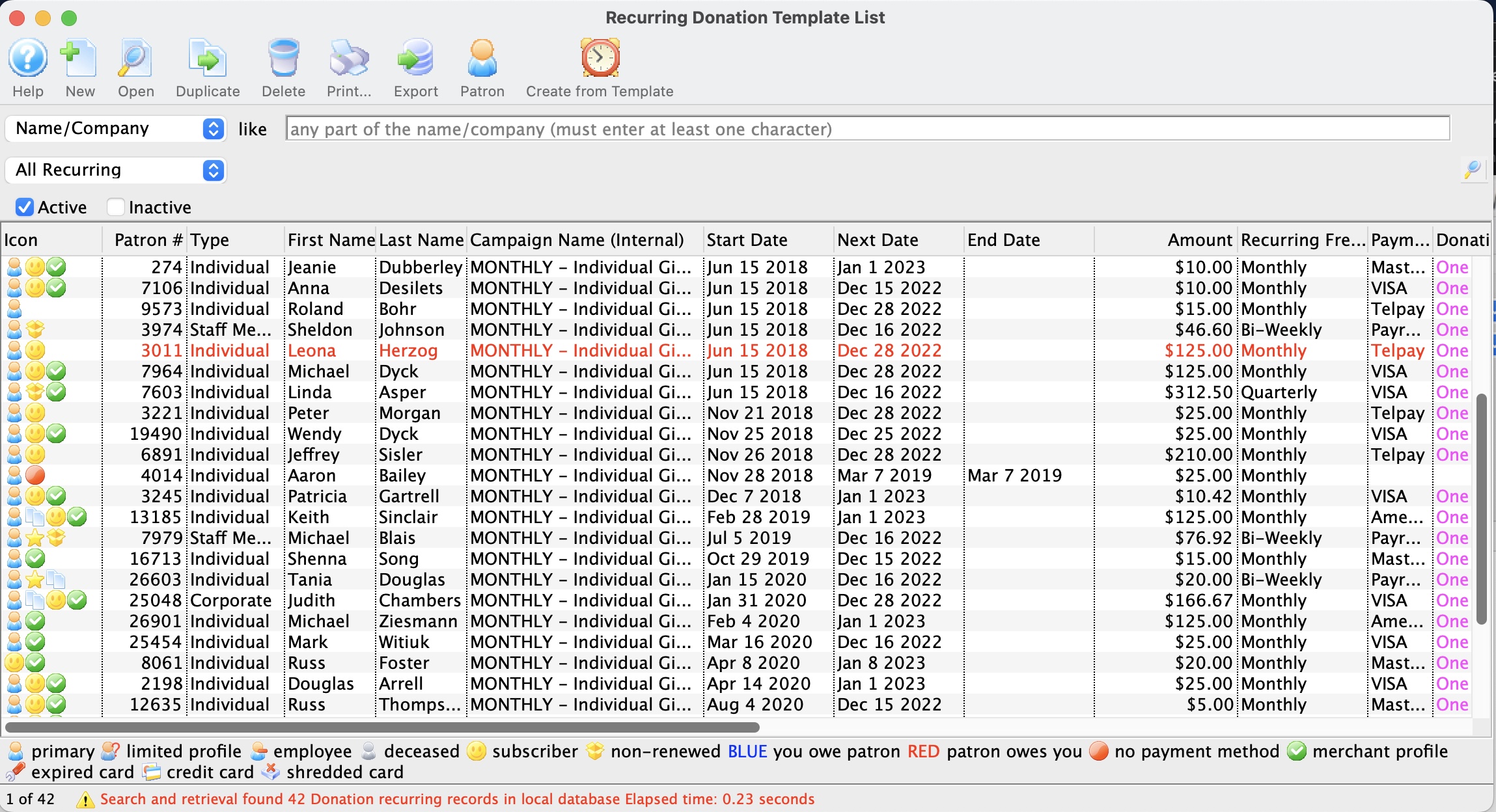
- Click on the recurring donation you want to delete.
The recurring donation must not be tied to a previously created donation in order to be deleted.
- Click the Delete
 button.
A delete confirmation dialog opens.
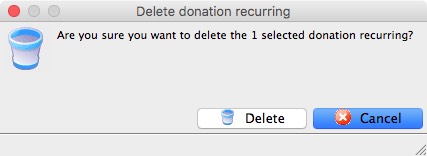
- Click the Delete
 button.
The recurring donation has now been deleted.