Add Multiple Relationships
Add Multiple Relationships
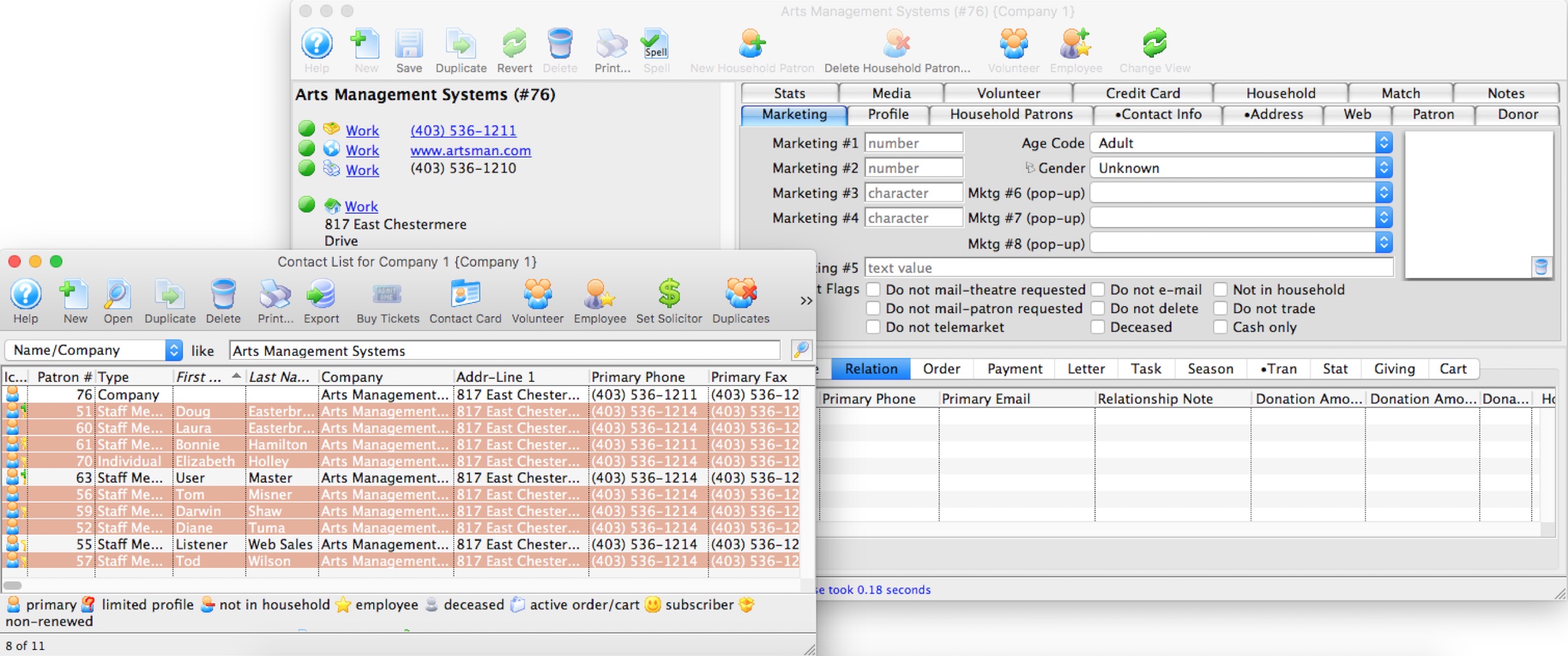
A convenient way to add multiple relationships to a Patron Record by dragging a number of patrons from the Contact List window onto the Relation tab of a Patron Record.
For example, this would be useful if you were creating relationships between a company and all the staff, volunteers or donors that are associated with that company. To complete this task quickly, you would:
- Find the company Patron Record in the database.
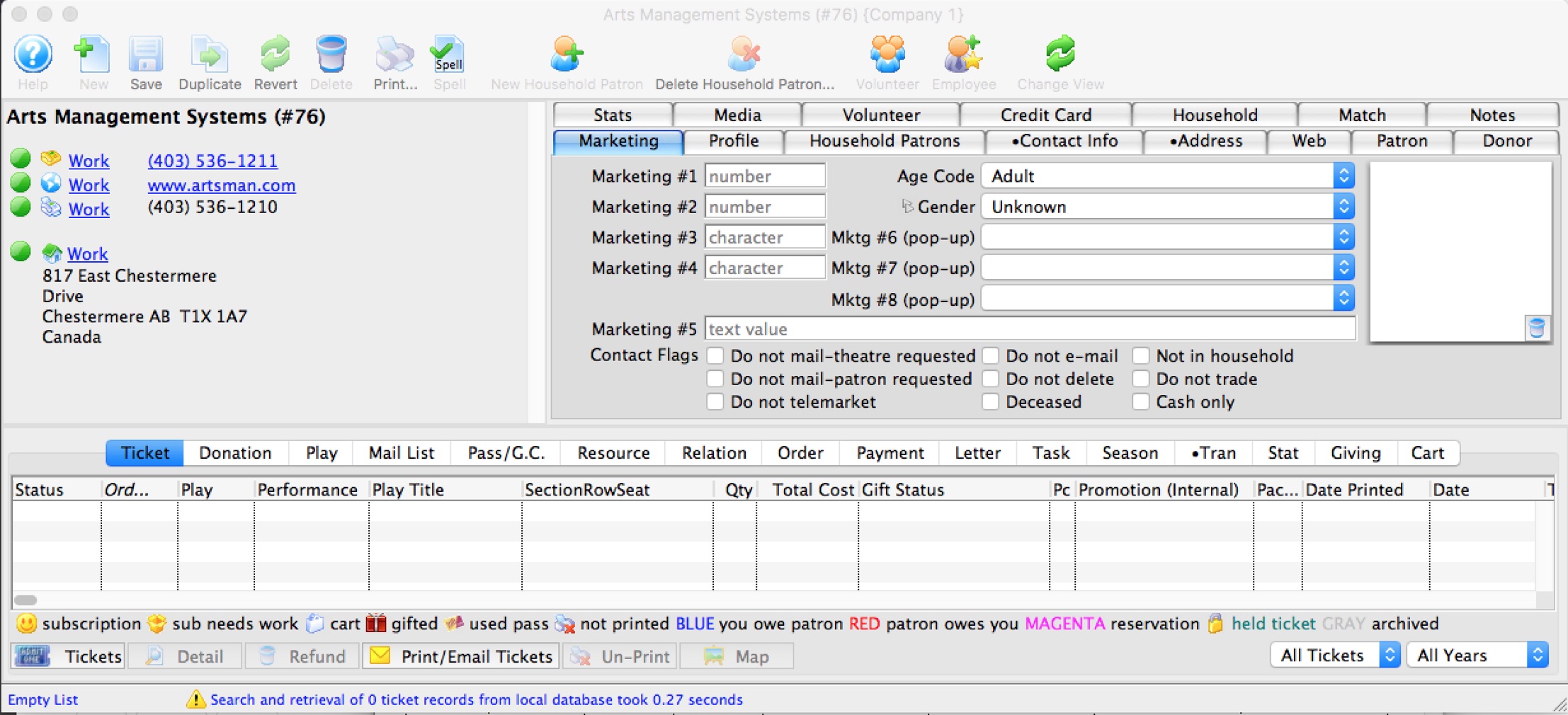
- Open the record and select the Relation tab.

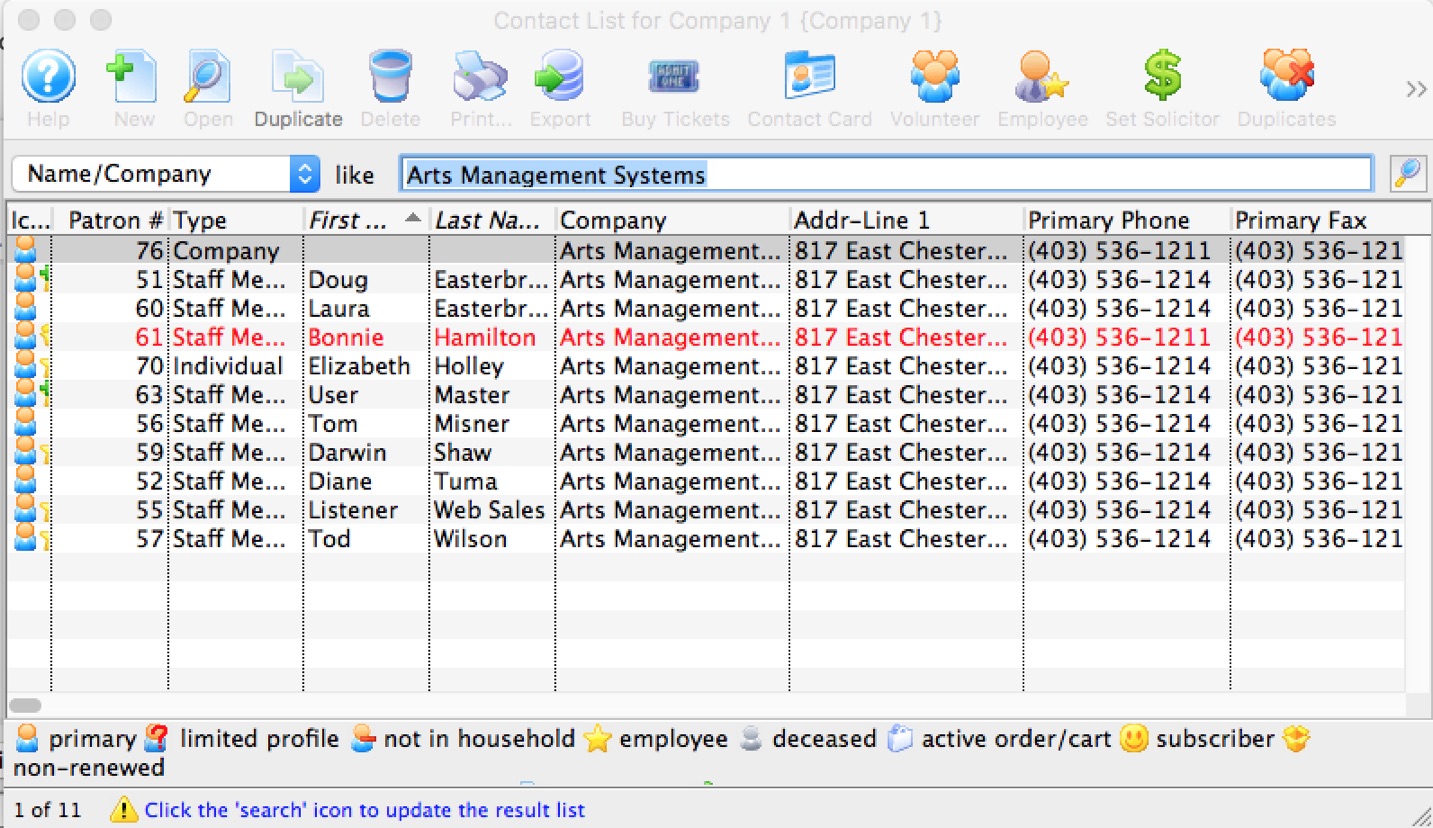
- Open the Contact List window and find all Patrons that work for the company.
- Highlight and drag the Patrons from the Contact List window onto the Relation tab.
- Theatre Manager asks for a relationship. The opposing relationship is applied to all Patrons that are being added.
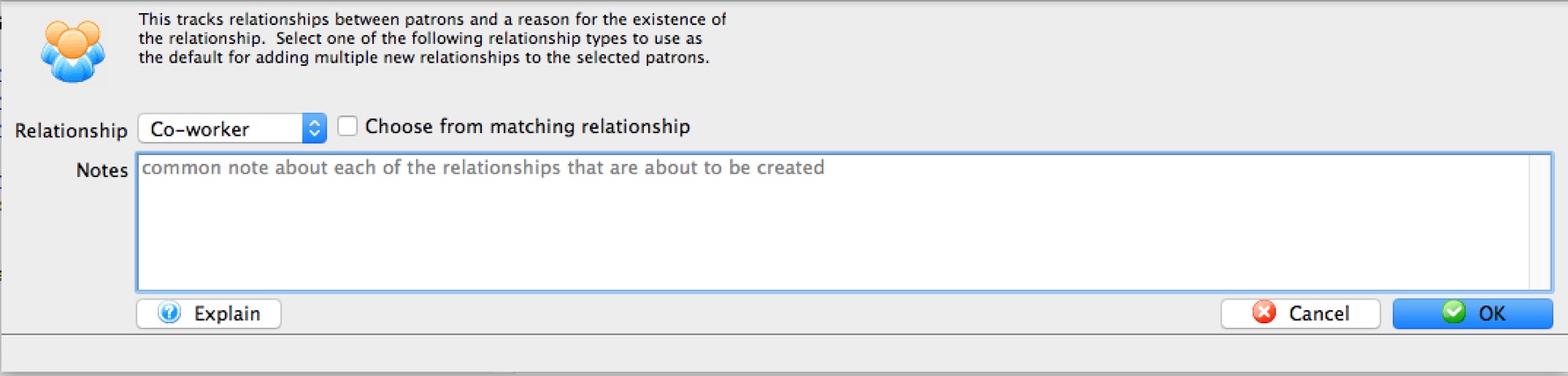
- Click the OK button to create the relationships.
Should the corresponding relationship not currently exist, it can be added in the Patron Relation section of the Code Tables.