Adding Items to a Package
Adding Items to a Package
- Open the Package List window.
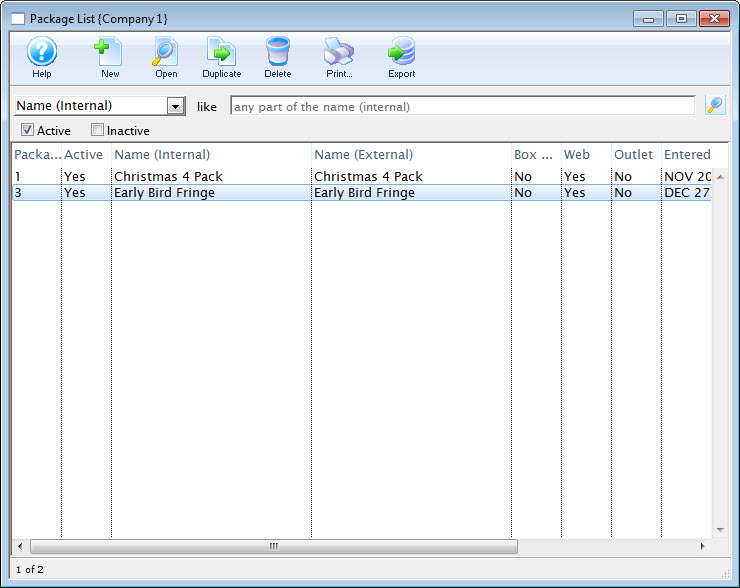
Click here to learn how to access the Package List.
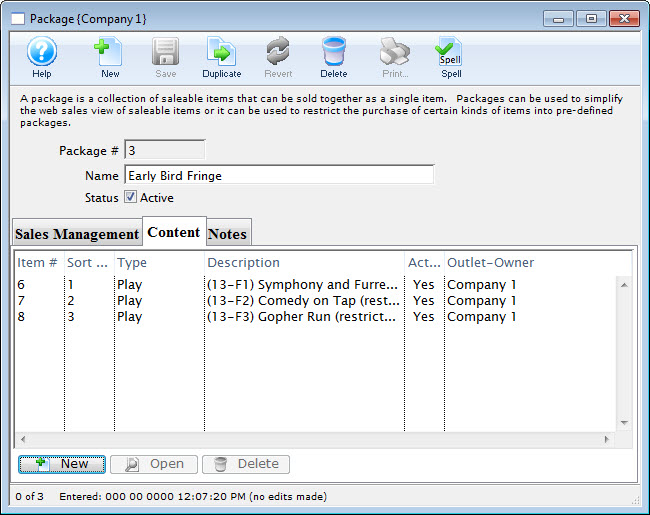
- Double click on the desired package.
- Select the
 tab.
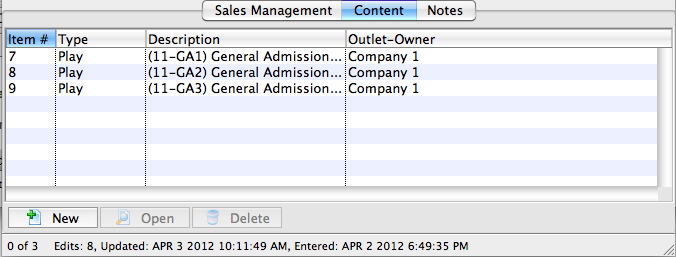
- Click the New
 button.
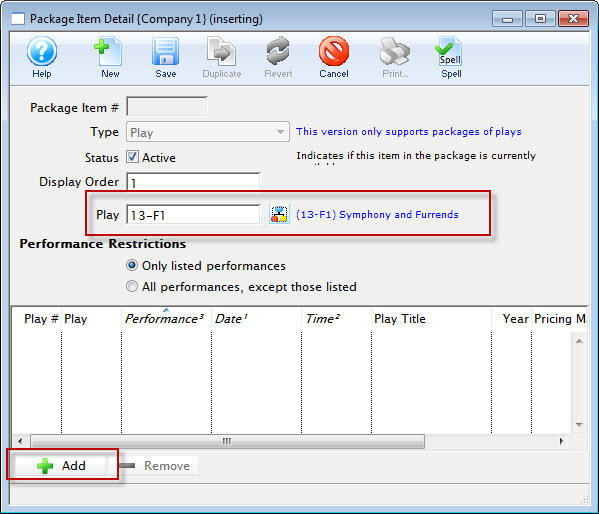
The Package Item Detail window opens.
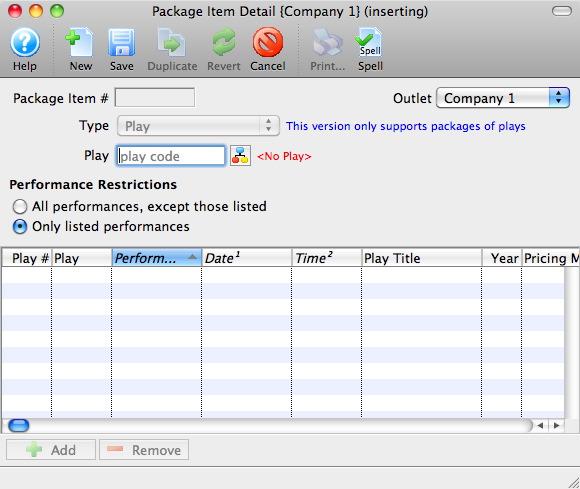
- Click the Event/Play Add
 button.
The Event List window opens.
Click here for more information on searching for Events.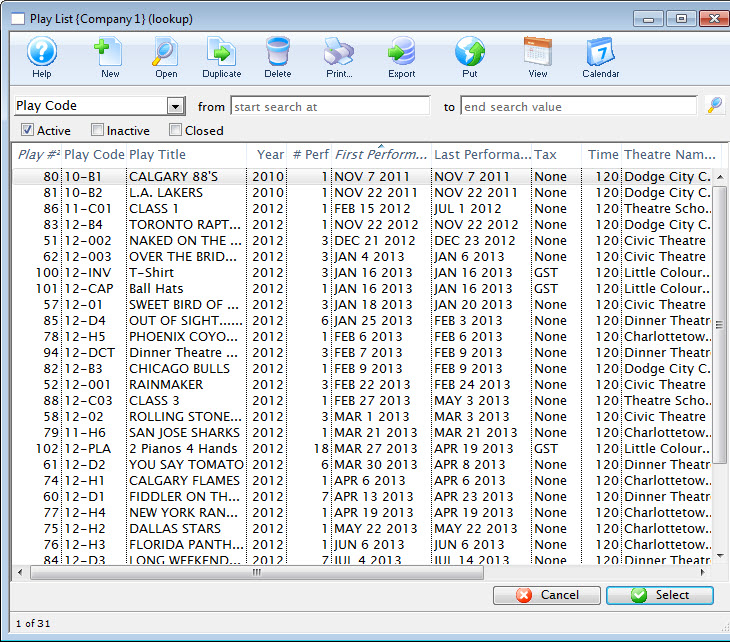
- Select the desired Event.
Single click on the event to select it. If multiple events are required for the package you must add them individually.
- Click the Select
 button.
- Choose the desired Performance Restrictions option.
- Click the Add
 button.
The Performance List window opens.
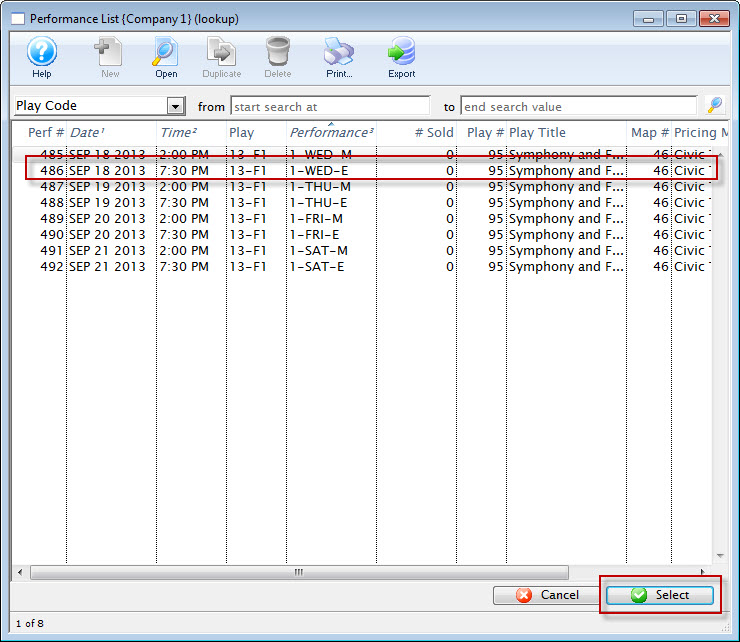
- Select the desired Performances.
Single click on a performance to select it. To select multiple performances, use the CTRL key (Windows) or the OPTION key (Mac).
- Click the Select button.
- Close the Package Item Detail window.
To continue to add more performances to the package, repeat the select and Add steps.