Payment Method Promissory Note / Voucher
Payment Method Promissory Note / Voucher
A Promissory Note/Voucher is a payment method used to record a voucher or pass purchased elsewhere, another outlet, another Vendor or sold not using Theatre Manager's Membership/Pass system.
To add a Promissory Note/Voucher payment you would perform the following steps:
- Selecting the Payment
 button in the Order window.
The order window can be accessed through the Orders Tab or when Purchasing tickets. Click here for a detailed description of this window and it's functions.
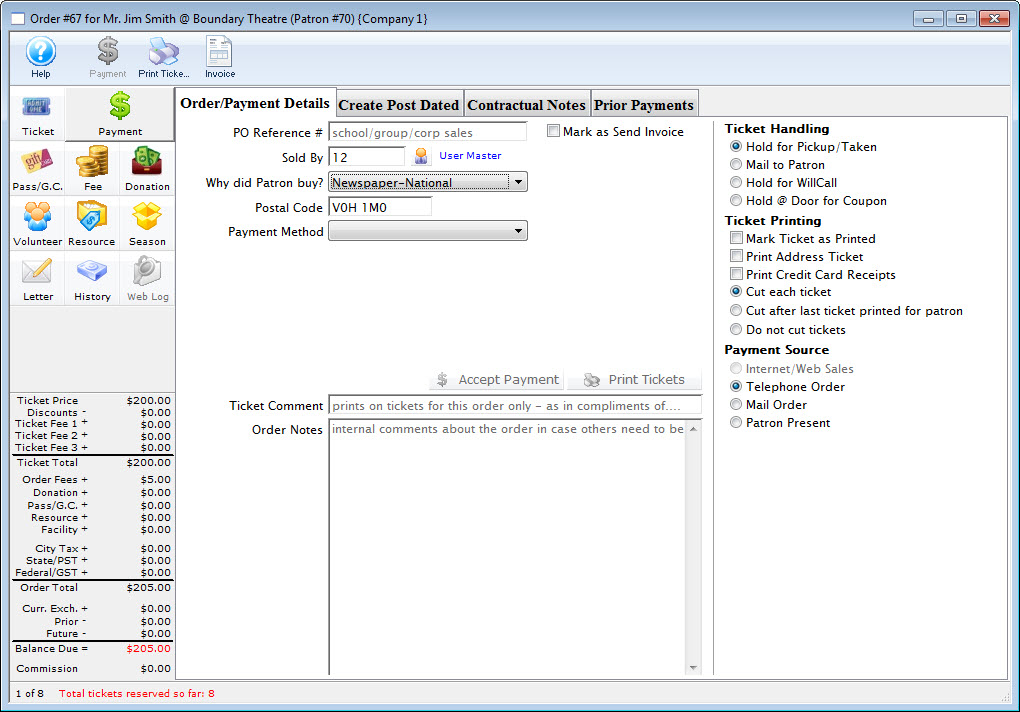
- Select Promissory Note/Voucher from the Payment Method drop down list.
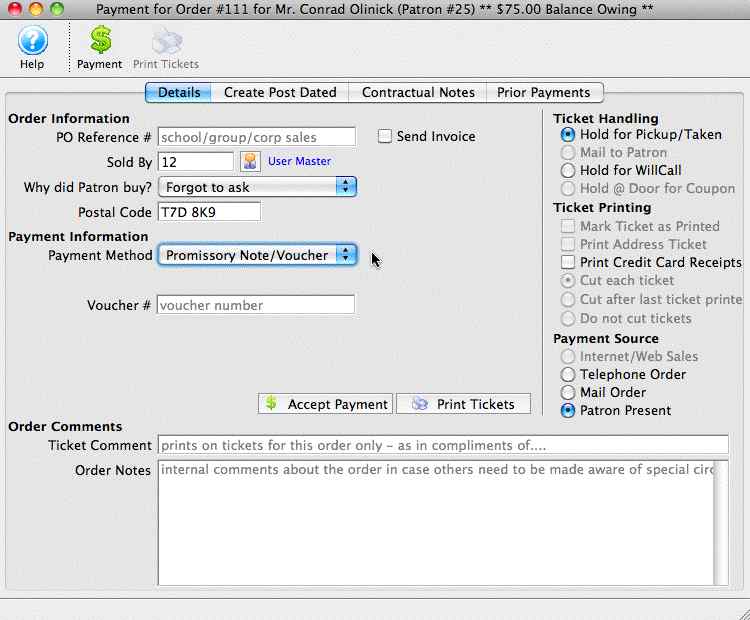
- Fill in the Voucher Number or reference.
This can be a number or text or a combination up to 16 Characters including spaces.
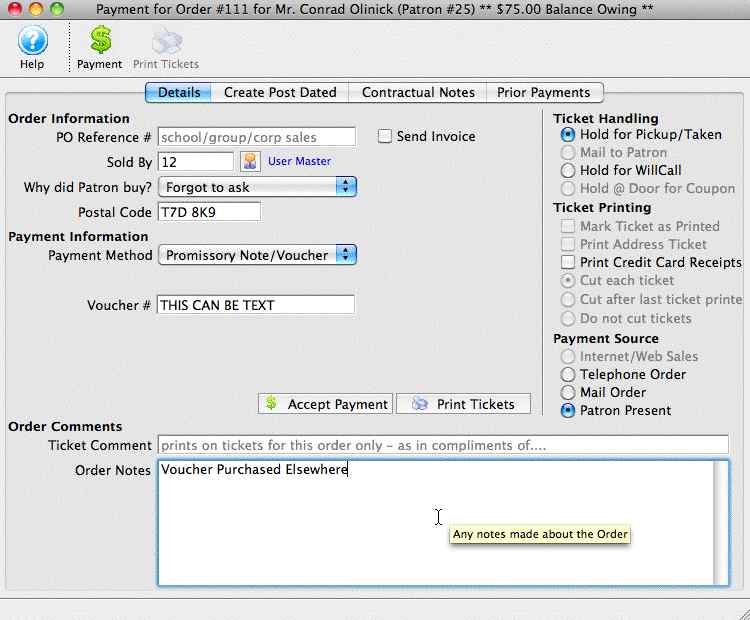
- Fill in an order note to reference the origin of the Promissory Note/ Voucher.
This note is referenced on reports generated based on orders.
- Click the Accept Payment
 button to complete the payment.
|
This does not pay for the order, you will be prompted for another payment. Respond No. The order balance will be on account as a receivable. |
