Sort Options
Sort Options
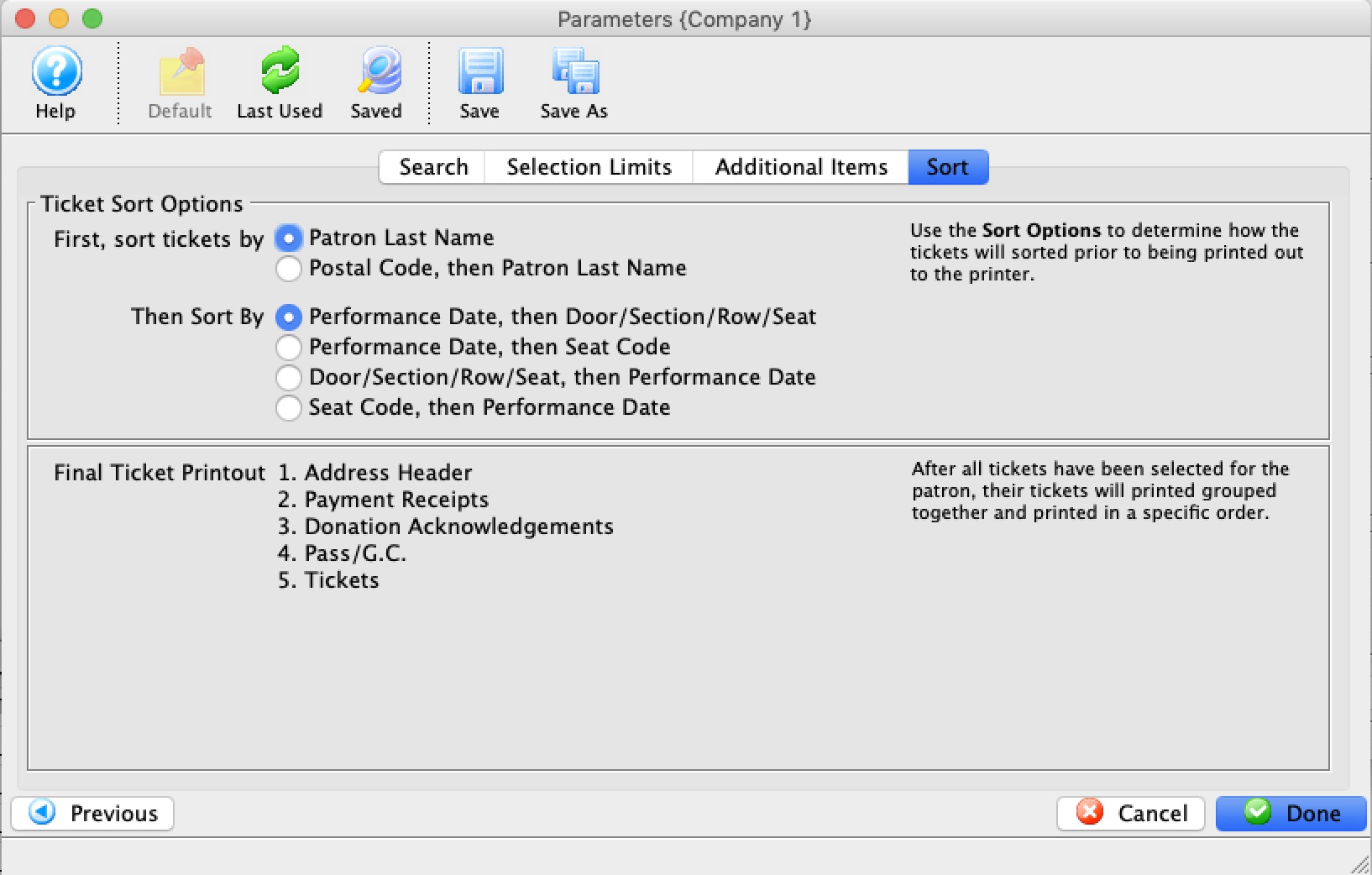
Set the sort options for the tickets. These options include:
| Sort Tickets By | Options to sort either by Patron Last Name or Postal Code, then Patron last Name. The latter can be useful if mailing susbcription tickets by postal code. |
| And then sort by |
|
When complete, click the Done  button.
This will close the Parameters window and reveal the Batch Ticket Printing window.
 |
The type of a field (character, date, numeric) influences the order that the ticket comes out. Refer to the list of field types, especially the note about character fields and it may influence how you set some up. |
Ticket Printing - Ticket Printing Sort Order
Ticket Printing - Ticket Printing Sort Order
The Tickets will print according to sort order choices made in dialogs. The order is influence on the Sort Type of the variable.
- Numeric and Date sort orders are relatively intuitive
- Character sort order may need leading zero's in fields to have them sort in a way you expect. (Seat Code is one we are ofter asked about)
|
Character fields use Character Sorts which is not the same as numeric sort order.
Examples of seat code sort order
|
| Field Name | Sort Order | Sort Type |
| Patron Last Name | Ascending | Character |
| Patron First Name | Ascending | Character |
| Patron Number | Ascending | Numeric |
| Performance Date | Descending | Date |
| Performance Time | Descending | Time |
| Performance Code | Descending | Character |
| Section | Descending | Character |
| Row | Descending | Character |
| Seat | Descending | Character |
| Seat Code | Descending | Character |