Partial Payments
Partial Payments
- Selecting the Payment
 button in the Order window.
The order window can be accessed through the Orders Tab or when Purchasing tickets. Click here for a detailed description of this window and it's functions.
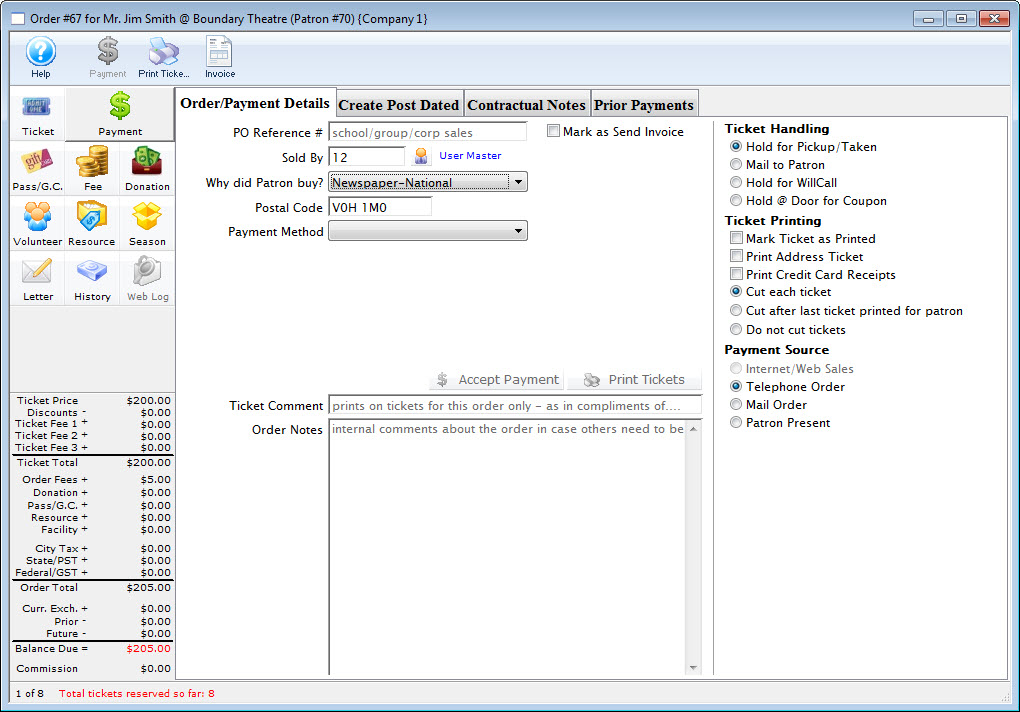
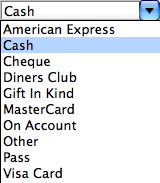
- Select the payment method from the drop down list.
- Enter the amount for the payment method in the Payment Amount field.
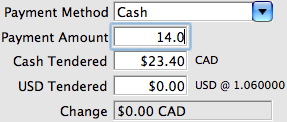
- Enter the amount of payment received into the Cash Tendered field.
Pressing the tab key on the keyboard will display the change owed to the patrons for the amount tendered. A patron may choose to pay with multiple payment methods and still require change for one or more of those methods.
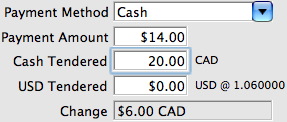
- Fill in any other necessary information and click the Accept Payment
 button.
A confirmation dialog opens, asking you to confirm the partial payment.
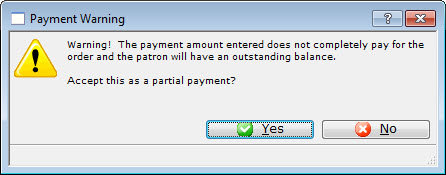
- Click the Yes
 button to accept the partial payment.
The Process Another Payment window opens.
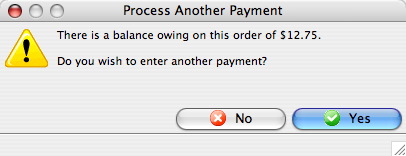
- Click the Yes button.
- Select the 'On Account' as the second payment type.
If the payment is put On Account refer to Later Payments to learn how to add future payments to the order.