Who is on the Mail List
Who is on the Mail List
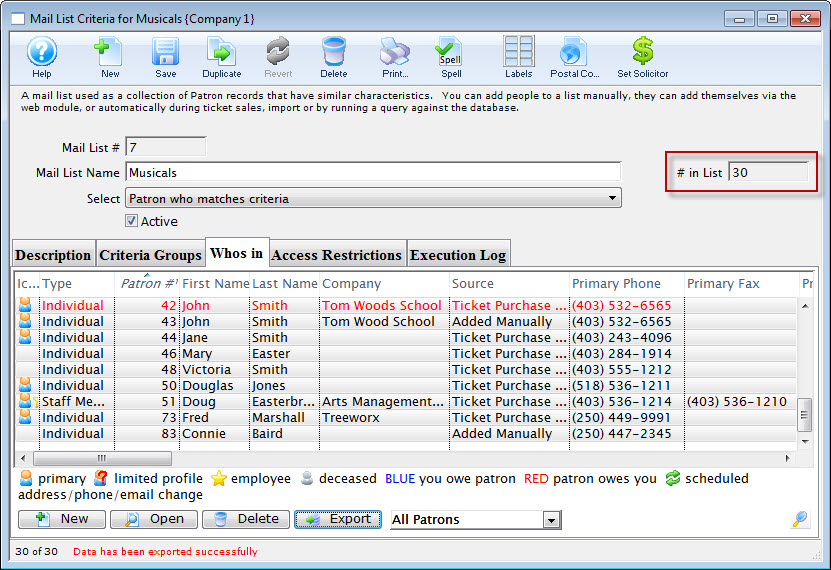
Once a mail list has been created or found you may wish to view the patrons belonging to the list. By viewing the Who's In tab of the Mail List,
- patrons can be viewed or removed from the list
- you can export the data
- you can print labels for the patrons in the list using the mail lable button
- do maps of where selected people live (context menu)
- and more
To view a patron on the mail list, you perform the following steps:
- Open the Mail List widow.
Click here for more information on opening the window.
- Find the mail list required.
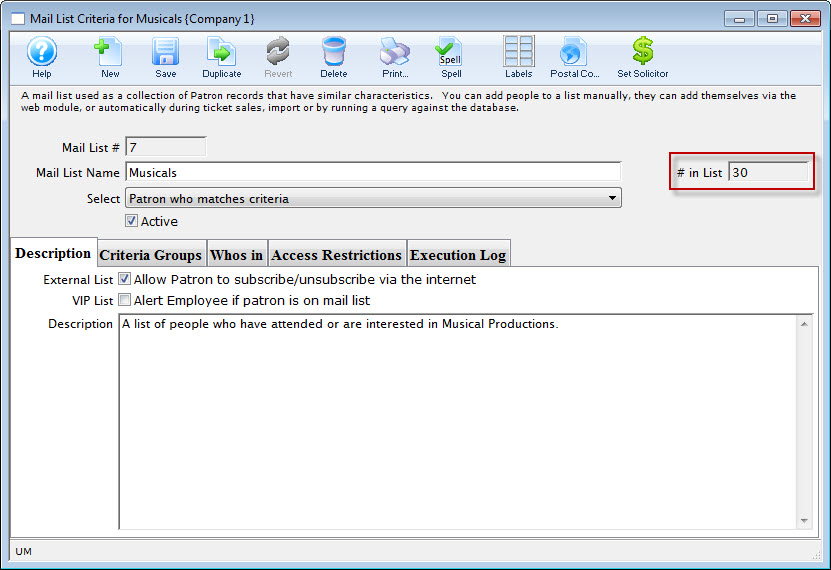
Currently there are 30 patrons attached to this mail list as seen by the # in List to the right of the window.
- Click the Whos In
 tab.
The Who's In information will be displayed.
For more information on this window click here.