Logon
Logon
|
This section presumes you:
|

The logon window is either a list of employees or only a logon and password boc. The purpose of a logon is to limit access to only those authorized to use Theatre Manager. The logon further tells the software to attribute every transaction performed under that logon to the employee performing that transaction. This allows for secure tracking of data edits and additions for PCI Compliance.
To log on to the Demo Database of Theatre Manager:
After receiving the installer files, instructions from the sales office, and successfully loading the software, you will need to log on to the Demo database.
- Double click on the
 icon on your desktop
A Theatre Manager shortcut icon will appear on your desktop following installation.
- Next, a database selection window opens allowing you access to the tutorial.

- Click the
 button.
- The Log On window opens.
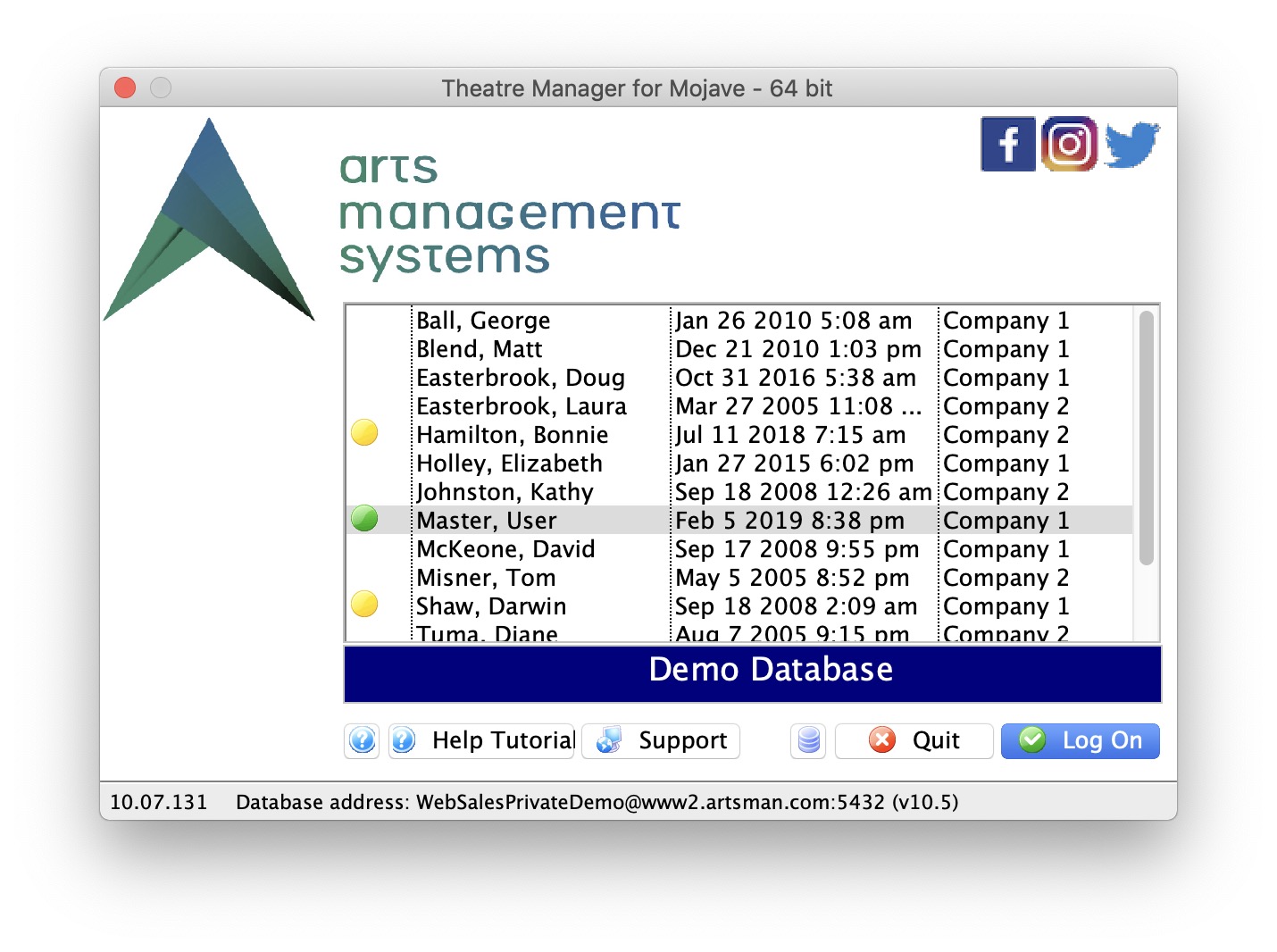
- Highlight the Master, User in the list, then click the
 button in the lower right corner of the window.
- Type in the password: MASTER
- Click the
 button in the lower right corner of the window.
Explore and enjoy!
The password window opens.
|
From here you can:
|
