Deleting Values
Deleting Values
To determine if you can delete data from a code table, check the Delete Button. If the button is inaccessable  (greyed out) no data can be removed from the table. Once a code has been assigned to a record it cannot be deleted.
If you want to prevent further use of an value, and you can not delete it, disable it. Click here for more information in changing the status of a vaule.
To delete a value, you perform the following steps:
- Choose the code value to be deleted
Do this by single clicking the value.
- Click the Delete
 button.
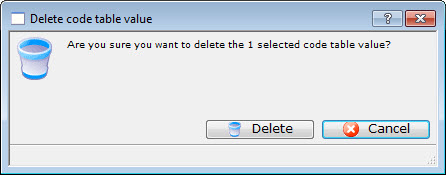
The Delete a Record confirmation dialog opens.
- Click the Delete
 button to complete the deletion
The Value is now be deleted and has been removed from the table.