Holding Seats for a Specific Patron
Holding Seats for a Specific Patron
 |
Any seat held for a specific patron will appear in their patron window on the ticket list - and you can book the seats from there. |
Holding Seats While Selling Tickets
To hold seats for a specific patron, while you are selling tickets, you perform the following steps:
- Create a Buy List
Click here to learn how to create a Buy List. Once the Buy List is complete click Seat Selection tab
 in the Orders window.
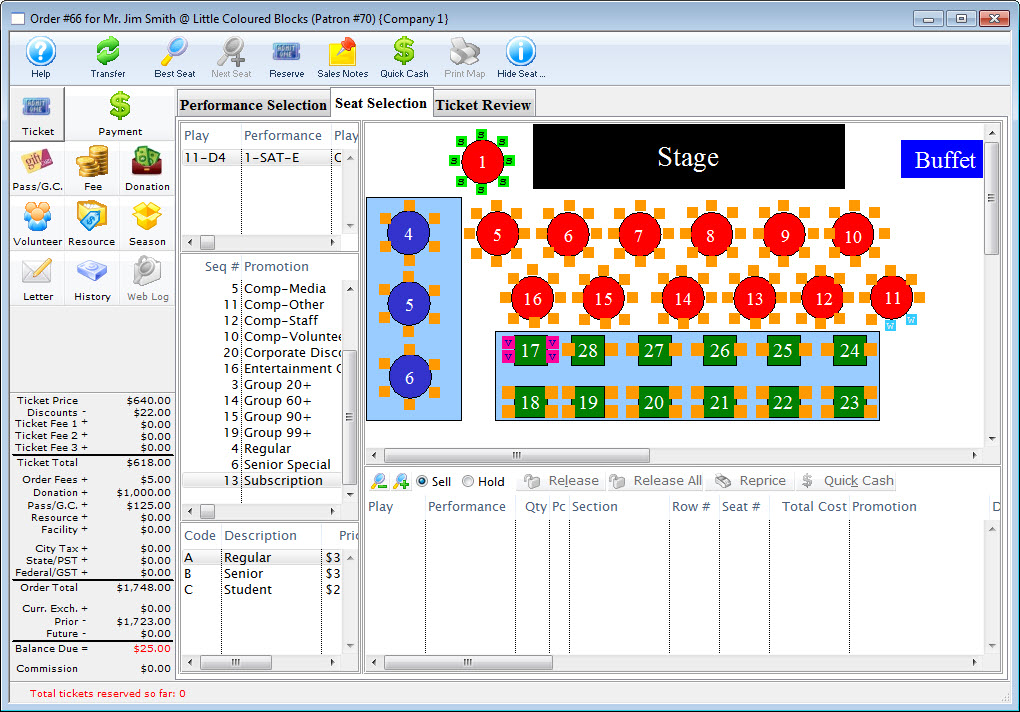
Click here for a detailed description of this window and it's functions.
- Select the Hold Option.

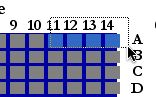
Select the seats to be held.
- Press the Hold <image hold button> button and select "Hold Seat
for Patron."
This will open an additional window letting the user set the parameters of the hold.
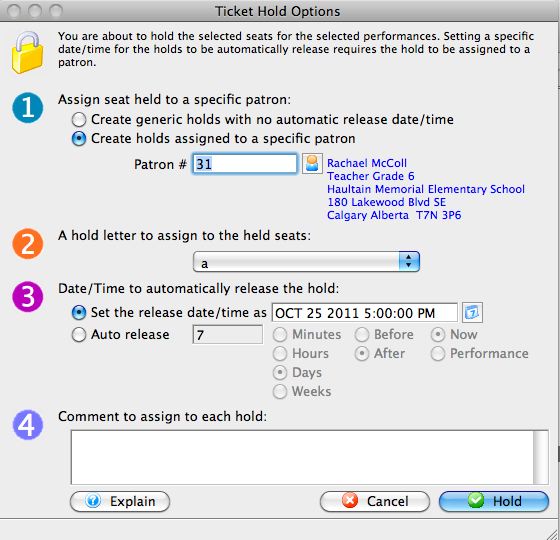
- Step 1 - Enter information about the hold.
A choice between a generic hold and a hold for a specfic patron can be entered.
- Step 2 - Choose a hold letter to use.
Often the Box Office will have a predetermined hold letter used for all patron holds for users to be able to quickly reference the graphic map.
- Step 3 - Set the criteria in regards to the release of the hold.
A date and time can be set to auto-release the hold.
- Step 4 - Assign any comments to the hold.
Comments will appear in the tooltip when the mouse is hovered over the held seat.
Freeing Seats While Selling Tickets
- Create a Buy List.
Click here to learn how to create a Buy List. Once the Buy List is complete click Seat Selection tab
in the Orders window. 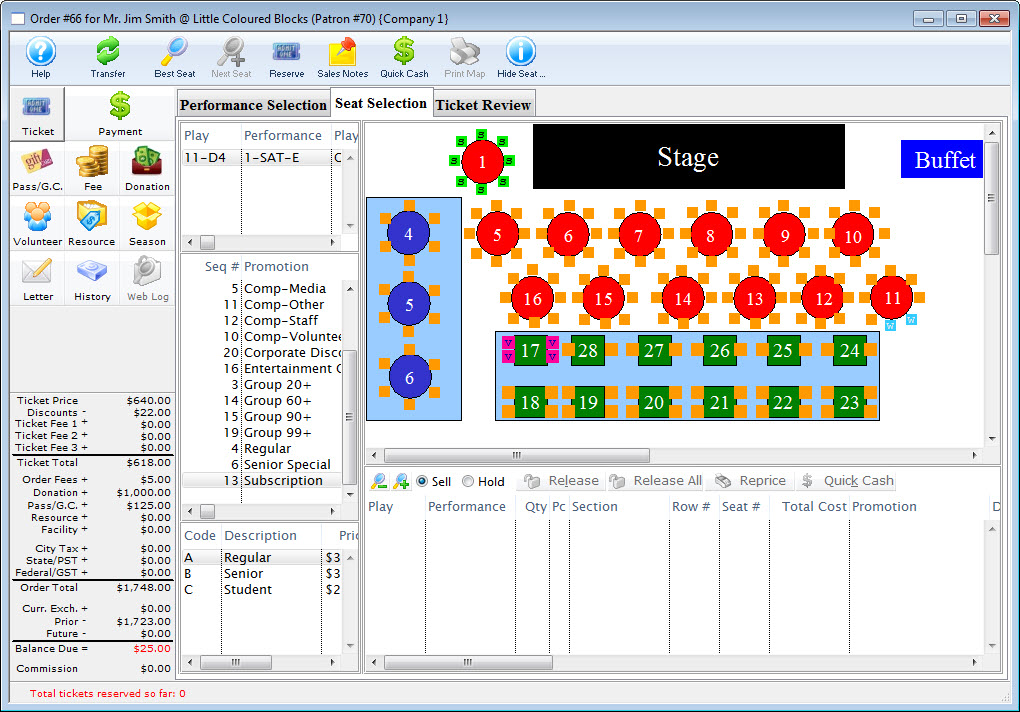
Click here for a detailed description of this window and it's functions.
-
Select the held seats to free.
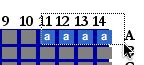
To sell the held seats, hold <CTRL> (Windows) or <OPTION> (Mac) and select the seats to sell them directly.
- The seats will now appear in the shopping cart.
The seats are now available to be sold. If the seats are released, the seats will not return to their previous hold status.