Deleting General Ledger Accounts
Deleting General Ledger Accounts
|
Only accounts which have not been used in a transaction may be deleted. |

For information on inactivating a G/L Account, click here.
- Find the account to be deleted.
For more information on finding a G/L Account, click here.
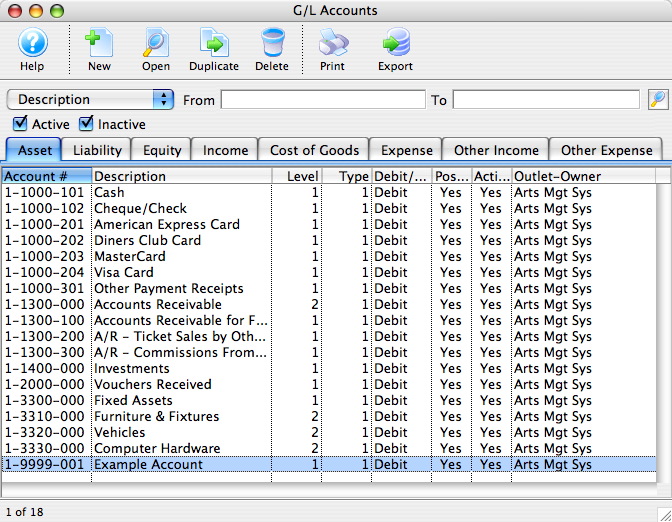
- Click the Delete
 button.
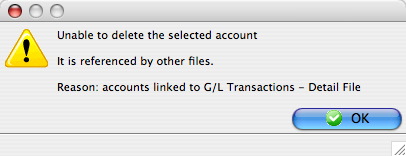
If the account has been used for a transaction the following message will appear.
If the account has not been used then the following message will appear.
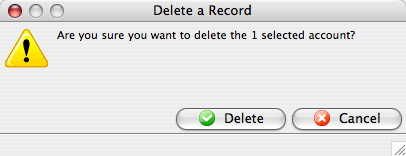
- Click the button to confirm.
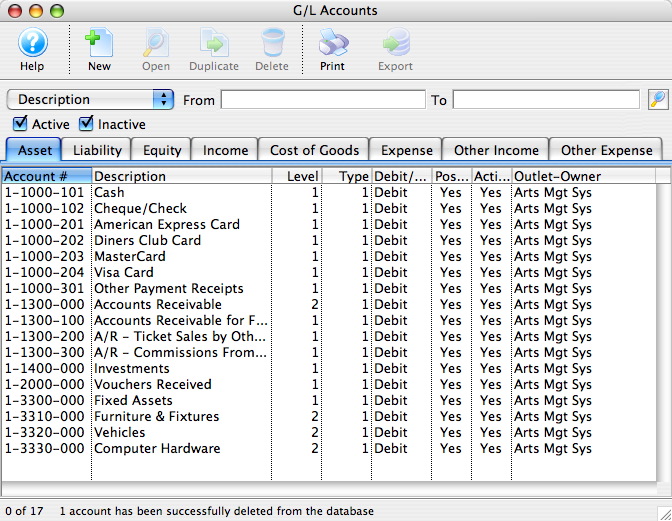
The account will be removed and a deletion confirmation will appear at the bottom of the window.