Printing Address Labels while Printing Letters
Printing Address Labels while Printing Letters
Once letters have been printed, often mail labels will also need to be printed for the envelopes.
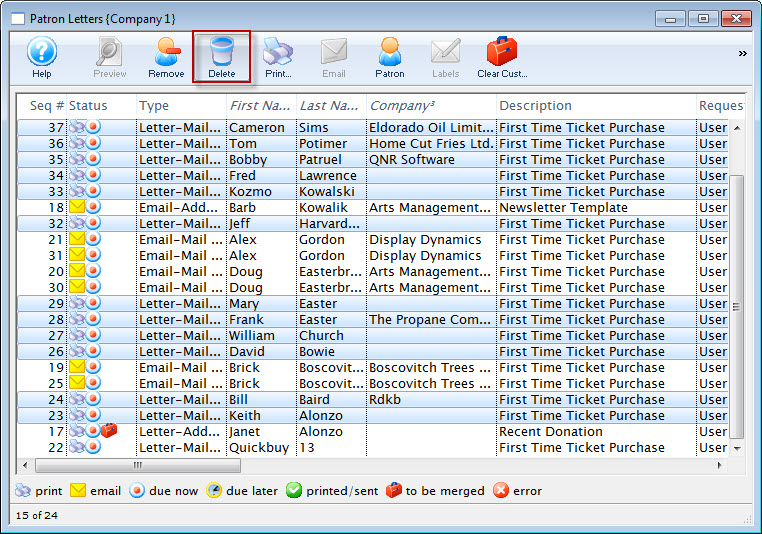
- From the Patron Letters window, click the Labels
 button.
Click here for more information on this window.
- The Patron Address Labels window will open.
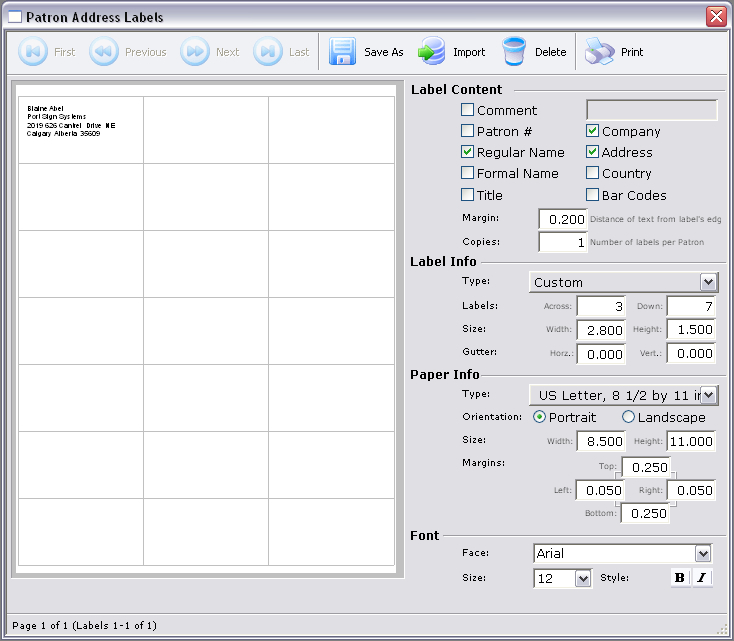
- Adjust all settings as necessary.
For more information on this window, click here.
- Click the Print
 button.
The print dialog for the user's operating system will open.
- When printing is completed, the window will close.