Increasing the Donation Amount
Increasing the Donation Amount
You may wish to modify a donation for various reasons. To add notes, make payments on pledges ect. Modifying a donation is preformed quickly through the Donation Detail Window.
- Open the Patron Record.
For details on locating a Patron Record click here.
- Click the Donation
 tab.
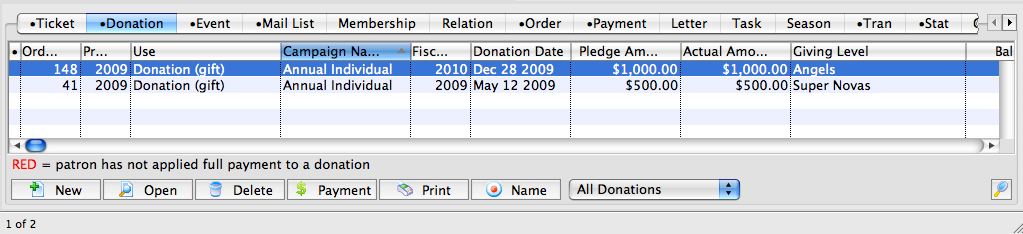
- Select the Donation to edit.
Single click on a donation to select it.
- Click the Open
 button.
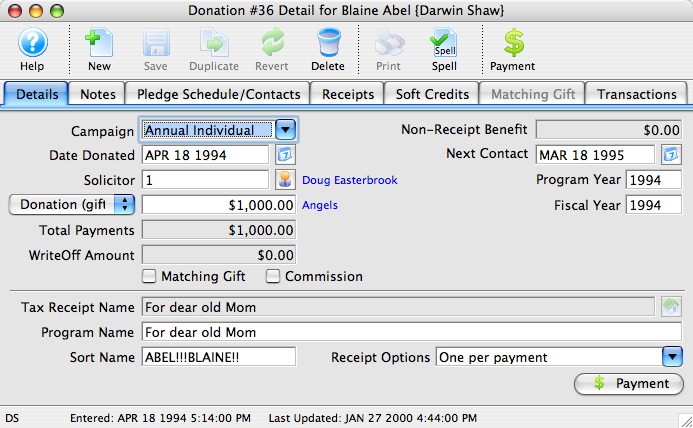
- Change data as needed.

If a receipt has been printed for the donation you will not be able to edit the Tax Receipt Name Field.
- Click the Save
 button.
The changes have now been made to the donation.
- Close the detail window.