Theatre Manager incompatibility with the Database Schema Version
Theatre Manager incompatibility with the Database Schema Version
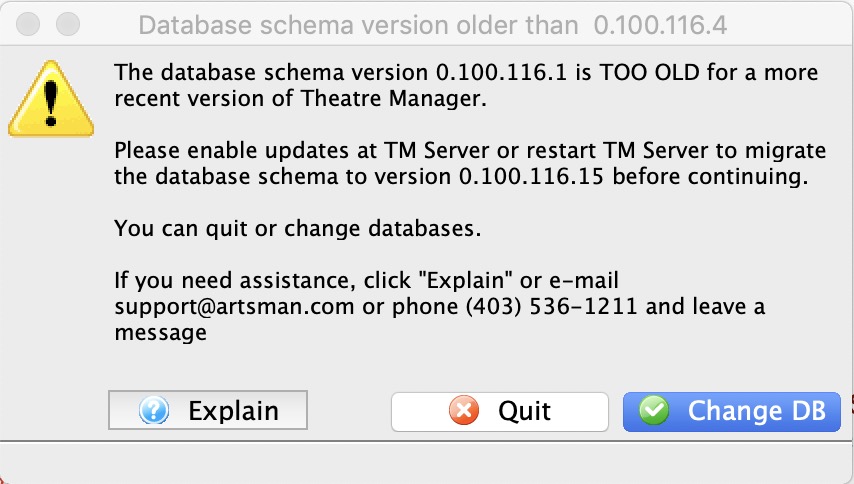 You may receive a message similar to the one on the right that indicates:
- the database version is older than the application
- the database must be updated before you can continue
When you see this message, you will need to check that the TM Server has finished the auto-update process. Basically, it means you got a newer version of Theatre Manager before the TM Server was finished adding some new database fields to the database.
Updating the database may involve one of the following:
- Making sure that the TM Server is set to auto update
- Opening the TM server to start an update
- Restarting the TM Server if it happens to be stuck in the middle of the auto update
- or calling Arts Management if none of the above work
 |
If you receive this message for a training database, it probably means that your have no TM server setup for your training database.
You may wish to put a TM server on a spare workstation to keep a training database up to date. |