Recurring Donations Detail Window - Notes Tab
Recurring Donations Detail Window - Notes Tab
The Notes Tab allows you to define specific fields for each gift created by the Recurring Donation.
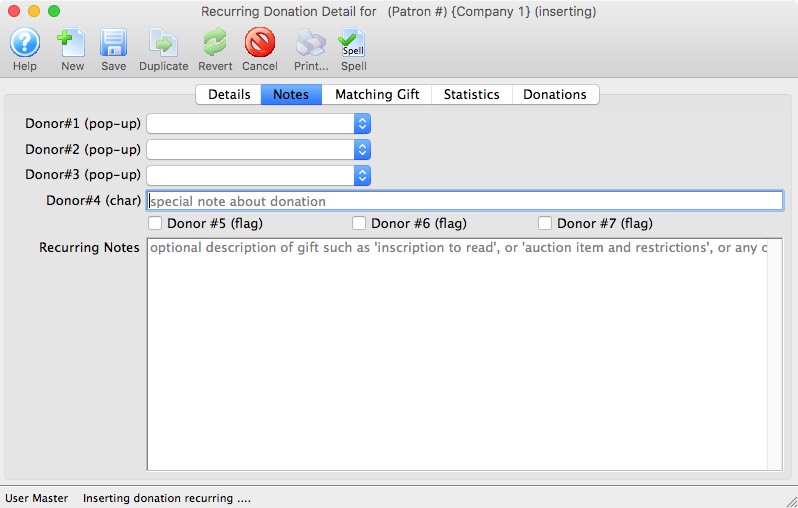
Parts of the Recurring Donation Detail Window - Notes Tab
| Donor #1 (pop-up) | A customizable pop-up field edited through the code tables. This pop-up can be made a mandatory field in Company Preferences. | ||
| Donor #2 (pop-up) | A customizable pop-up field edited through the code tables. This pop-up can be made a mandatory field in Company Preferences. | ||
| Donor #3 (pop-up) | A customizable pop-up field edited through the code tables. This pop-up can be made a mandatory field in Company Preferences. | ||
| Donor #4 (char) | A customizable character field. This field can be made a mandatory in Company Preferences. | ||
| Donor #5 (flag) | A customizable Check Box. | ||
| Donor #6 (flag) | A customizable Check Box. | ||
| Donor #7 (flag) | A customizable Check Box. | ||
| Recurring Notes | Additional important information or general background information about this recurring donation.
|
