Valid Play List
Valid Play List
The Valid Plays tab allows you to indicate which events this specific pass/gift certificate can be redeemed for. Leave the list blank to restrict the events to anything specified on the pass type.
Note the following general rules:
- You cannot select events lays here if the pass type does not allow them to be over-ridden for the individual passes/GC's
- If the pass setup has
- no events specified, you can select any events for each specific pass
- specific events in its list, them you can only choose from that subset for the individual passes
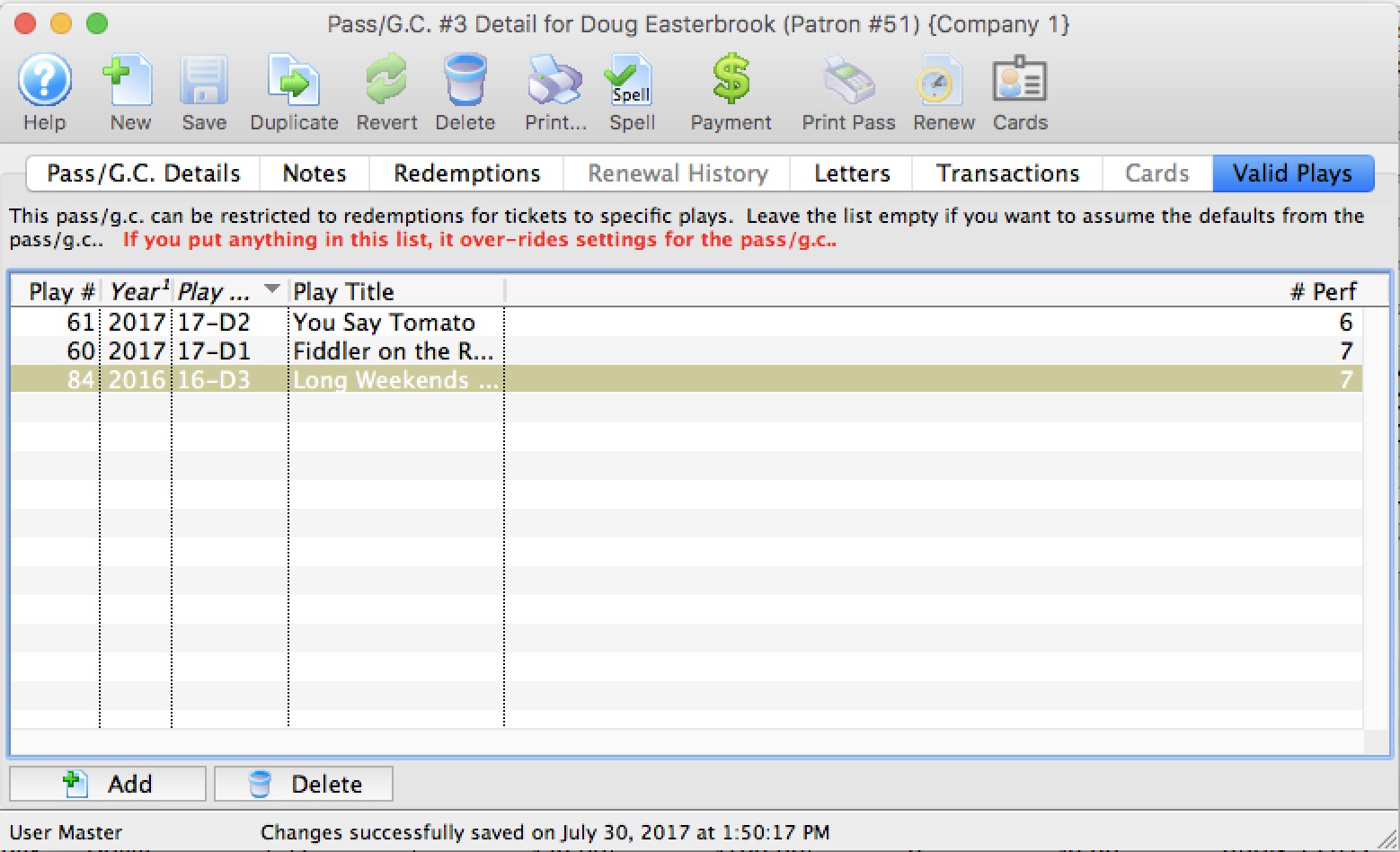
Parts of the Valid Plays tab for Individual Pass/GC
| Play # | Sequence number of the event within Theatre Manager. |
| Year | Season year of the event. |
| Play Code | The Event Code as defined in the Event Setup. |
| Play Title | The title of the event as defined in the Event Setup. |
| # Perf. | Total number of performances for this event. |
 |
Allows you to add an event / play to the list. |
 |
Deleted the selected play/event from the list. |
To Add an Event / Play to the list, you perform the following steps:
- Click the button.
The Event List (lookup) opens.
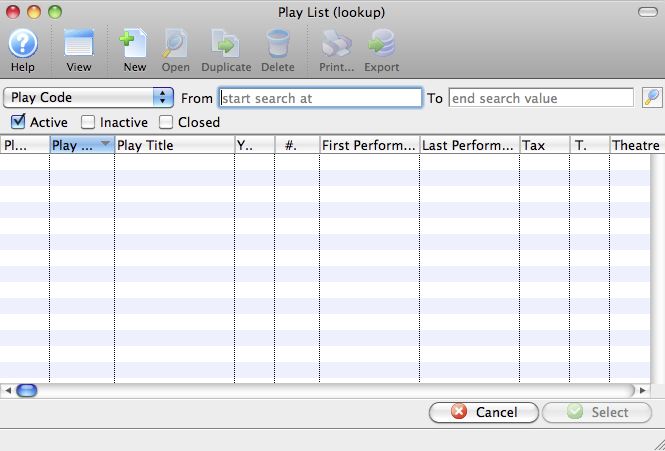
- Click the
 icon to generate a list of events.
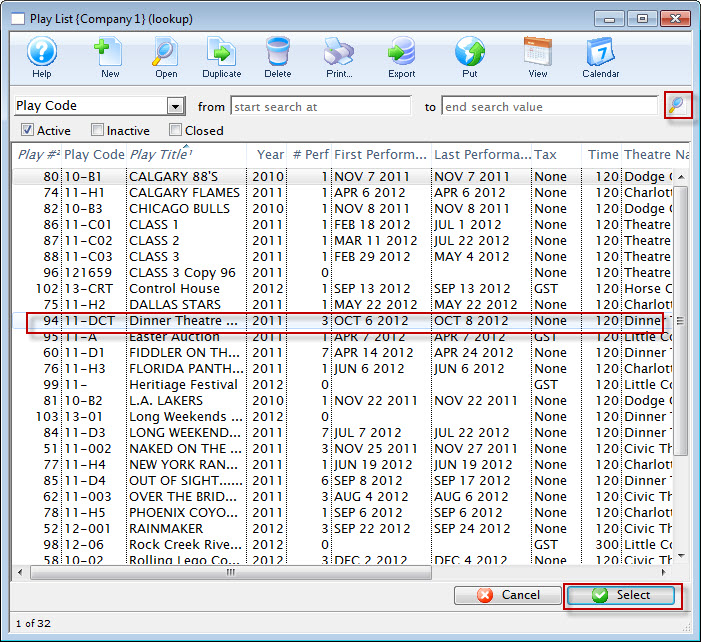
- Highlight the events you want to allow for this membership.
- Click the
 button.
- Continue adding events as appropriate.