Write Off Unused Balance
Write Off Unused Balance
Writing off an unused balance takes the unredeemed portion of the pass g/c and puts it in an unearned revenue account.
Click here for more information on the set up of the Accounts for Membership, Pass G/Cs.To write off Unused Balances, you perform the following steps:
- Open the Pass G/C you want to write off.
- In the Pass G/C Detail window, click on the Redemption tab.
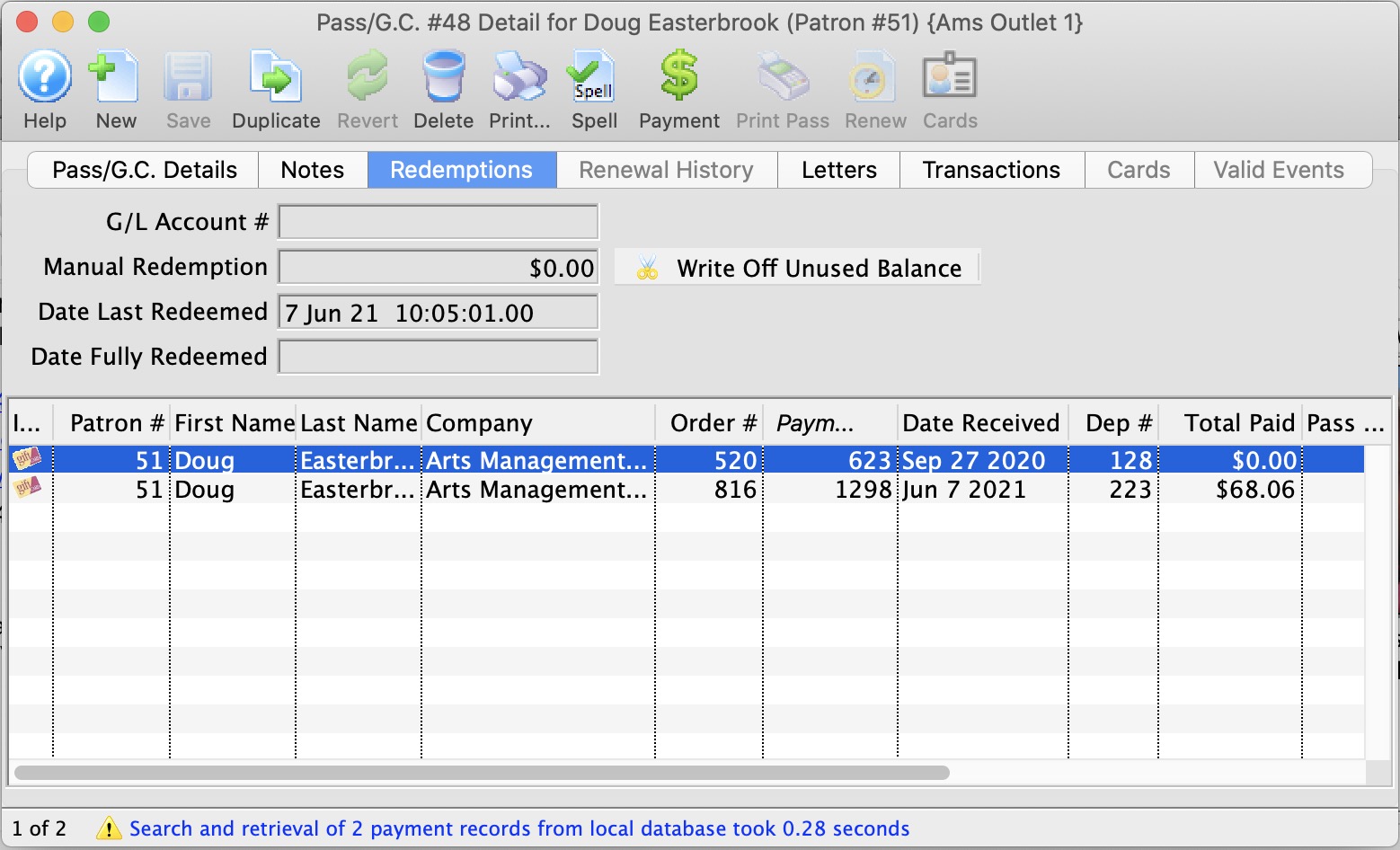
- Click the Write Off Unused Balance
 button.
The Write Off Confirtmation dialog opens.
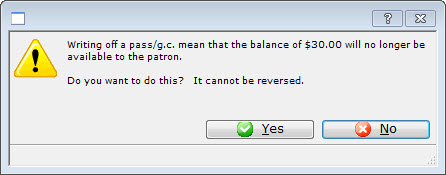
- Click the Yes

The amount remaining on the Patron's Membership Pass G/C will be transfered to the GL Account specified in the Membership Pass G/C setup.